Yearly plansSave up to 65% per credit with a yearly planSee plans
AI Photo Generator Studio

AI Photo Generator

AI Photo Generator is a free online tool that turns a text prompt or an uploaded photo into a realistic image for creators, shop owners and anyone who needs a picture fast.

The free FLUX.2 model needs no sign-up and is unlimited for normal use; a daily fair-use limit only stops automated abuse. Premium models: free credits when you sign in with Google. Text to image and photo editing in one box. Up to 4K on premium models. Commercial use allowed.

  • Free
  • No sign-up
  • No watermark
  • 8 models

No subscription·Failed runs refund credits

Made with AI Photo Generator

New model

Nano Banana 2.1

Google’s newest Nano Banana: sharp photos and edits with up to 10 reference photos.

01 — Tools

AI photo tools for every job

Each tool opens the same generator with the right settings for the job: a prompt idea, the best size and our newest model selected. You can still switch to any model.

See all tools →
02 — Models

Seven premium models, from 2 credits

Pick the model that fits the image. The credit cost shows before you generate, and your free daily credits work with all of them.

Nano Banana 2.1

Google
New

Google’s newest version, and cheaper than version 2: sharp photos and edits with up to 10 reference photos.

from 2 credits

Grok Imagine 2

xAI

Great value: sharp, realistic photos, and edits that take 5 reference photos. Slower than the others.

from 2 credits

Seedream 5 Lite

ByteDance

Large 2K images with good color for a small price; it takes 14 reference photos.

from 3 credits

Seedream 5 Pro

ByteDance

Rich color and cinematic scenes, and 10 reference photos for style and composition.

from 3 credits

GPT Image 2.5

OpenAI

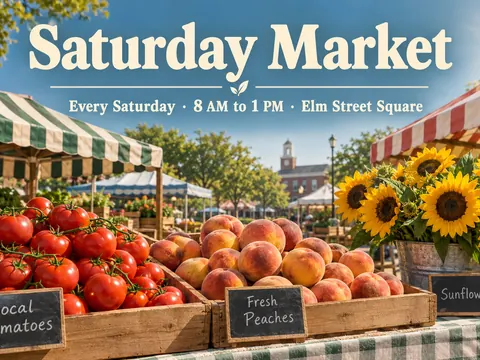
Follows long prompts closely and spells words correctly: posters, signs, menus and labels.

from 3 credits

Nano Banana 2

Google

Google’s previous version, a strong all-rounder for photo edits. It keeps faces and poses steady and accepts 14 reference photos.

from 4 credits

Nano Banana Pro

Google

Google’s most detailed version, with the best face consistency, for portraits and images you plan to print.

from 8 credits

See the cost for every model and size on the pricing page.

03 — Prompt guide

A free AI image generator made for real-looking photos

Create from words, restyle a picture, or edit one detail. It all happens in the same box, and every result downloads without a watermark.

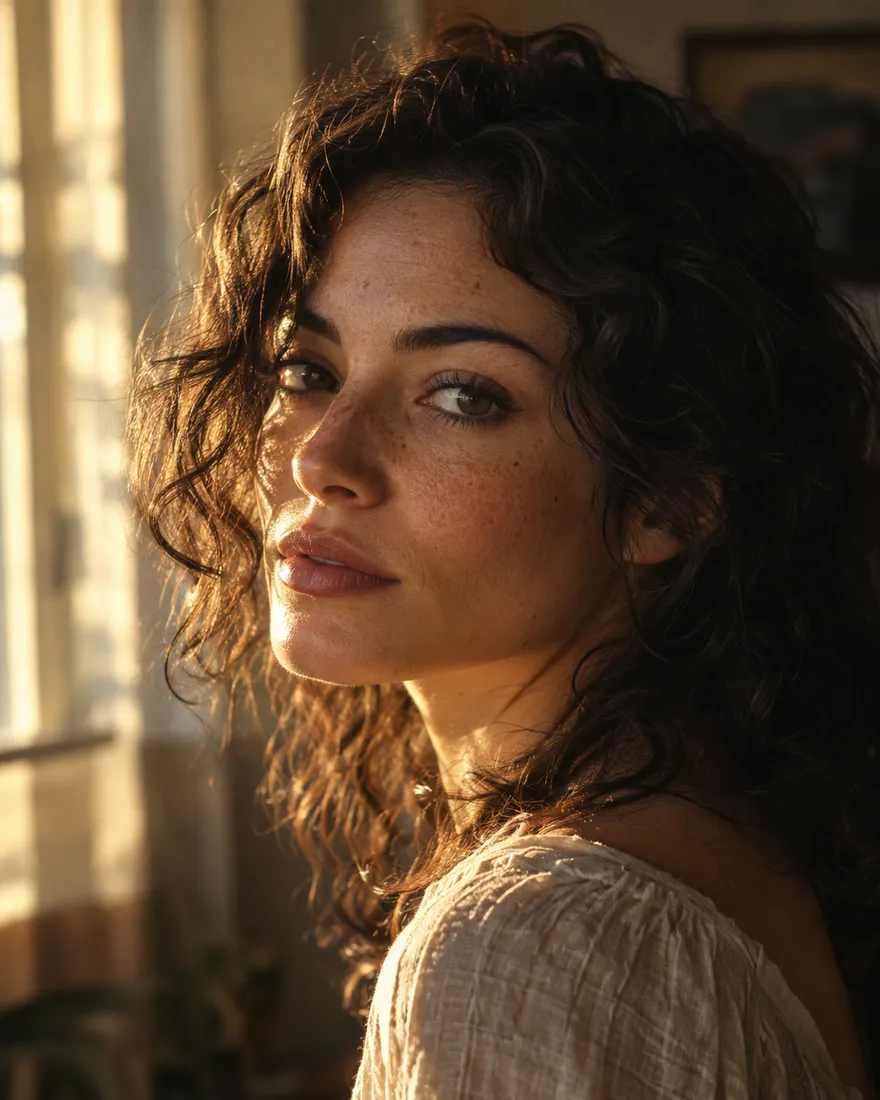
AI generated golden hour portrait of a woman with freckles, shot on an 85mm lens

Golden hour portrait, freckles, 85mm, film grain

Text to image

Describe it the way you would brief a photographer

Tell the AI photo generator what is in the picture, where it is, and how the light falls. The details a photographer would mention, like the lens or the time of day, make the biggest difference. Skin, fabric and reflections come out the way a camera would record them, not like a 3D render.

  • Name the light: golden hour, overcast, neon or window light.
  • Add a lens or distance: 35mm street shot, 85mm portrait, macro close-up.
  • Give the mood in a word or two: calm, cinematic, candid.
Example prompt

“Golden hour portrait of a woman with freckles by a window, 85mm, soft film grain”

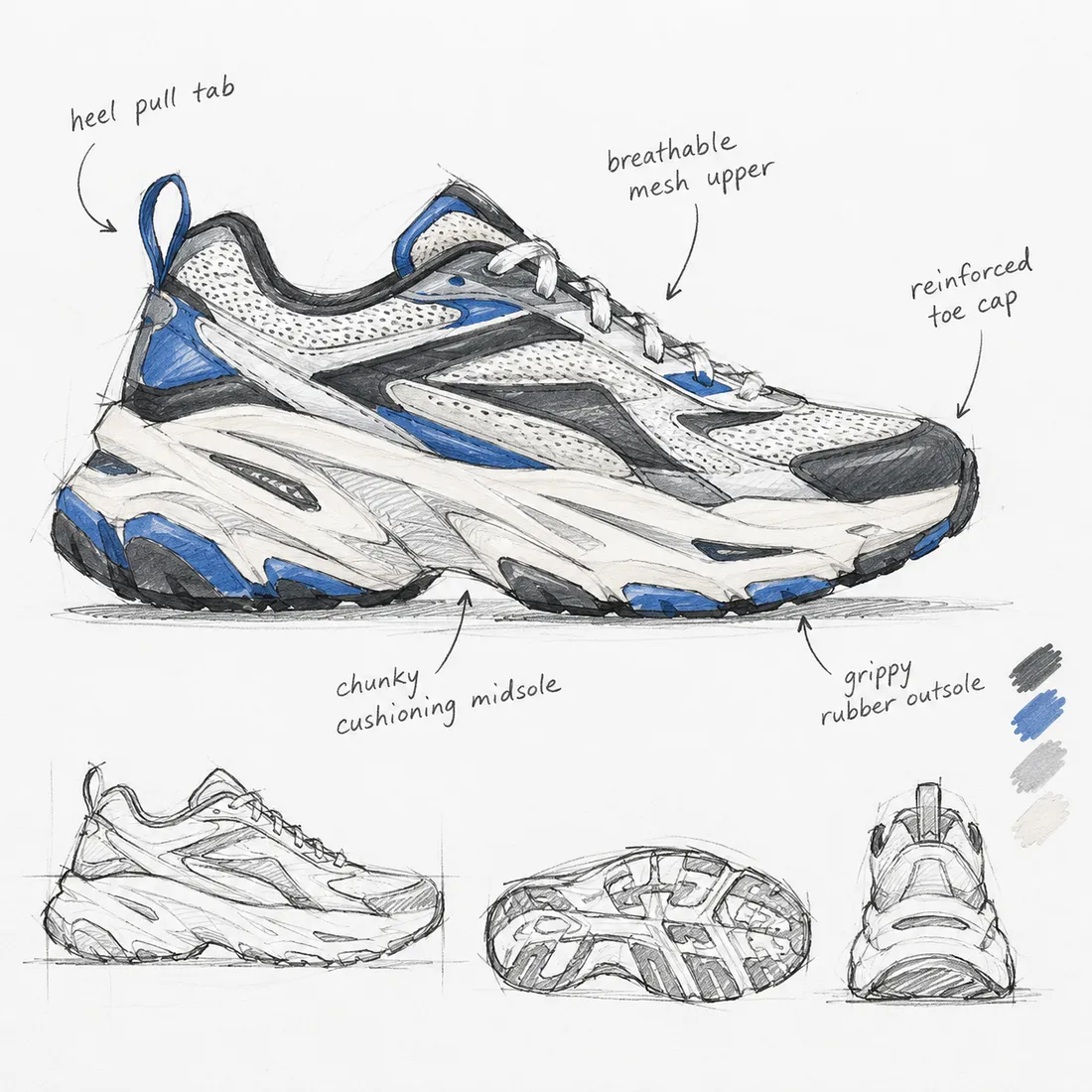
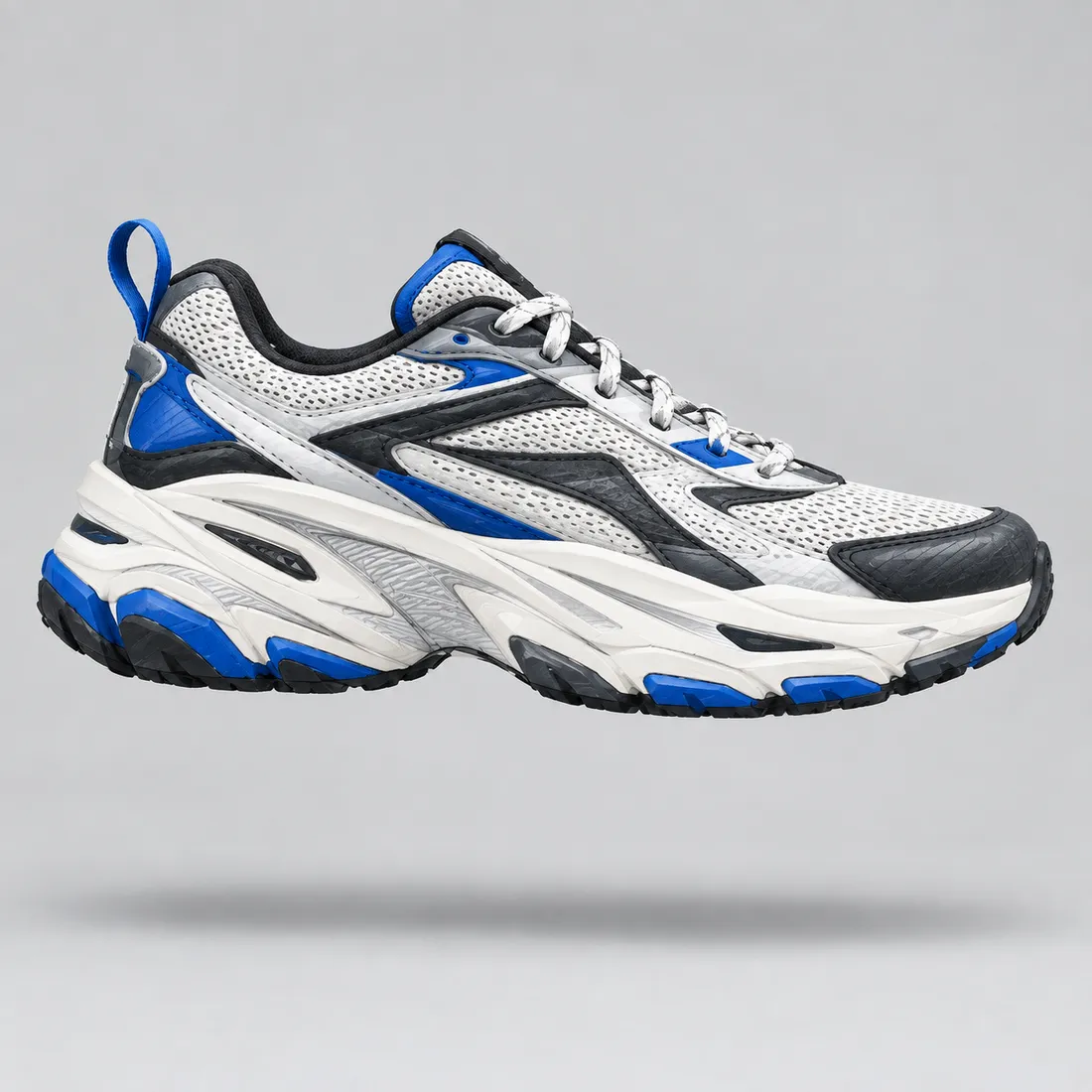
Pencil sketch of a sneaker used as the starting imageStudio product photo of the same sneaker generated from the sketchSketchPhoto
Image to image

Turn a rough sketch into a finished product shot

Upload a sketch, a mockup or a quick phone picture and say what the final image should look like. The shapes and layout stay where you drew them, while the materials, lighting and background become studio quality. It is a fast way to show an idea before anything is made.

  • Start from a clear sketch with one main object.
  • Name the material: suede, brushed metal, matte ceramic.
  • Ask for the background you need, like pure white for a store listing.
Example prompt

“Turn this sketch into a studio photo of a suede sneaker on a white background”

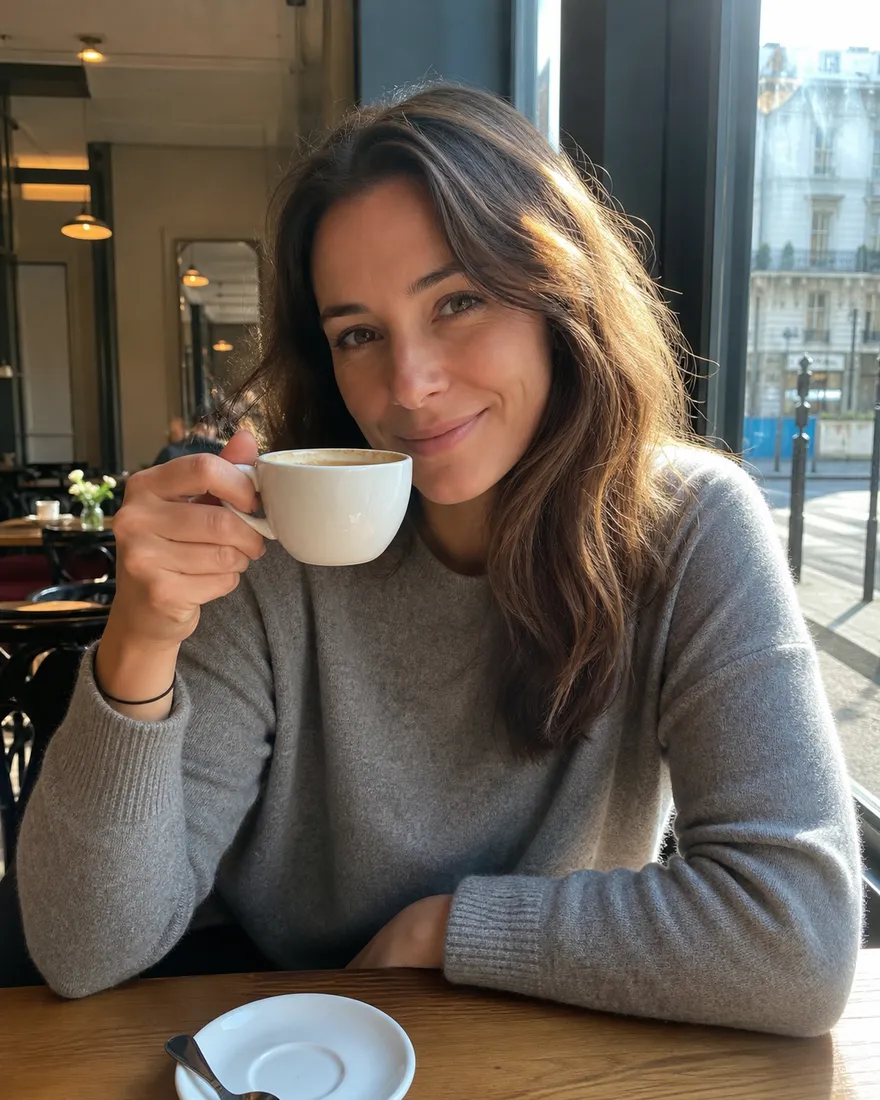
Original photo of a woman sitting in a caféThe same café photo edited so she wears a black leather jacketBefore“Leather jacket”
Edit a photo

Change one thing and keep the rest

Upload a photo and type the change: a leather jacket instead of a sweater, a blue sky instead of clouds, a cable removed from the wall. Google’s models are the best at leaving everything you did not mention as it was, including the face and the pose.

  • Describe only the change, not the whole scene.
  • One change per request gives the cleanest result.
  • Upload the sharpest version of the photo you have.
Example prompt

“Replace her sweater with a black leather jacket and keep everything else the same”

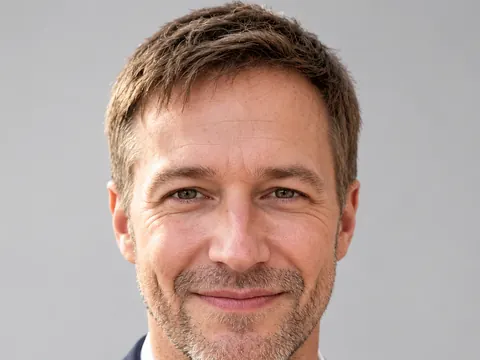
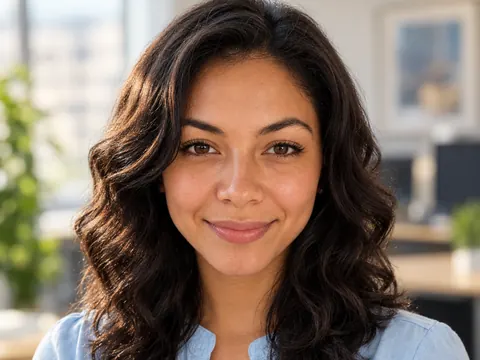
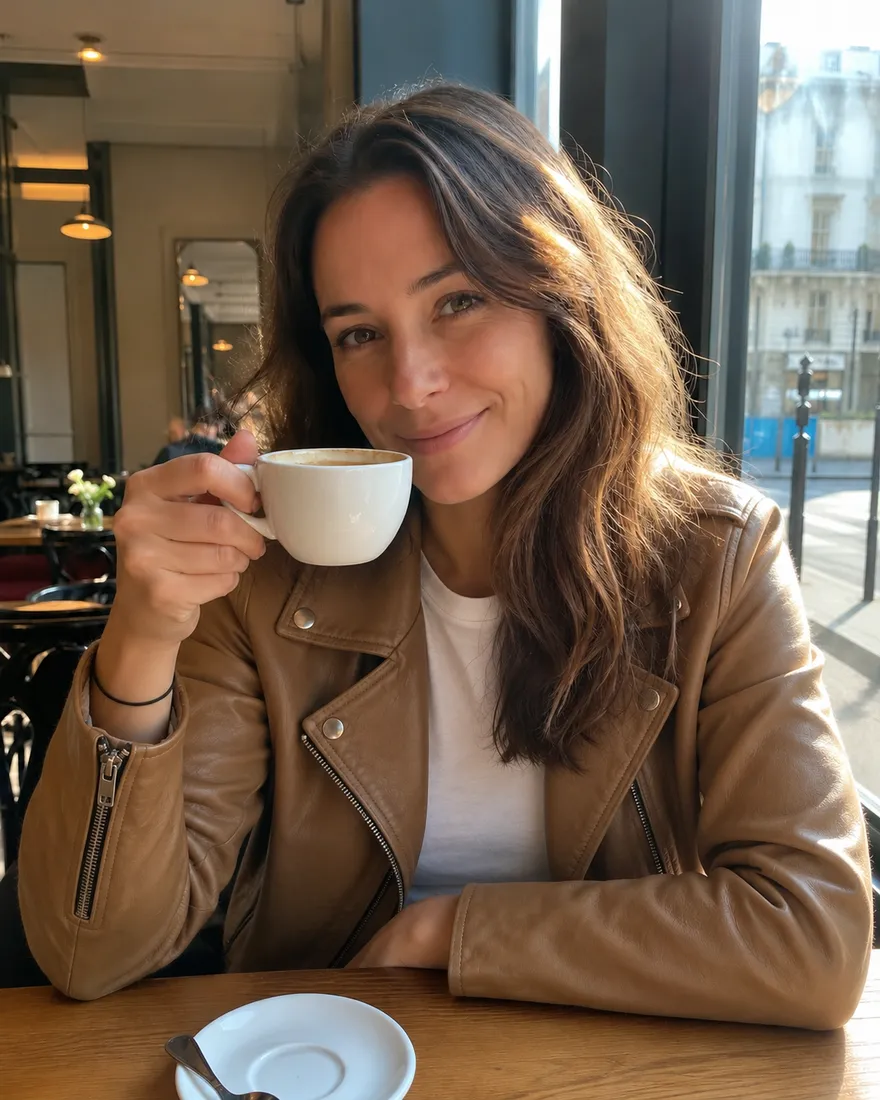
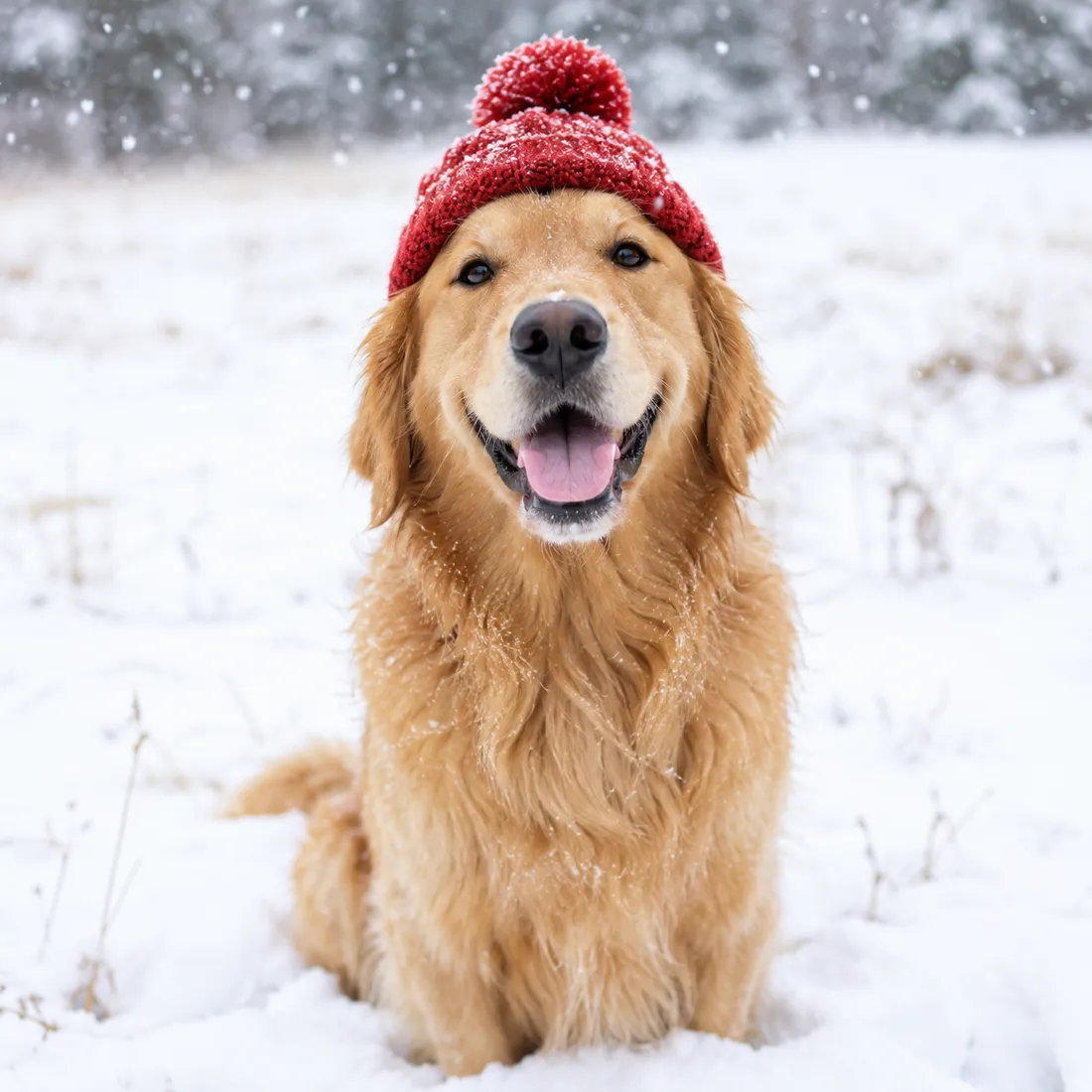
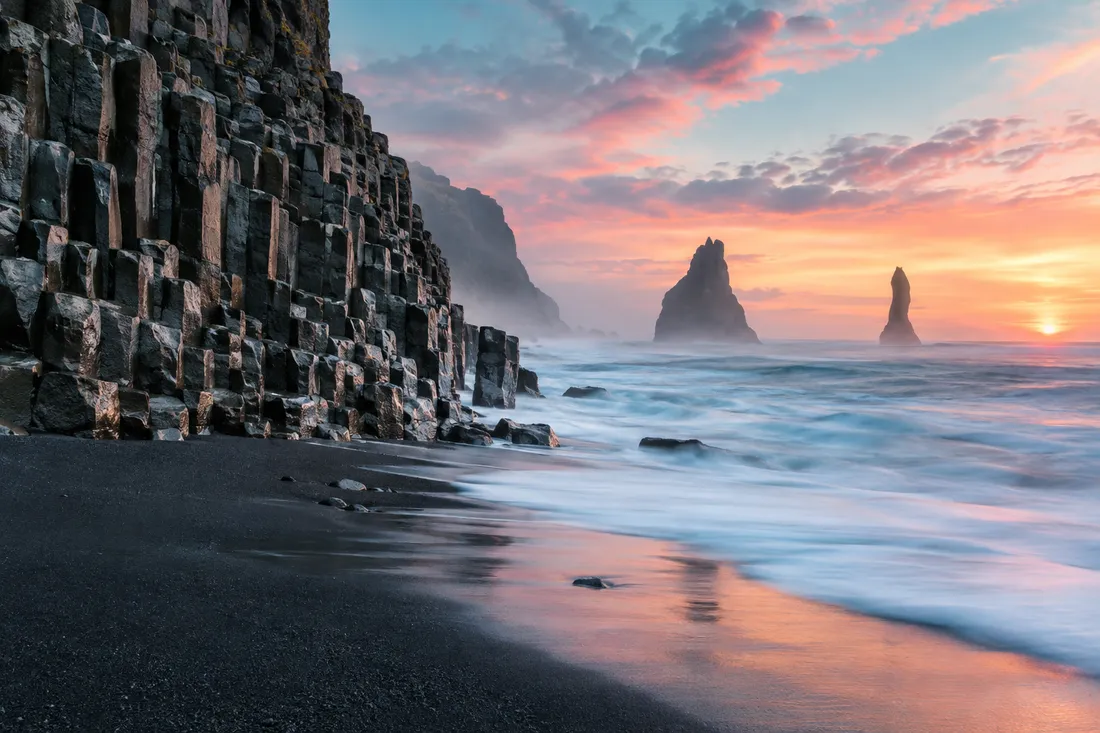
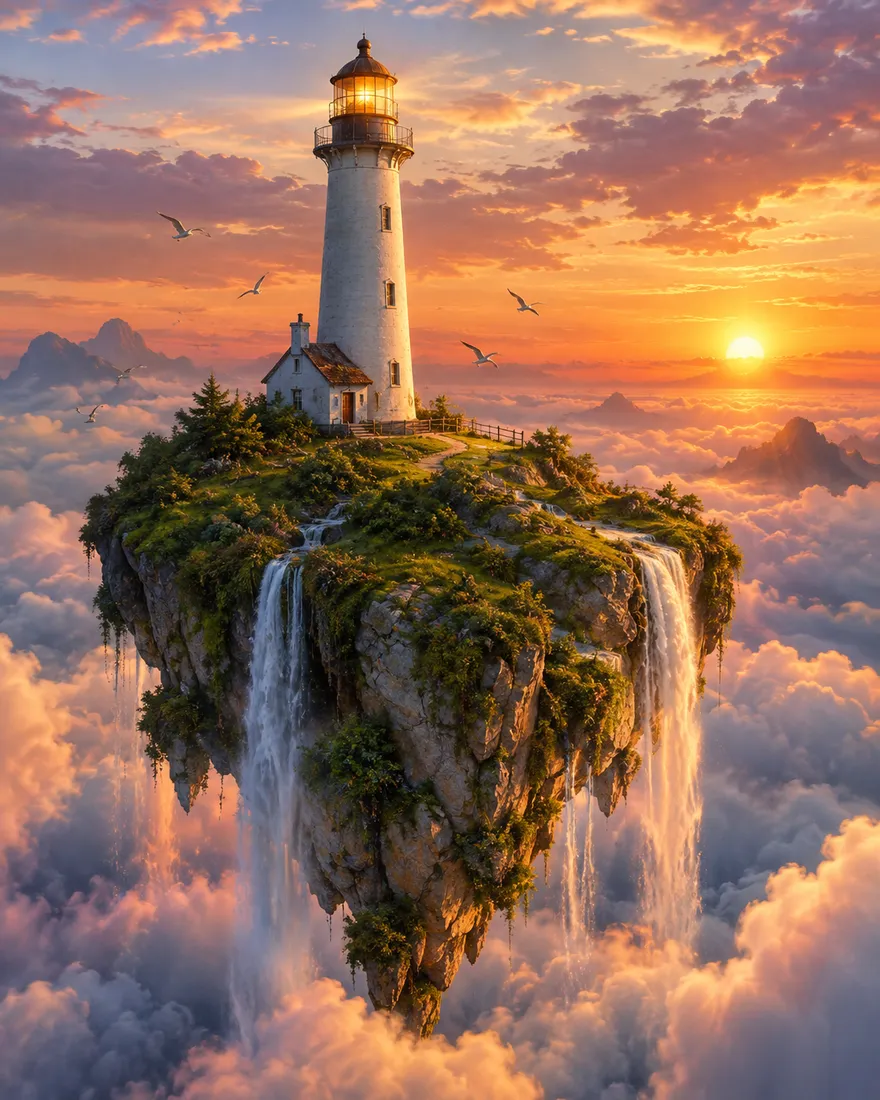
AI generated professional headshot with soft studio lightAI generated portrait of a dog outdoorsAI generated landscape of an Icelandic coastAI generated fantasy lighthouse on a floating island at sunset
Portraits and more

Headshots, pets, places and scenes no camera could take

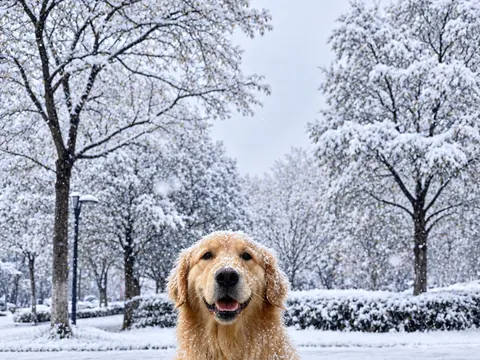
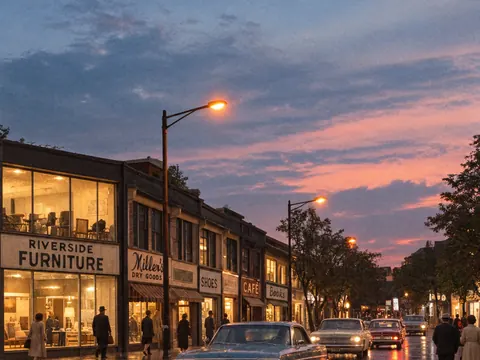
Make a profile picture with soft studio light, a portrait of your dog in the park, a travel shot of a coast you have not visited yet, or a lighthouse floating above the clouds. Every image downloads without a watermark, and you may use it in commercial projects.

  • Headshots: ask for a plain background and soft, even light.
  • Pets: mention the breed, the fur color and where they are.
  • Posters and signs: pick GPT Image 2.5 for accurate lettering.
Example prompt

“Professional headshot of a man in a navy blazer, soft studio light, plain gray background”

04 — Tips

Tips for more realistic AI photos

A few small changes to your prompt make the biggest difference in how real the AI photo generator’s results look.

  1. 01

    Start with the subject, then the setting

    Put the most important thing first: "a golden retriever puppy on a wooden porch" works better than a long list of adjectives.

  2. 02

    Use real-world light

    Words like "late afternoon sun", "overcast sky" or "lit by a desk lamp" make a photo feel real much faster than "high quality".

  3. 03

    Mention the camera, not the style

    "Shot on a 50mm lens, shallow depth of field" gives you a photo. "Hyperrealistic 8K masterpiece" often gives you plastic skin.

  4. 04

    Let people look natural

    Ask for "candid", "mid-laugh" or "looking away from the camera". Stiff, centered poses are the easiest way to spot an AI image.

  5. 05

    Match the model to the job

    Use Google’s models for edits and faces, GPT Image 2.5 for text in the picture, and Seedream 5 Pro for bold color and mood.

  6. 06

    Refine instead of starting over

    When a result is close, change one or two words and generate again. Rewriting the whole prompt usually loses what already worked.

05 — Use cases

What people make with it

  • Profile and team photos

    Clean headshots for LinkedIn, a résumé or a company page.

  • Product and store images

    Studio shots and lifestyle scenes for listings and landing pages.

  • Social posts and ads

    Eye-catching images sized for feeds, stories and banners.

  • Rooms and real estate

    Try a new wall color, furniture or lighting before you buy anything.

  • Pets and gifts

    Portraits of your pet or a family photo in a new setting.

  • Posters, menus and signs

    Designs with readable text for events, cafés and small shops.

06 — How it works

How to use the AI photo generator

  1. 1Sign in for free credits

    Sign in with Google to get free credits right away, then more every day.

  2. 2Type or upload

    Write one sentence, add a photo with the plus button, or do both.

  3. 3Pick a model and generate

    Each model shows its credit cost before you start.

  4. 4Download or refine

    Save the full-size image, or change a few words and try again.

07 — Plans

Credits for premium models

The free model stays free. Plans add credits for the premium ones.

Starter

350 credits / month

Up to 175 images

Best Value

Max

2,400 credits / month

Up to 1,200 images

Most Popular

Pro

1,000 credits / month

Up to 500 images

Compare plans
08 — FAQ

AI Photo Generator FAQ

What is a free AI photo generator?

A free AI photo generator is an online tool that turns a text prompt or a photo into a realistic image at no cost. Here, the FLUX.2 model is free, runs in your browser and needs no account.

Is the AI photo generator free?

Yes. The FLUX.2 model is free, needs no sign-up and is unlimited for normal use; a daily fair-use limit only stops automated abuse. Premium models use credits: signing in with Google gives you free credits right away, then more every day. Paid plans add more credits and skip the free-account wait.

Can I use a free AI photo generator with no sign-up?

Yes. FLUX.2 creates and edits images with no sign-up, no login and no credit card. Premium models such as GPT Image, Seedream and Nano Banana need a free account; sign in with Google to get free credits for them. AI Photo Generator is an independent service and is not affiliated with or endorsed by the companies that make these models.

Is there a daily limit?

The free model is unlimited for normal use; a daily fair-use limit only stops automated abuse, so people making images by hand do not run into it. Premium models are limited only by your credits.

Which AI photo generator has no restrictions?

AI Photo Generator removes the usual barriers: the free model needs no sign-up and no credit card and is unlimited for normal use; a daily fair-use limit only stops automated abuse. The content rules still apply: no sexual content, nothing involving minors in an unsafe context, no violence or hate, and no fake images meant to deceive or harm a real person. Every upload and result passes an automatic safety check; see the content policy for the full rules.

Do the images have a watermark, and can I use them commercially?

No watermark is added to any image. You may use what you create in personal and commercial projects, as long as it follows the content policy.

How realistic are the photos, and can I make one from text?

It is a realistic AI photo generator: describe the subject, the light and the lens, and you get an image that looks like a camera took it. Making an AI photo from text is the default; you can also upload a photo and describe a change.

What is the difference between an AI photo generator and an AI image generator?

They are the same kind of tool. "AI photo generator" usually means realistic, camera-like results, while an AI image generator or AI picture generator also covers illustrations and art. This site does both, but it is tuned for photos that look real.

About this app

AI Photo Generator Studio makes realistic images from a text prompt or a photo you upload, and edits photos you describe.

If you sign in with Google, the app receives only your name, email address and profile picture, and uses them to run your account.

Not allowed: nude or sexual images, intimate images of real people (AI-made ones included), any sexual content involving minors, and putting a real person into an image without their consent. Uploads and prompts are checked automatically before an image is made, and results are checked again.

Read the privacy policy, terms of service and content policy.