AI Fantasy Art Generator
Describe a dragon, a castle or a whole magic world. The AI fantasy art generator paints it as a detailed scene with light, weather and scale, ready for a book cover, a wallpaper or a game pitch.
No subscription·Failed runs refund credits
Sign in to get free credits every day and keep your creations.
Scenes painted with the AI fantasy art generator
Each piece of AI fantasy art below came from the prompt printed with it. Tap “Use this prompt”, change the creature, the place or the weather and paint your own.
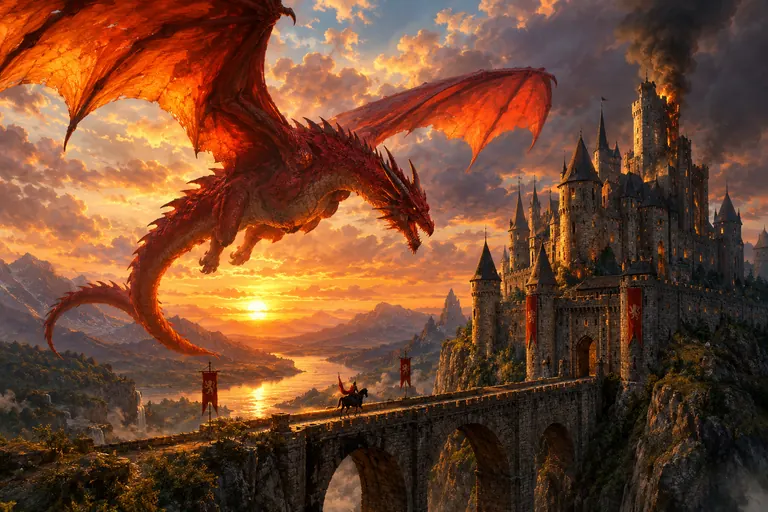
- Dragon over the castle
“Epic fantasy painting of a huge red dragon circling a cliffside castle at sunset, its wings lit orange by the low sun, smoke rising from one tower and a tiny knight on horseback crossing the stone bridge for scale. Painterly digital art, rich detail, dramatic clouds and warm golden light.”
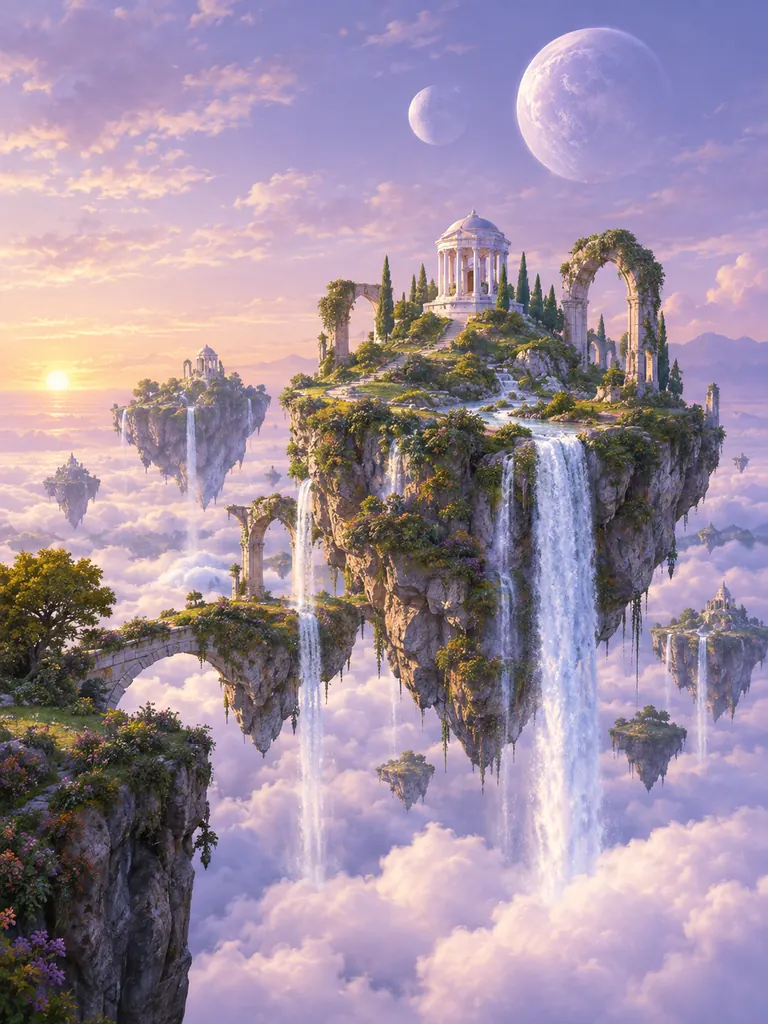
- Floating islands
“A magic landscape of floating islands above a sea of clouds, waterfalls spilling off their edges, stone arches and a small white temple on the largest island, two moons in a pale violet sky. Soft painterly fantasy art, calm dawn light.”
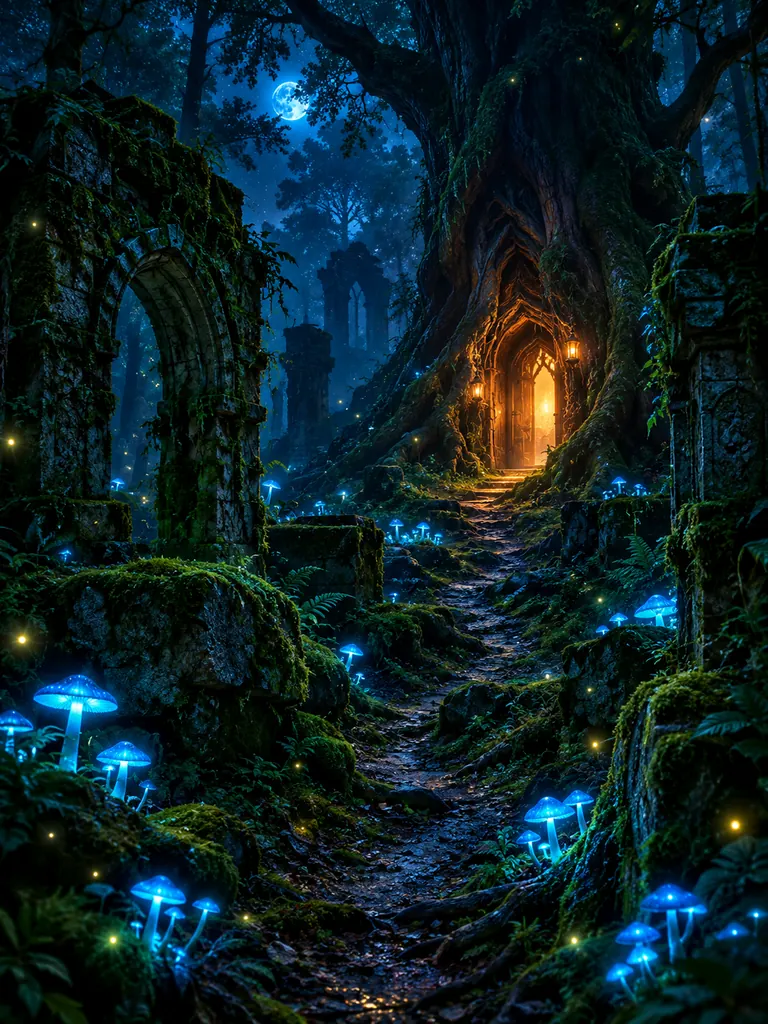
- Enchanted forest
“A dark enchanted forest at night with moss-covered stone ruins, glowing blue mushrooms and fireflies, and a narrow path leading to a lit doorway in a giant hollow tree. Moody fantasy illustration in deep blue and teal, with warm orange light from the doorway.”
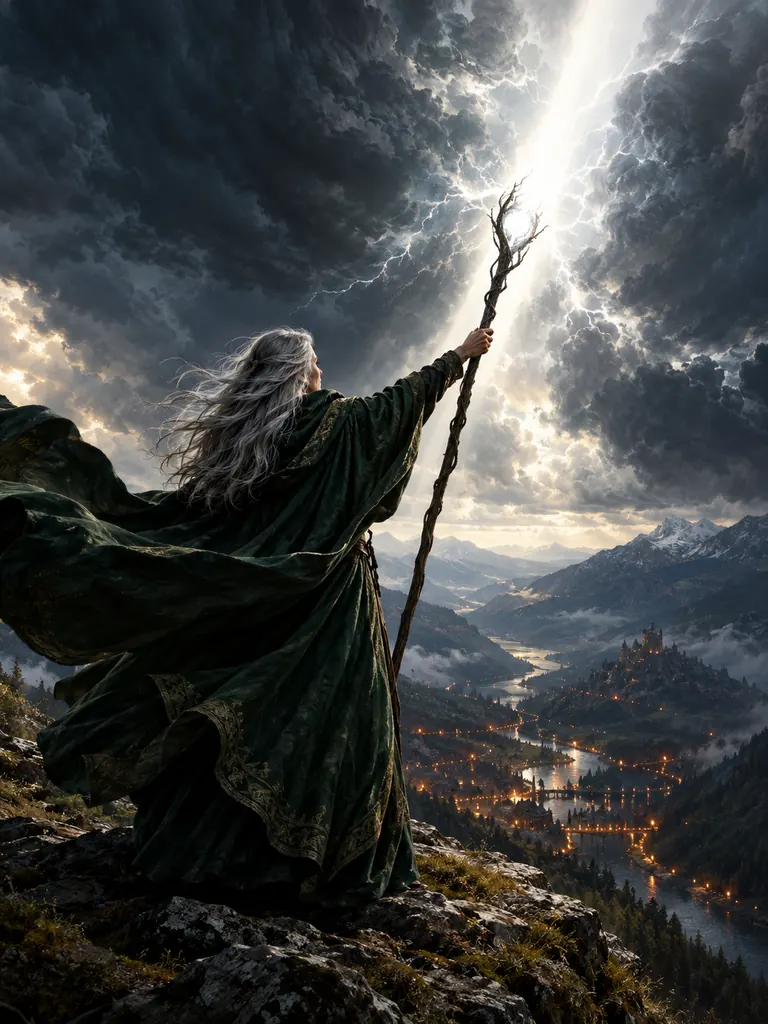 Sorceress on the ridge
“A gray-haired sorceress in a dark green cloak standing on a windy mountain ridge, raising a staff that splits a storm with a beam of white light, a valley full of torches far below. Epic fantasy oil painting, strong backlight, cloak blowing in the wind, a wide sense of scale.”
What the AI fantasy art generator paints best
Fantasy art works when a strange world still feels real. Tell the AI fantasy art generator where the light comes from, how big things are and what the air is like, and it builds the scene around that.
- Dragons and giant creatures. Dragons, sea serpents, griffins and stone giants, shown at a size you can feel. Put something small nearby, like a rider, a tower or a ship, and the creature reads as huge.Add a small figure for scale · Describe scales, wings and eye color · Say what the creature is doing
- Castles, cities and ruins. Cliffside fortresses, tree-top cities, sunken temples and wizard towers. Name the building material and the age of the place, and the architecture follows.Pick a material: white marble, black basalt · Say new, weathered or ruined · Add banners, bridges or lanterns for life
- Magic landscapes. Floating islands, glowing forests, frozen seas and skies with two moons. Wide views make strong desktop wallpapers and chapter openers.Use 3:2 or 16:9 for wide views · Name the time of day and the weather · Choose 2K or 4K for wallpapers
How to paint a fantasy scene with the AI fantasy art generator
- 1Name the main subject
Start with the one thing the picture is about: a dragon, a castle, a lone traveler. “A silver dragon asleep on a hoard of gold” is already a full idea.
- 2Build the world around it
Add the setting, the time of day and the weather. Mist, snow, sunset or torchlight change the mood more than any other word in the prompt.
- 3Choose a style and size
Nano Banana 2.1 is selected by default; for long scene descriptions, try GPT Image 2.5. Name a style, such as oil painting or ink and wash, and pick 3:2 for wide scenes or 2:3 for covers. The credit cost shows next to Generate.
- 4Save your favorite
Most images are ready within a few minutes (free accounts wait a little longer on premium models). Results save to My Images and download at full size with no watermark.
Tips for richer AI fantasy art
- 01
Give the light a source
Moonlight, a burning city, a glowing sword. One named light source gives the scene depth and tells the eye where to look first.
- 02
Pick a kind of fantasy
High fantasy is bright and heroic, dark fantasy is cold and grim, fairy tale is soft and warm. One of these words sets the whole palette.
- 03
Mix the familiar with the strange
A normal market street under a giant moon, a fishing village next to a sleeping sea serpent. The ordinary part makes the magic believable.
- 04
Leave room for a title
For a book or album cover, ask for “empty sky at the top for a title”. To paint the title into the art, write the exact words in quotes; GPT Image 2.5 keeps short text readable.
An AI fantasy art generator for covers, games and wallpapers
Fantasy art asks for things no camera can shoot: a dragon over a real-looking valley, a city built into a waterfall, light pouring out of a spell. An AI fantasy art generator paints them from a description. You write the scene the way you would tell it out loud, and the model handles perspective, light and texture, so you can try ten versions of a world in one evening.
Writers use AI fantasy art to picture a setting before a chapter, game makers mock up levels and card art, and genre fans fill a phone or a desktop with a wallpaper of their own world. Our newest model is the default, and GPT Image 2.5 keeps many details from a long prompt in place. Try Seedream for deep painted color, or Nano Banana 2 when you want to step into the scene from your own photo.
Credits are shared across the site. Google sign-ins get free credits, and more to claim every day. A 1K image with the default model costs 2 credits, 2K costs 3 and 4K costs 4, and the exact cost shows next to the Generate button before anything is spent.
Every image from the AI fantasy art generator downloads at full size without a watermark, for personal and commercial work from a self-published cover to a board game prototype. Results stay private in My Images until you share them. Keep designs original: describe your own world instead of naming one from a book, film or game.
AI fantasy art generator FAQ
Is the AI fantasy art generator free?
- Yes, you can start for free. Google sign-ins get free credits and more every day, and the FLUX.2 model costs no credits and needs no sign-in. The default model costs 2 credits for a 1K image.
Can I use AI fantasy art on a book cover?
- Yes. Images have no watermark and may be used commercially. Pick 2:3 for a cover, ask for empty space where the title goes, and download at 2K or 4K for print.
How do I make a fantasy wallpaper?
- Choose 16:9 or 21:9 for a desktop and 9:16 for a phone, then describe a wide landscape with no text in it. 4K gives the sharpest result on large screens.
Can the fantasy AI art generator put me in the scene?
- Yes. Add a clear photo of yourself with the + tile and describe the costume and the place. For the most faithful likeness choose Nano Banana 2 or Pro; faces usually stay close, though not always identical.
Can it paint a map of my world?
- It can paint a map-style illustration with coastlines, forests and mountains. Keep place names short and few, put each one in quotes, and check the spelling of every label before you use it.
What can’t I make with the AI fantasy art generator?
- Sexual content, anything involving minors and images meant to deceive or harass a real person are blocked. Named characters from books, films or games are declined too, so describe your own.