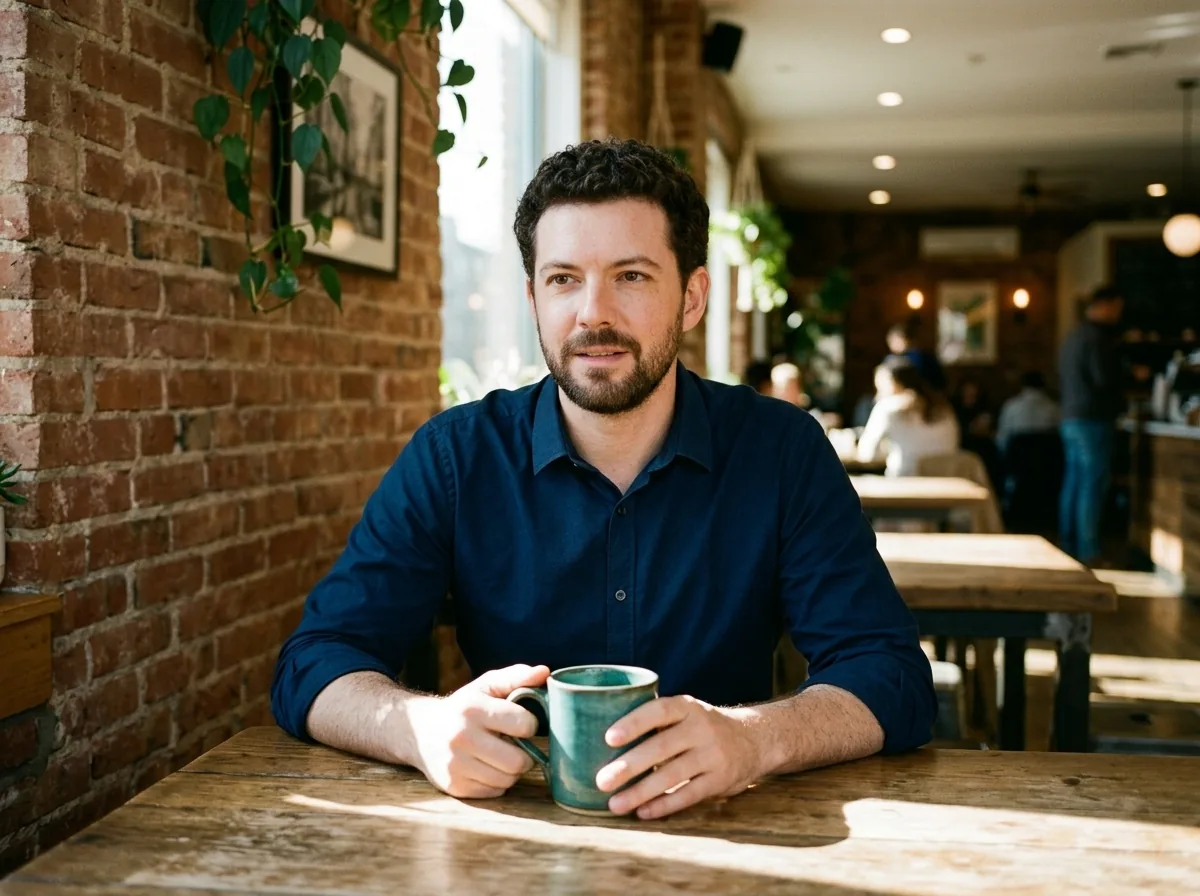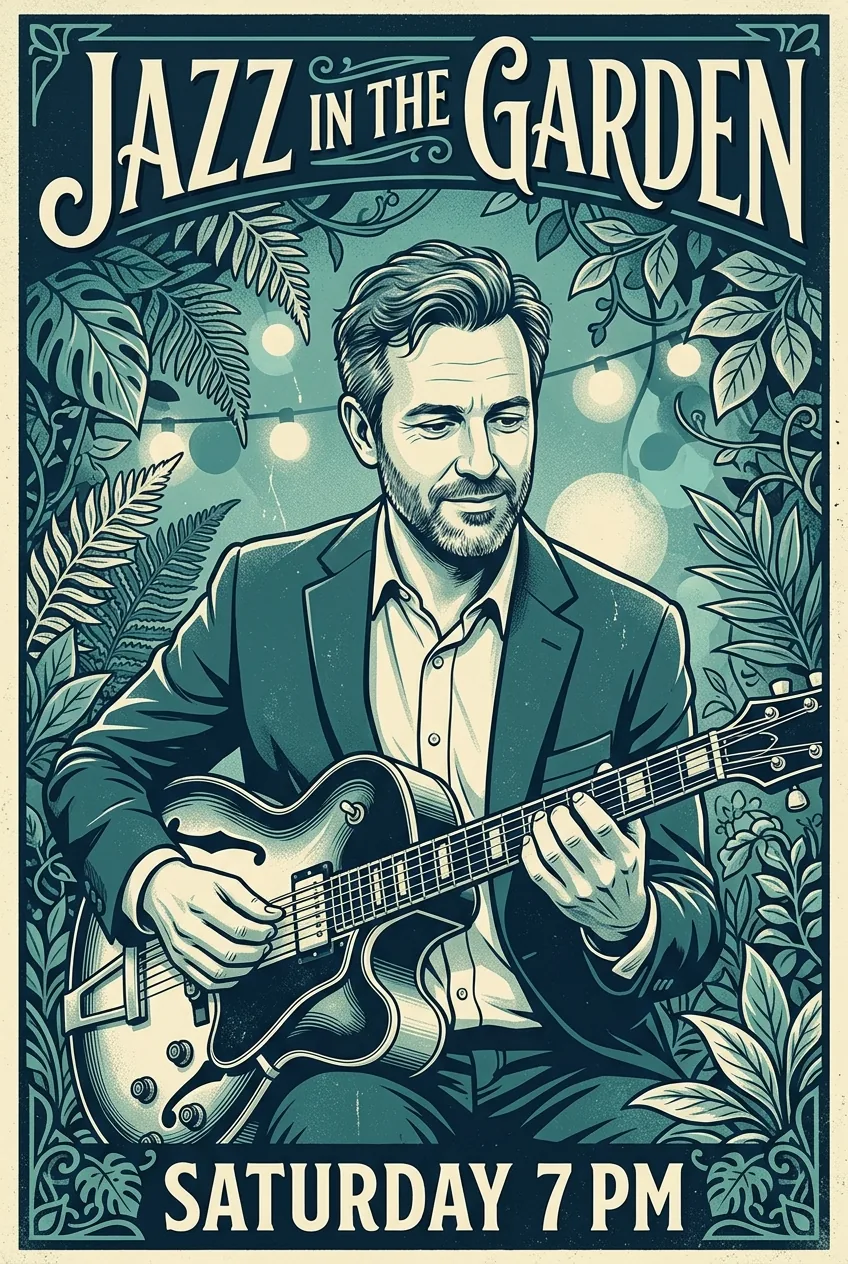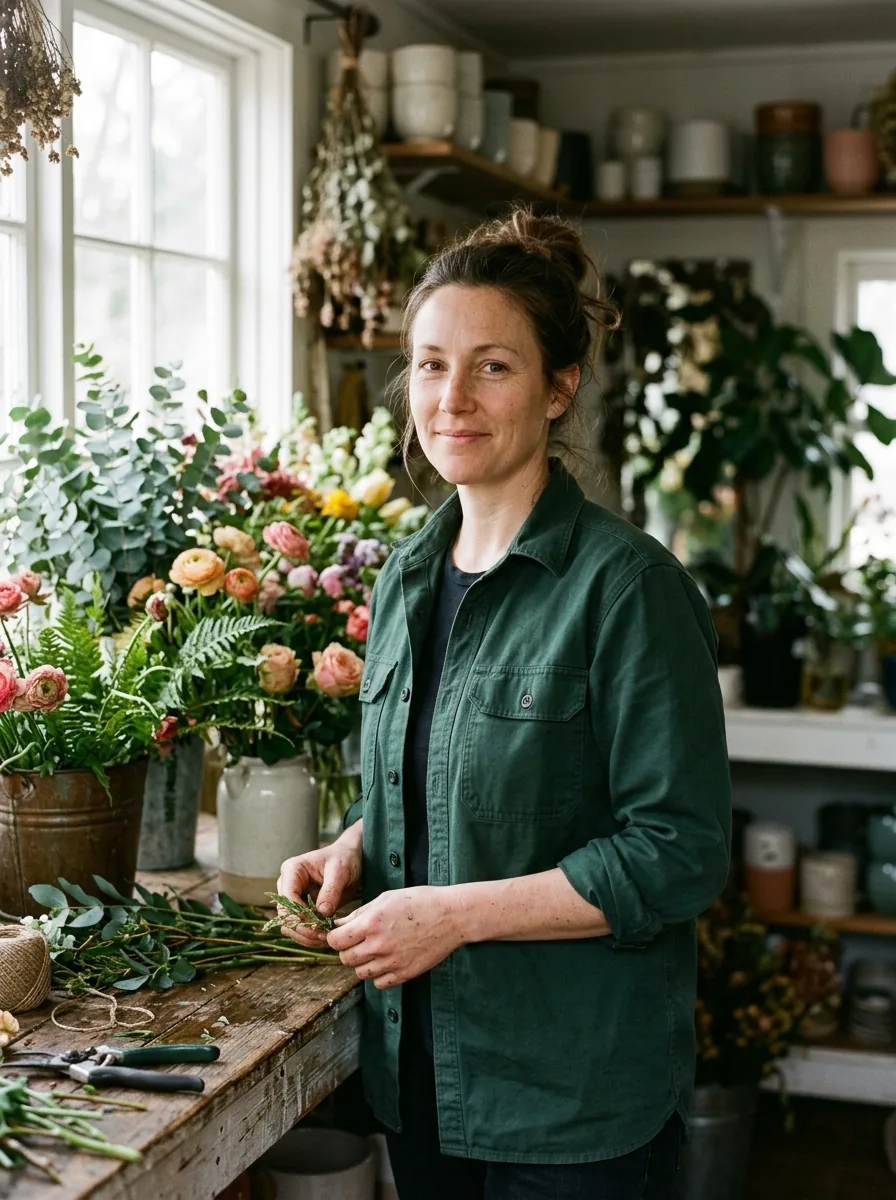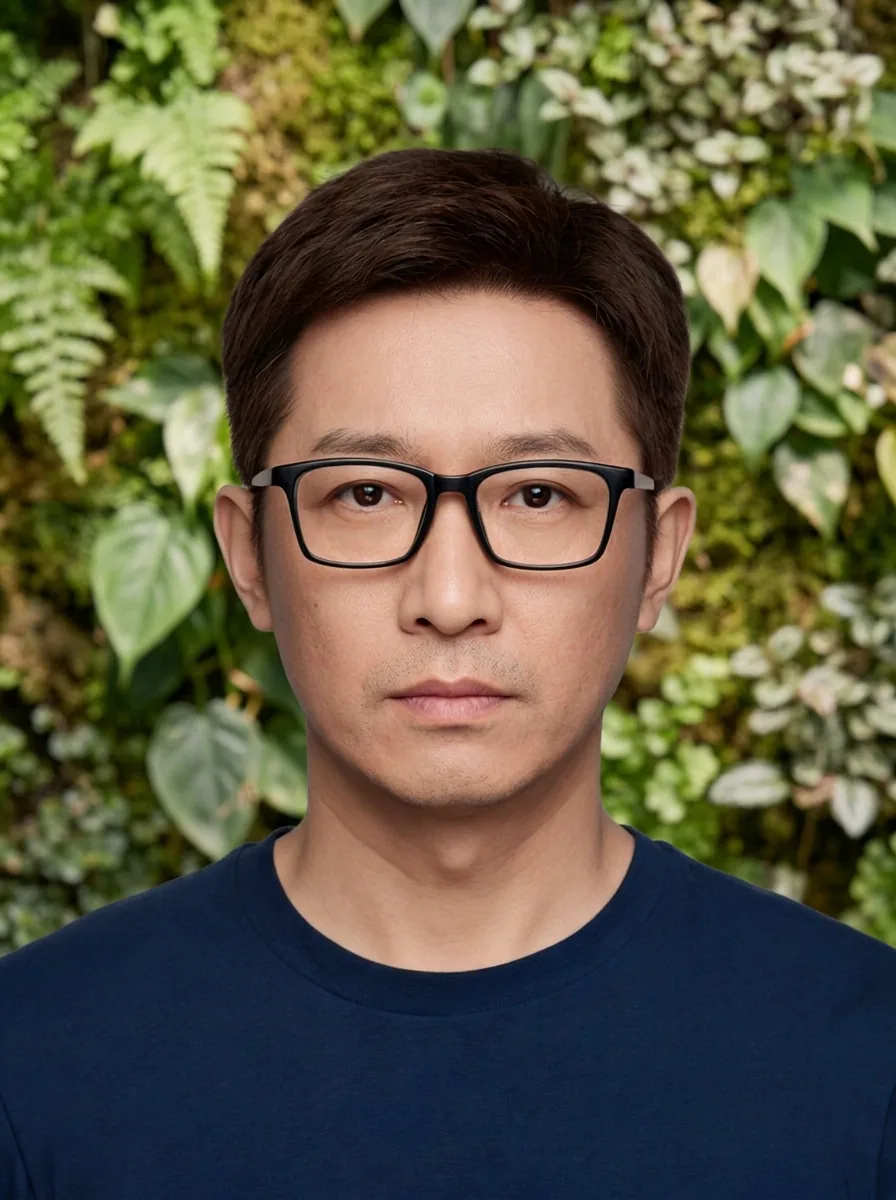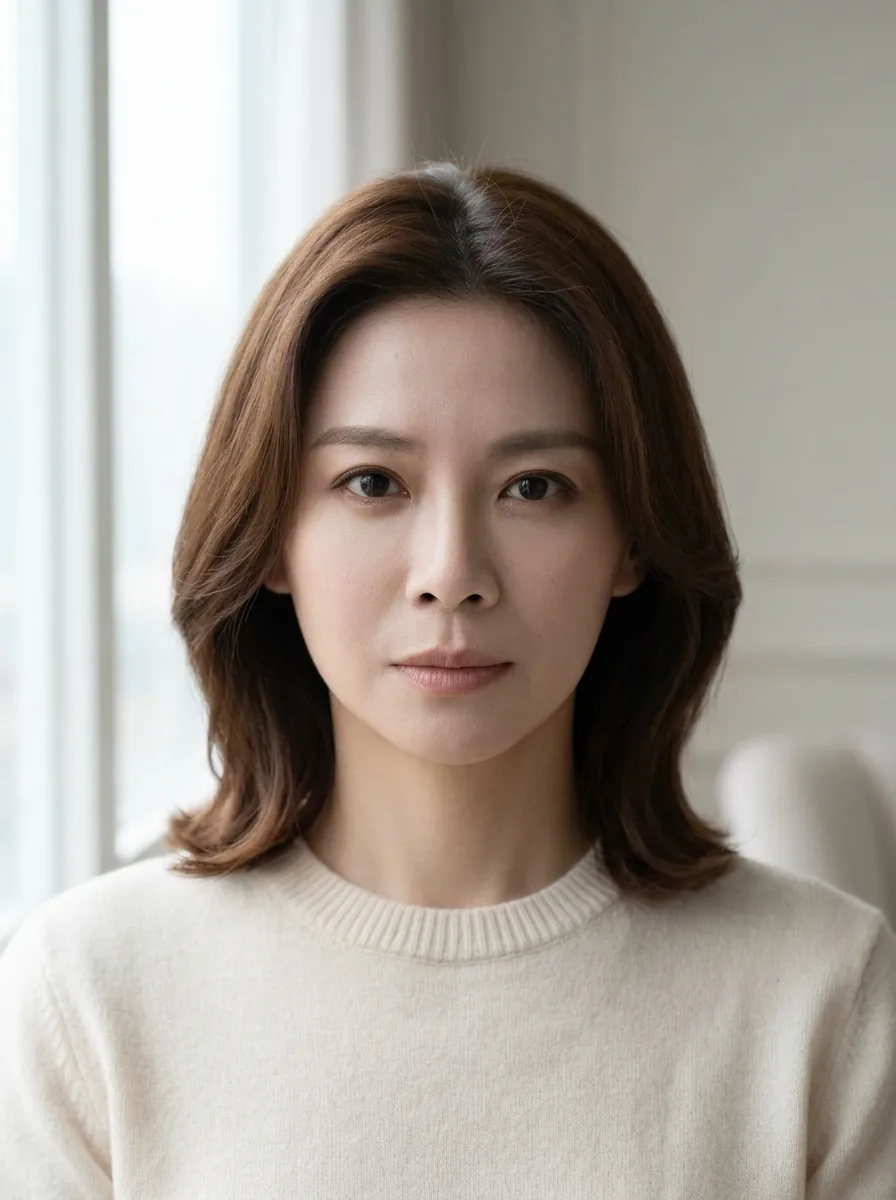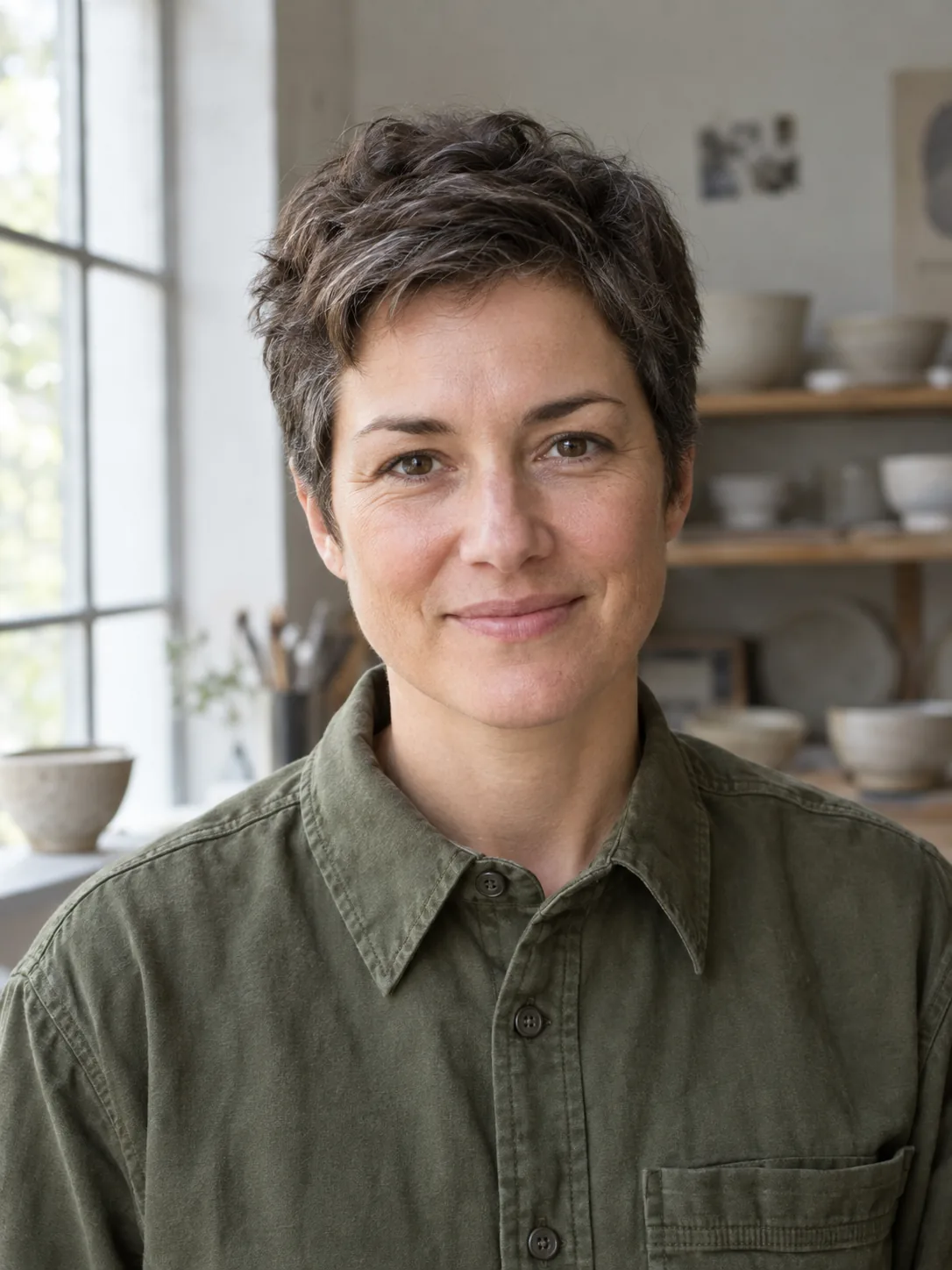
GPT Image 2 Prompt Examples for Portraits, Products, and Posters
Copy four GPT Image 2 prompt examples for photos and posters. See GPT Image 2.5 outputs, exact prompts, settings, and details to change for your own project.
Prompt guides, tips and examples for making AI photos that look real.

Copy four GPT Image 2 prompt examples for photos and posters. See GPT Image 2.5 outputs, exact prompts, settings, and details to change for your own project.

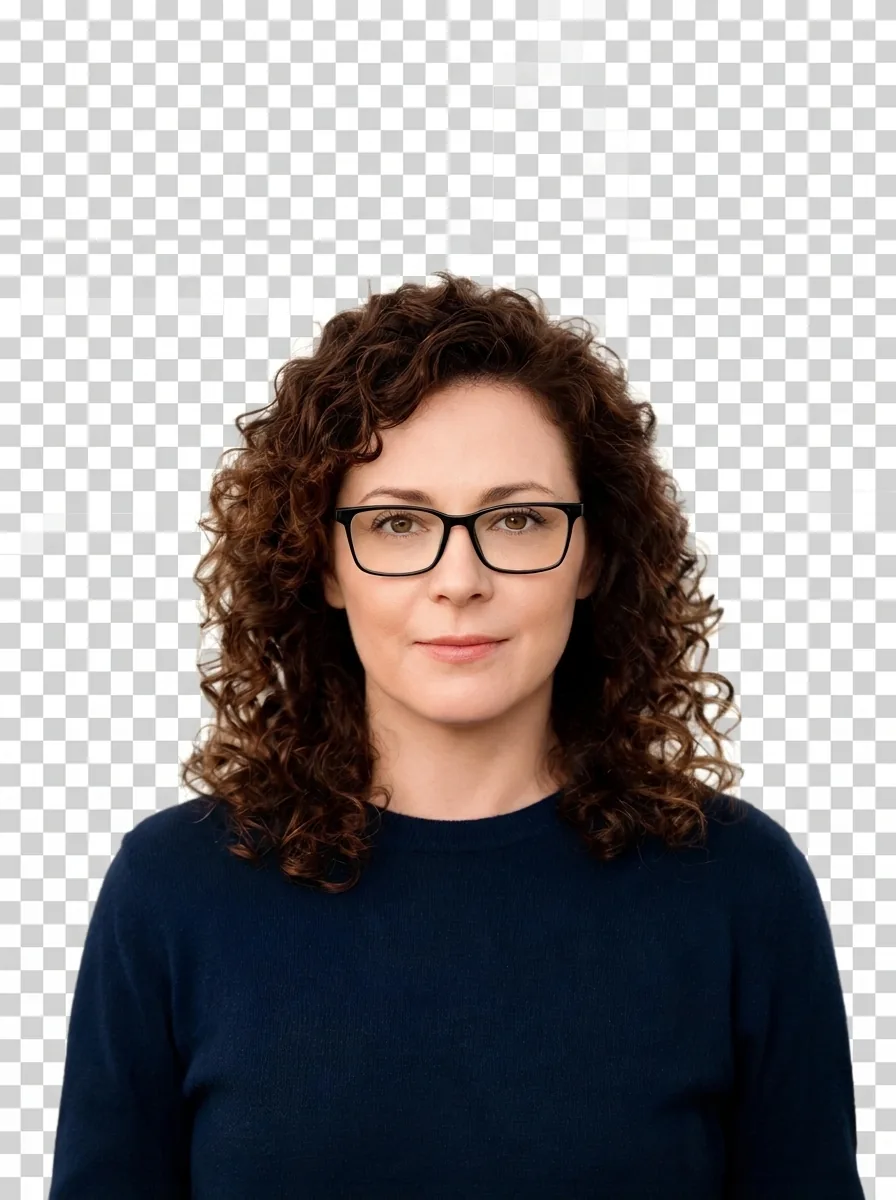
Nano Banana transparent background showing squares? See two real portrait edits, check the download, and remove an opaque backdrop in GIMP.

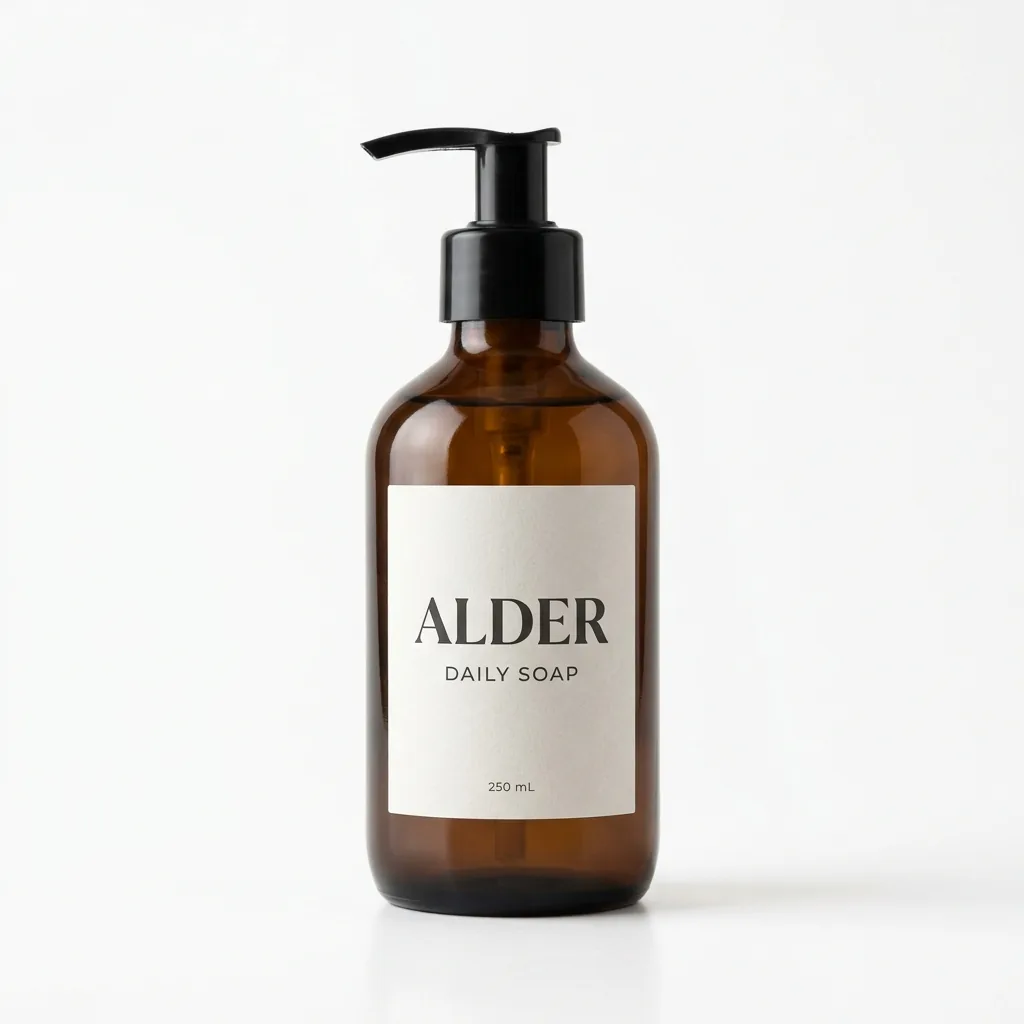
Create Nano Banana 2.1 product photos with three exact prompts. See a packshot, shop scene, and shelf edit—and the label change to catch before store use.

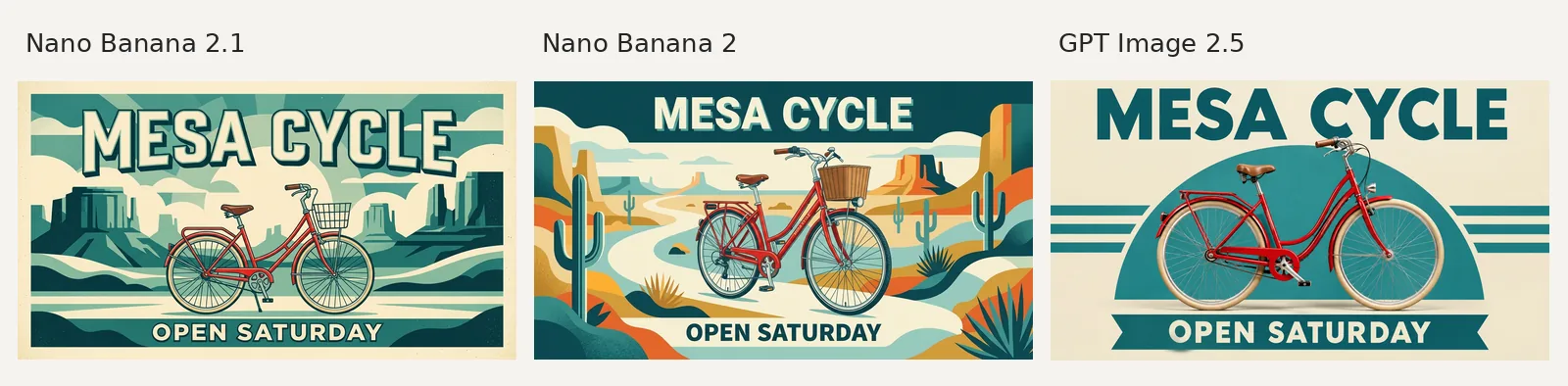
Nano Banana 2.1 vs Nano Banana 2: compare real poster and portrait results, current credits, and a copper-bottle test with GPT Image 2.5.

Learn how to use Nano Banana 2.1 on AI Photo Generator, with exact prompts, two real examples, reference uploads, resolution settings, and downloads.

Combine multiple images with Nano Banana 2.1. Compare one, three, and six references for a person, mug, and café, and copy the exact prompt.

Try three Nano Banana 2.1 poster prompts with real 1K outputs. See readable event text, added sale terms and a wide image that became a wall mockup.

Nano Banana 2.1 explained: Google’s release changes, current sizes and credits, plus four real examples with exact prompts and reference photos.

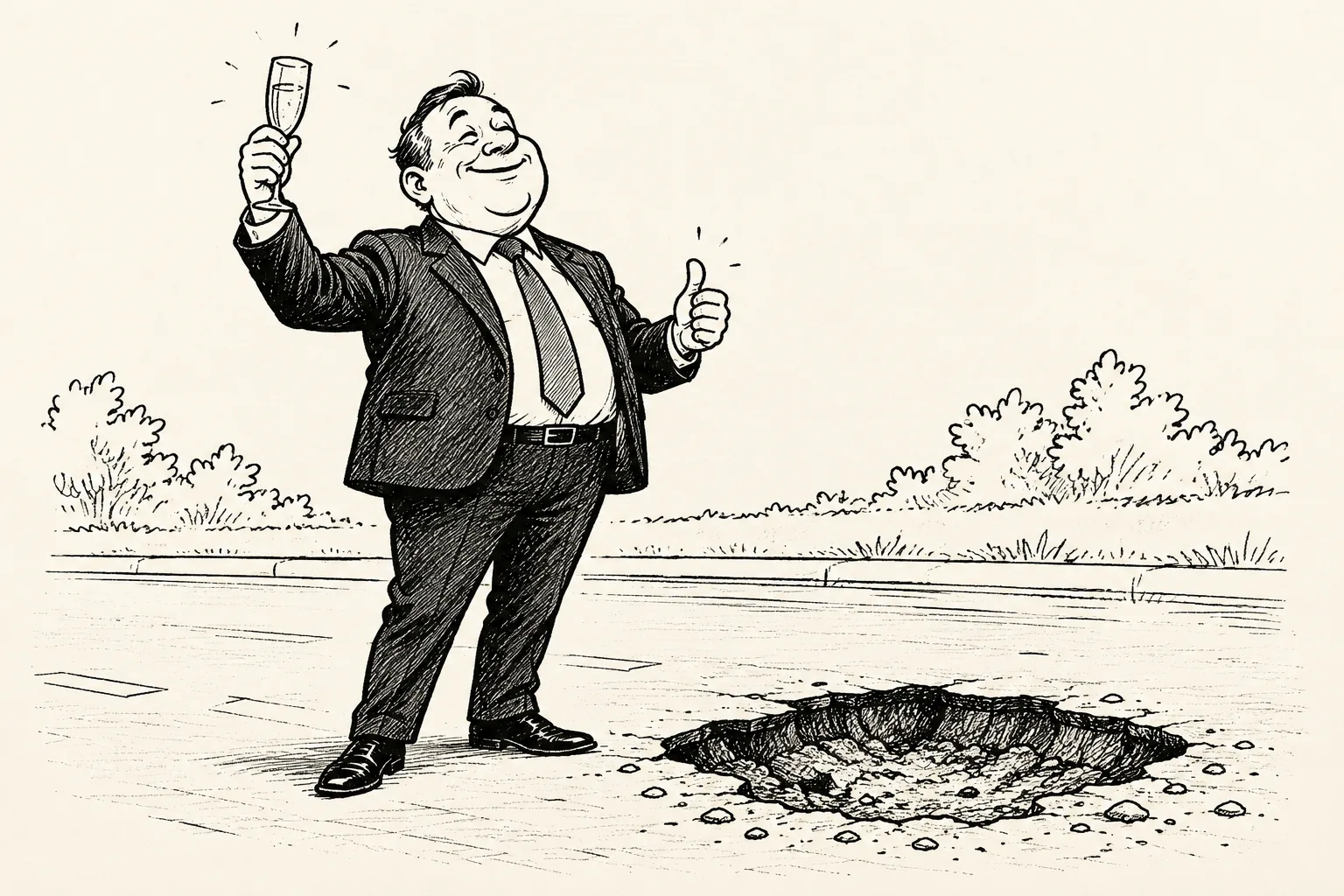
Use an AI political cartoon generator with two real pothole satire examples. Copy the exact prompts, compare the outputs, and see what the revision changed.

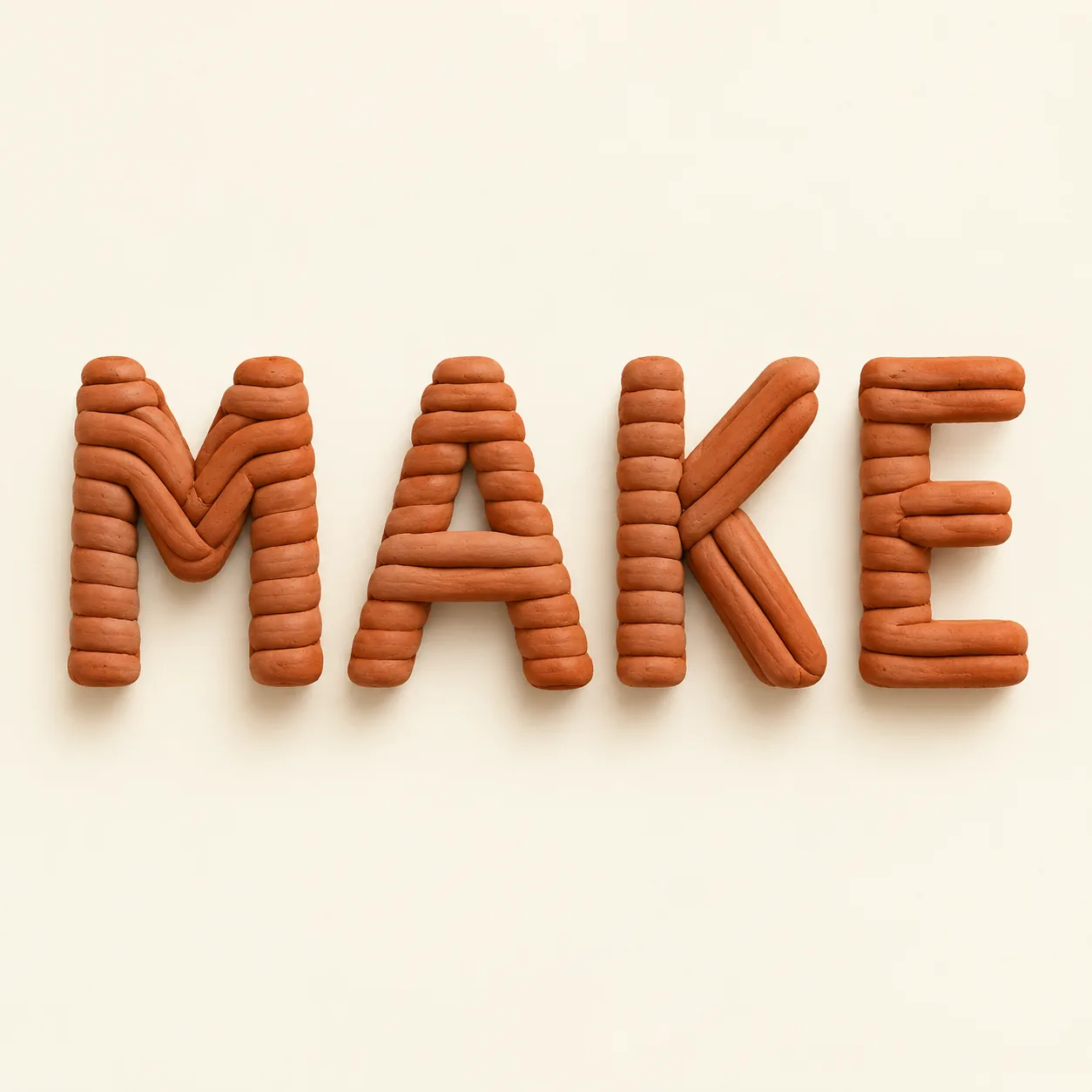
Create decorative lettering with four AI word art generator prompts. See real MAKE outputs in clay, teal paper, indigo ink, and brushed copper.

Create a Nano Banana logo with exact prompts and three real Cedar Kiln outputs. Compare edits, check lettering, and finish your concept as vector artwork.

Nano Banana not working? Find the next step for missing Gemini images, stuck requests, upload errors, and failed edits, with real Nano Banana 2 examples.

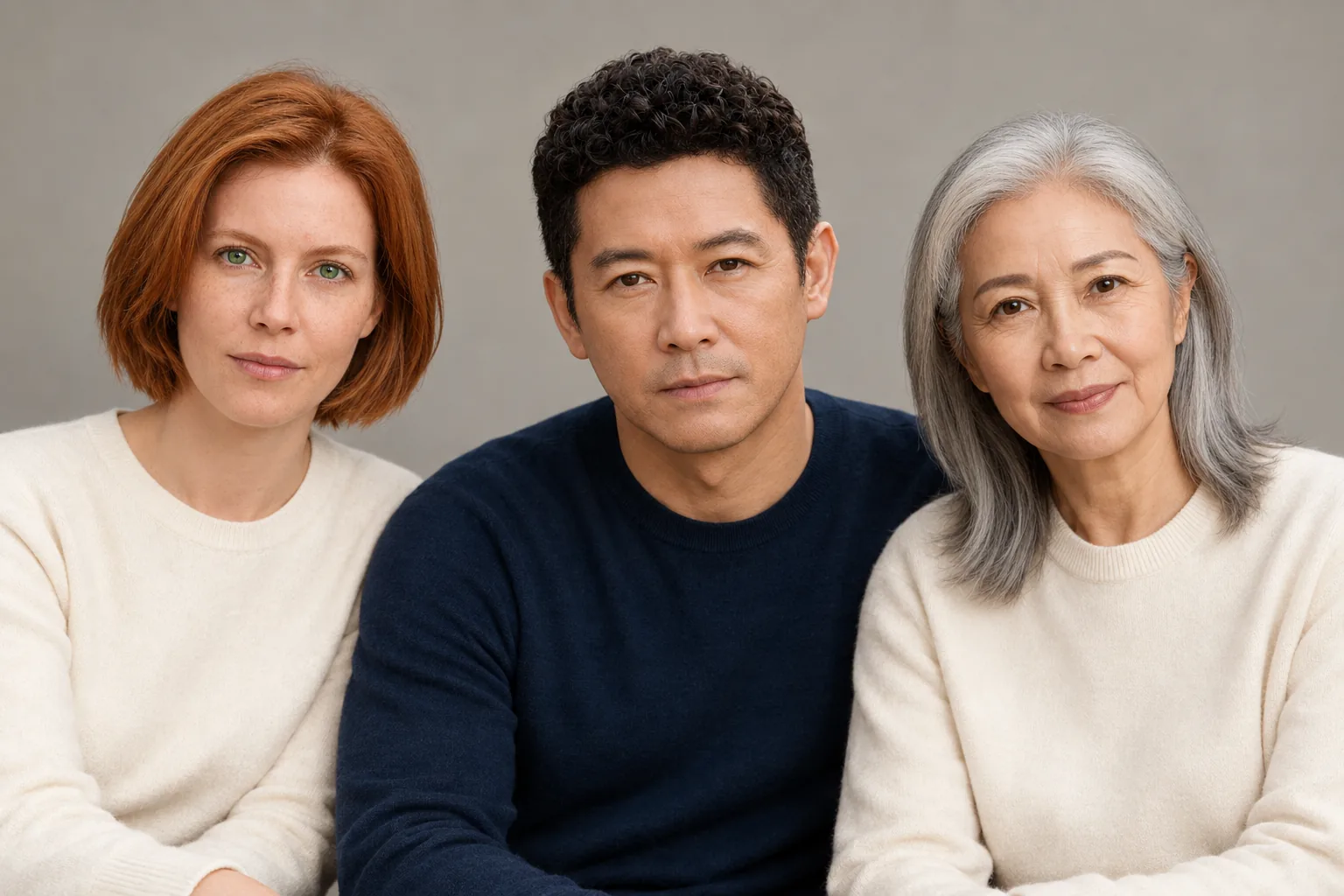
Use an AI family photo generator to combine three adult portraits. Copy the studio and garden prompts, compare the results, and check each face.

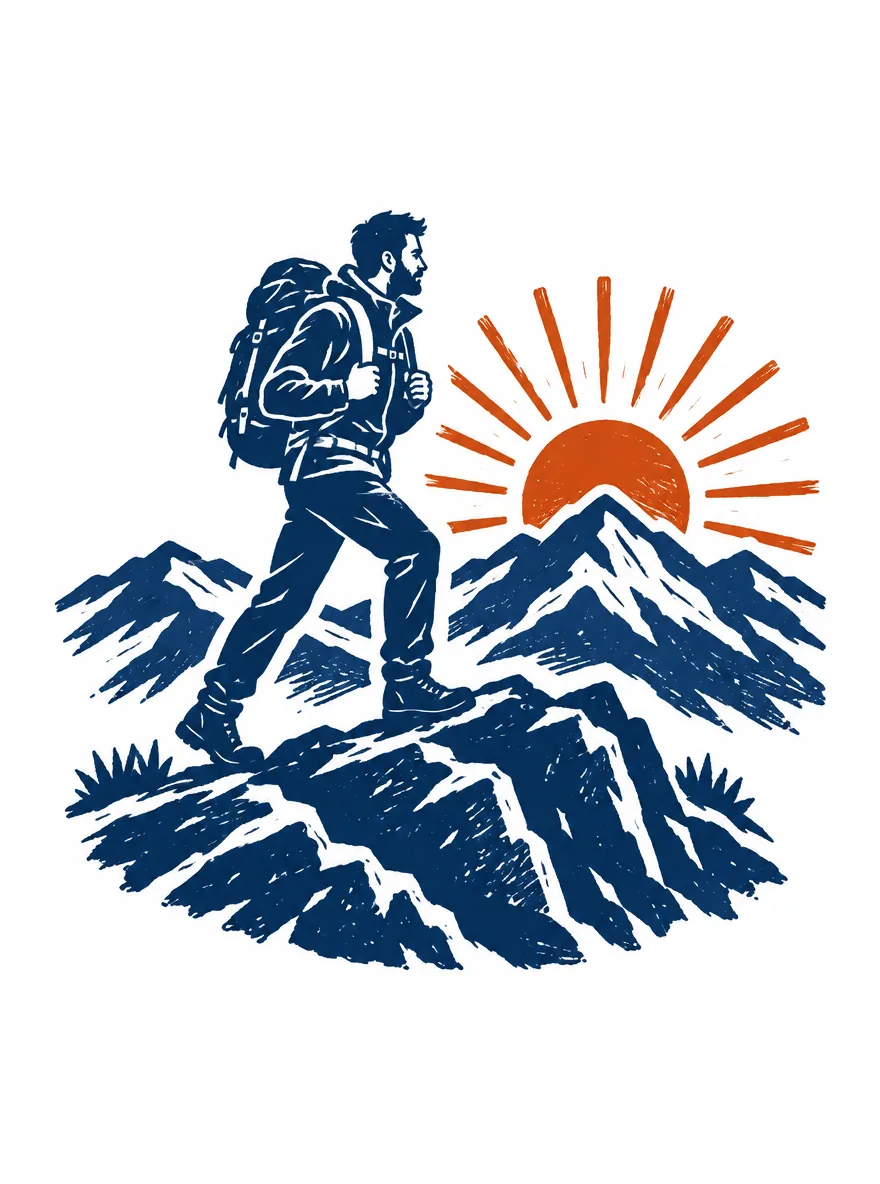
Use an AI T-shirt art generator to create four hiking graphics. Compare real prompts, lettering, styles, and file sizes before preparing a shirt print.

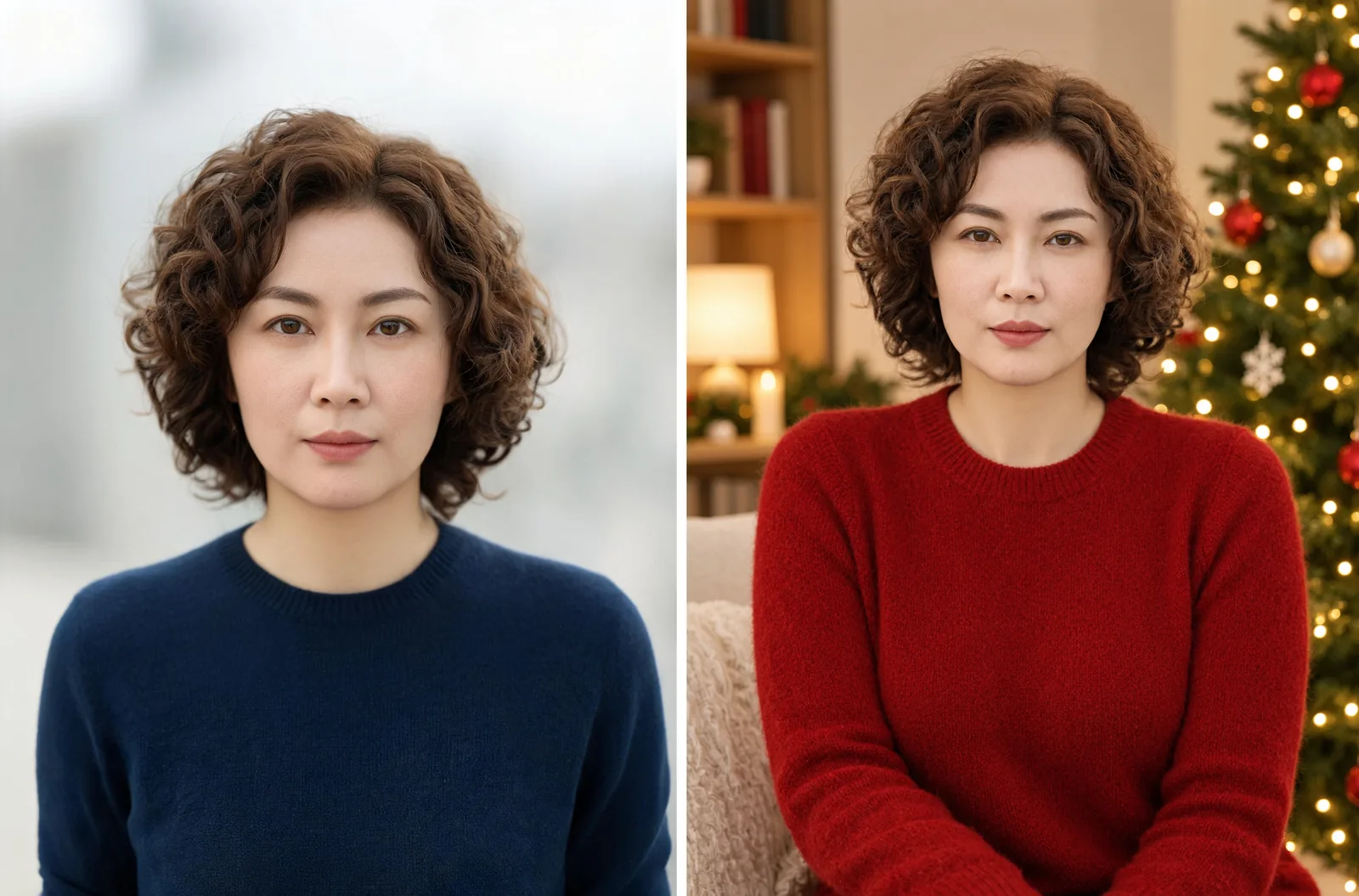
Use an AI Christmas photo generator with four copyable prompts. Compare tree, snow, fireplace, and vintage portraits edited from one fictional reference.

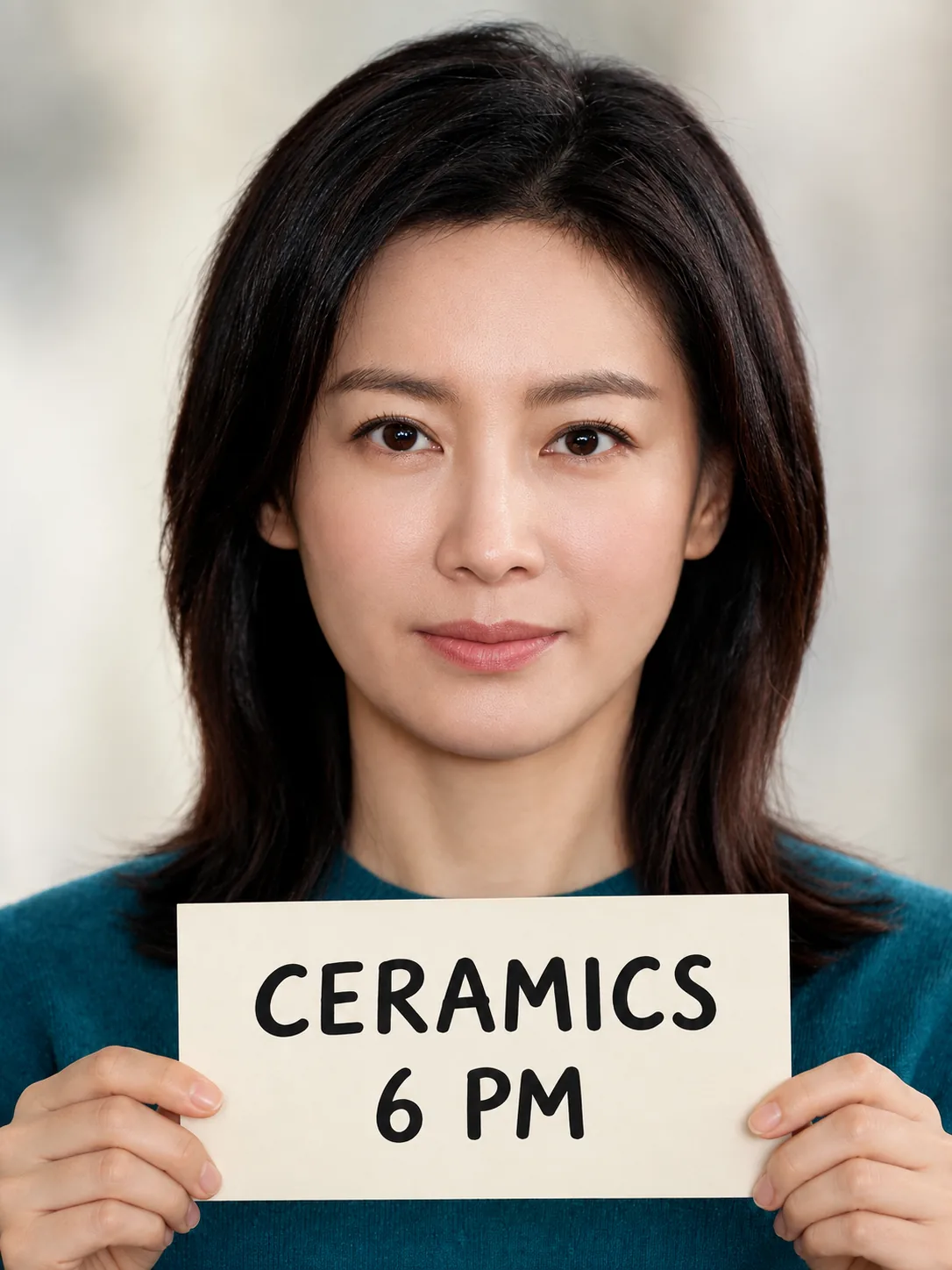
Use an AI photo text editor to replace words already in a photo. See a real 6 PM to 7 PM edit, exact prompts, settings, and before-and-after close-ups.

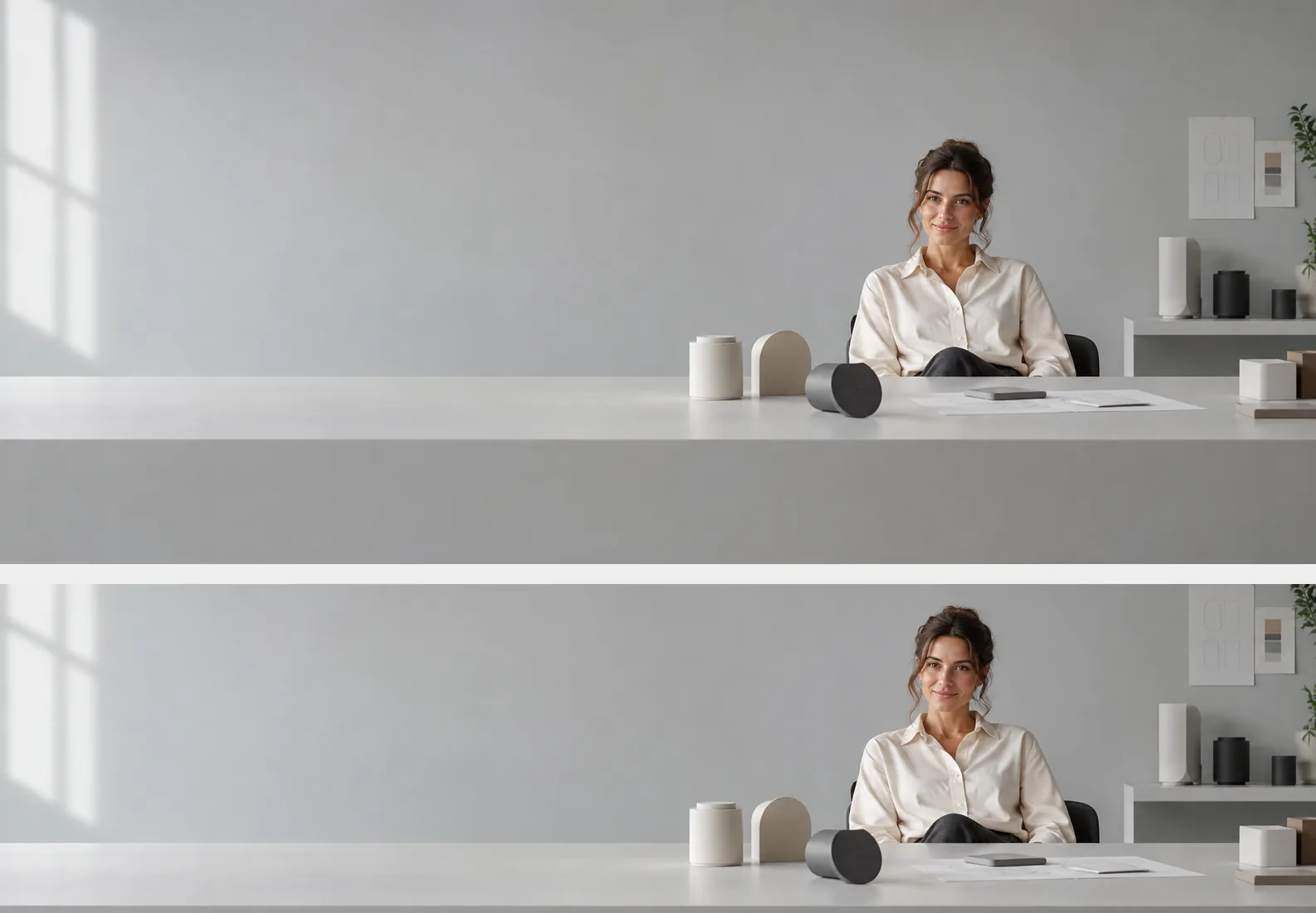
Use an AI LinkedIn cover photo generator with four exact prompts, real banner crops, and steps to export a 1584 × 396 cover for your profile.

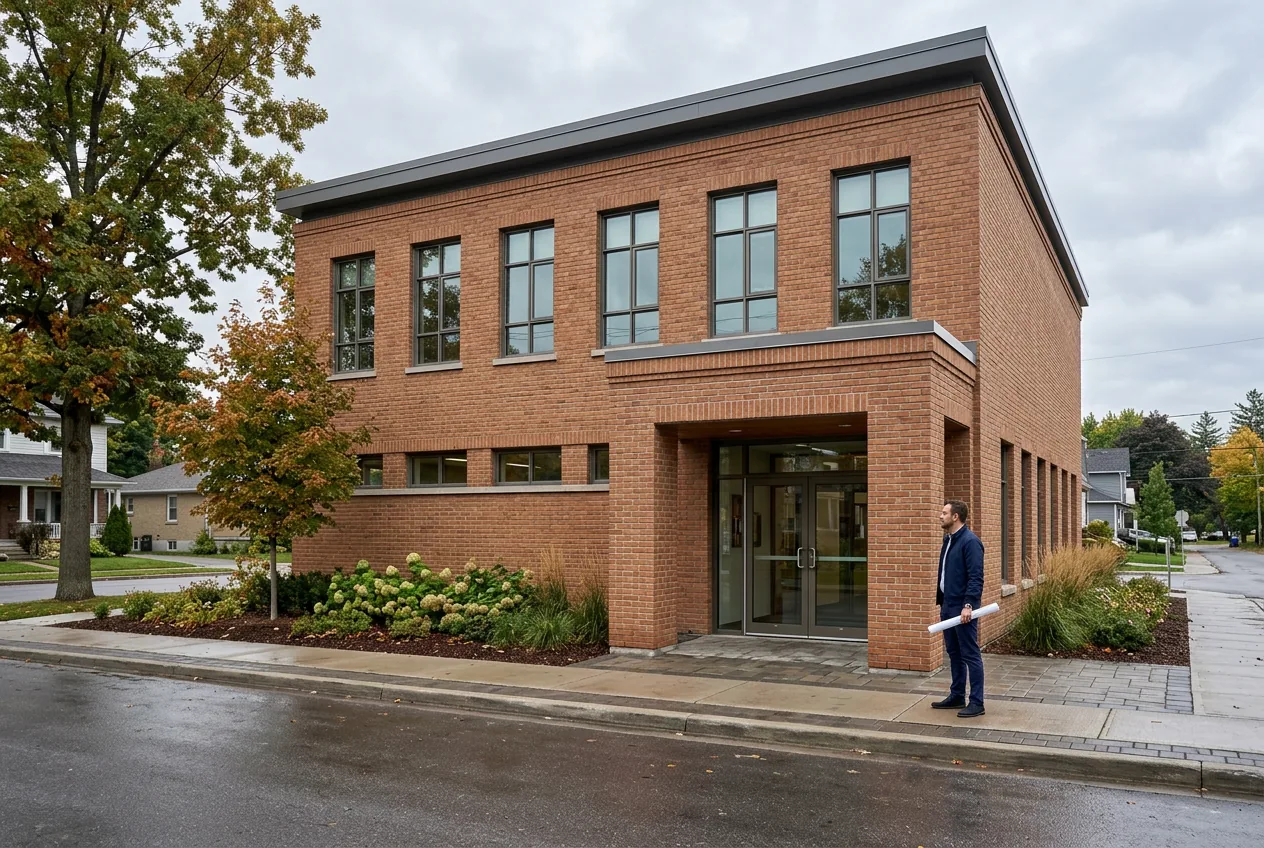
Create Nano Banana architecture images from a building prompt, compare a brick-to-stone facade edit, and check windows, rooflines, and entrance placement.

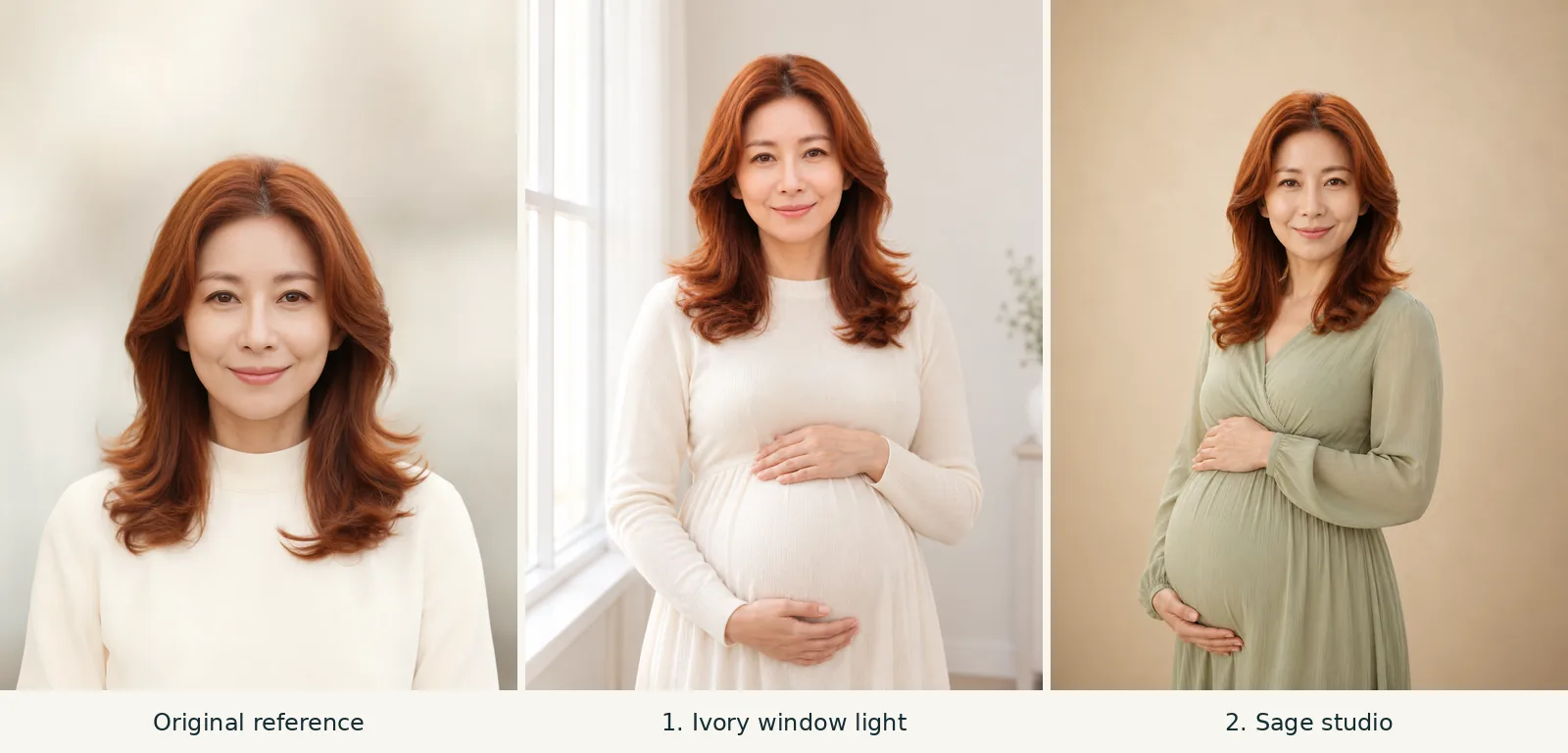
Copy six maternity photoshoot AI prompts with reference-photo results, clear hand poses, and lighting ideas for studio, garden, and home portraits.

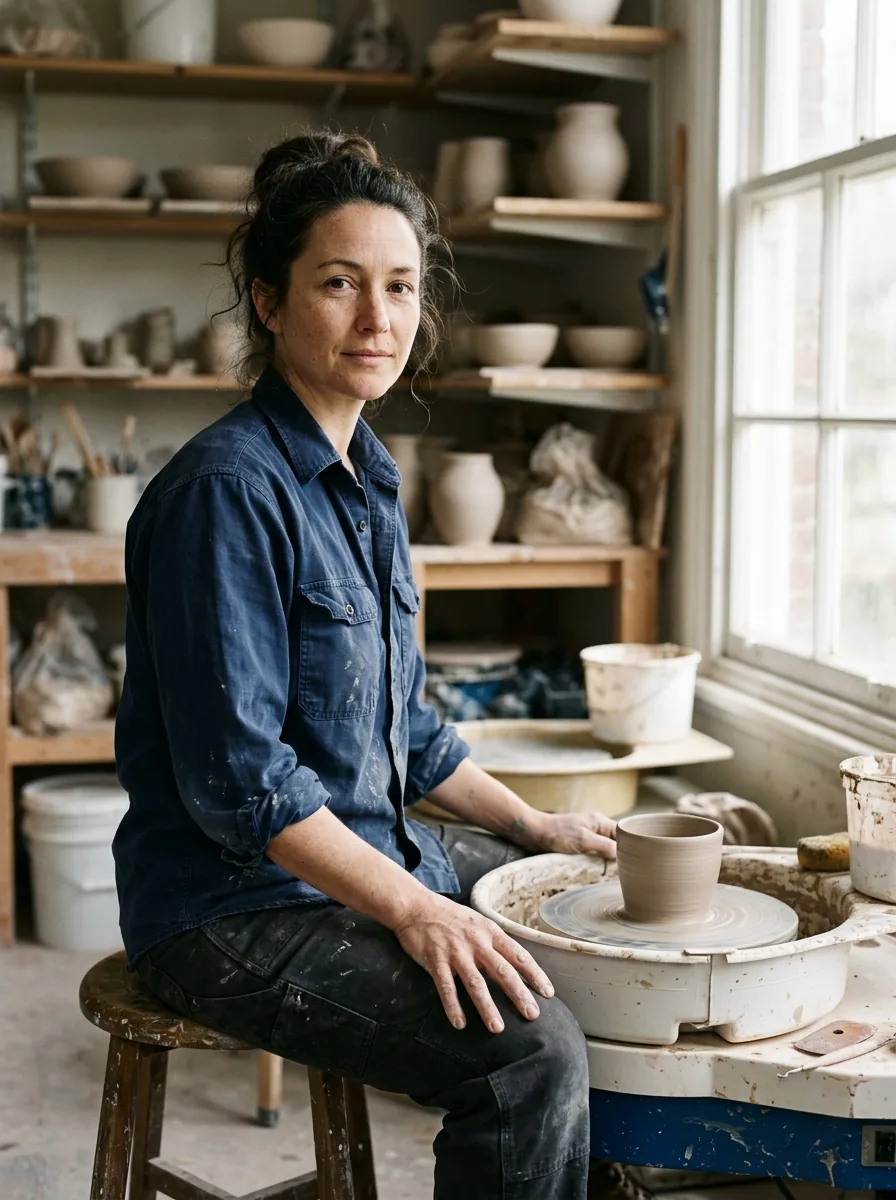
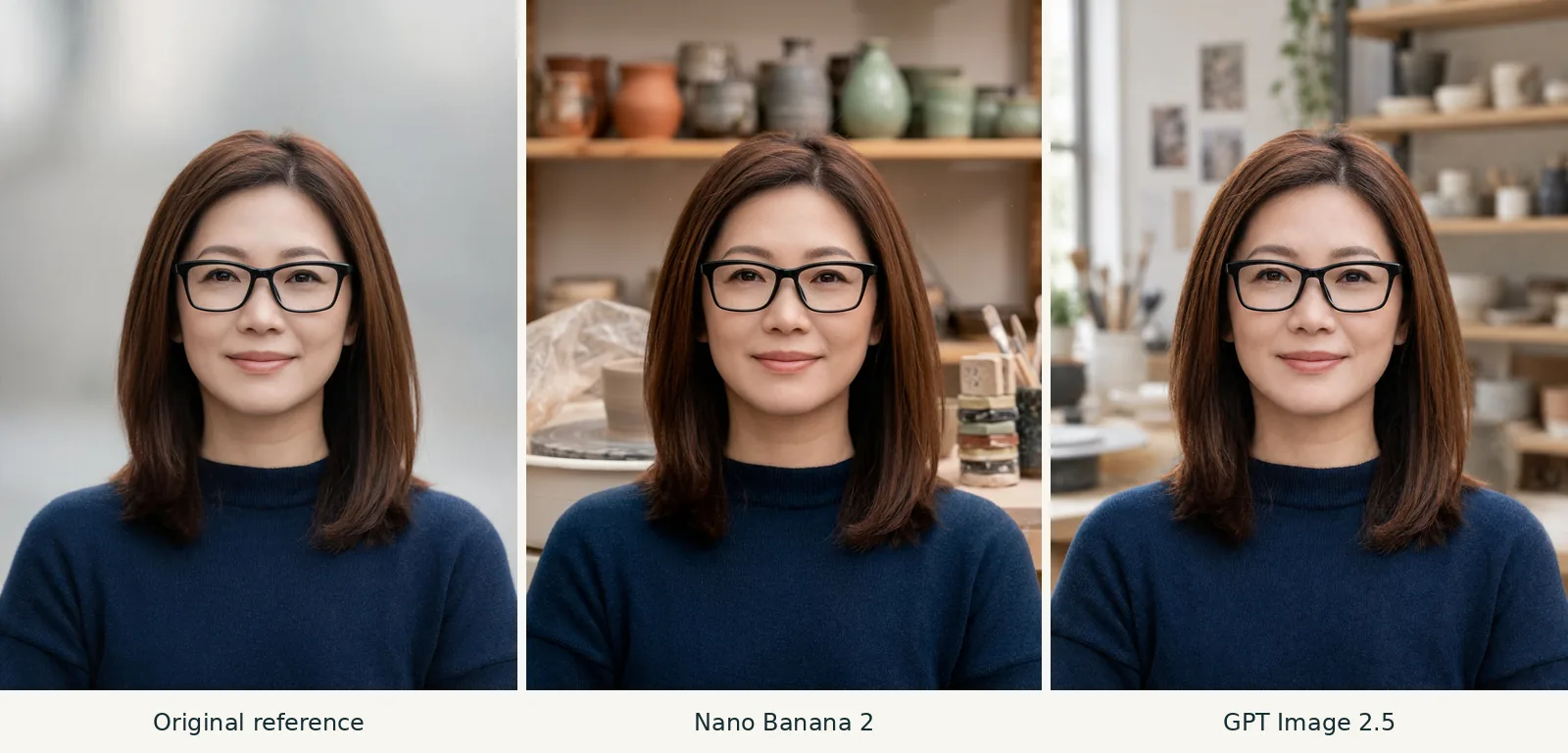
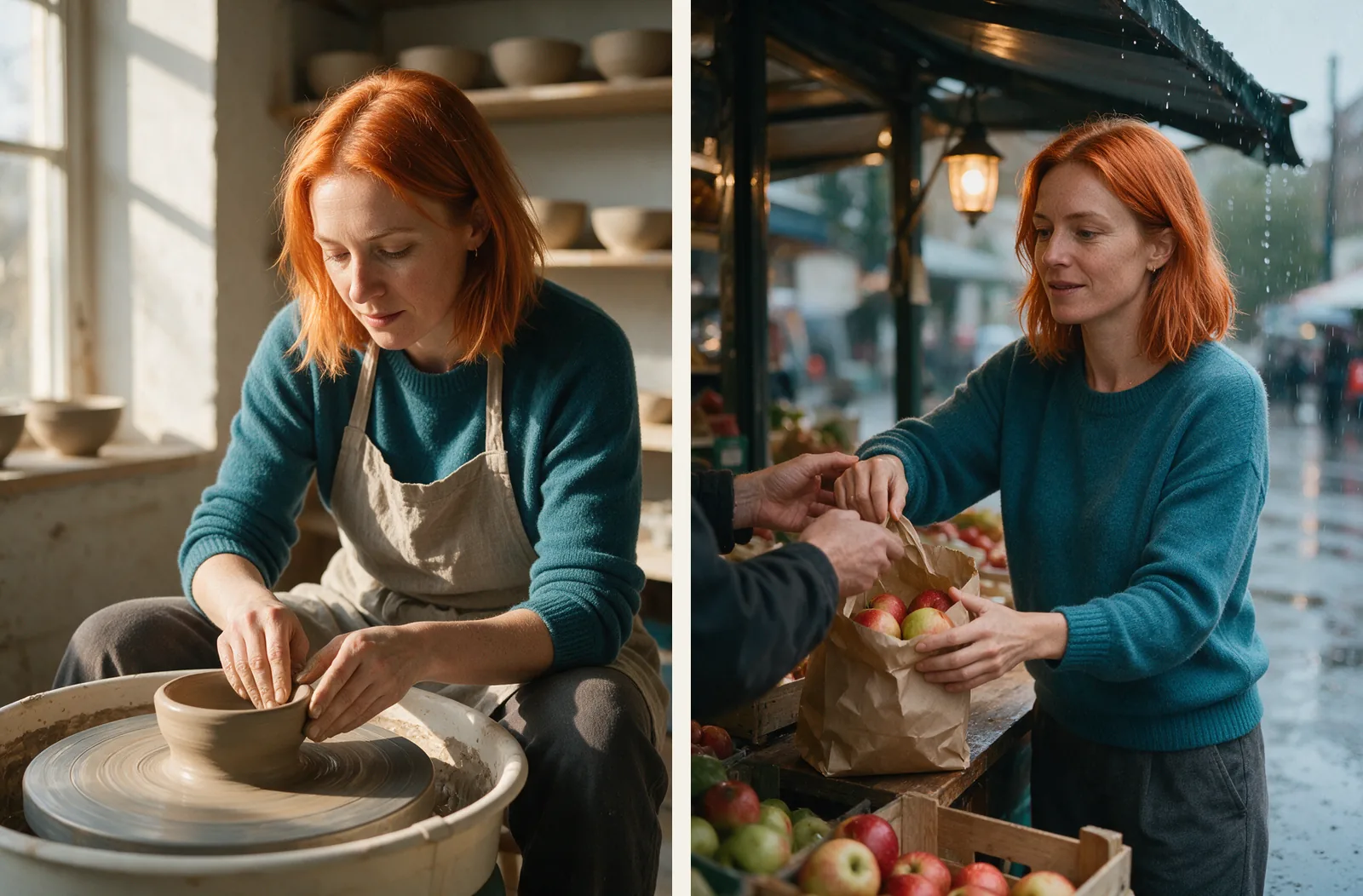
Nano Banana vs GPT Image: compare matched portrait edits and pottery posters from Nano Banana 2 and GPT Image 2.5, with results, sizes, and credits.

Use Nano Banana image editing to remove glasses or recolor frames. Copy two exact prompts and compare the original with real Nano Banana 2 outputs.

Copy six Seedream prompts with real 5 Pro outputs, exact settings, and tips for changing the scene, lighting, framing, and illustration style.

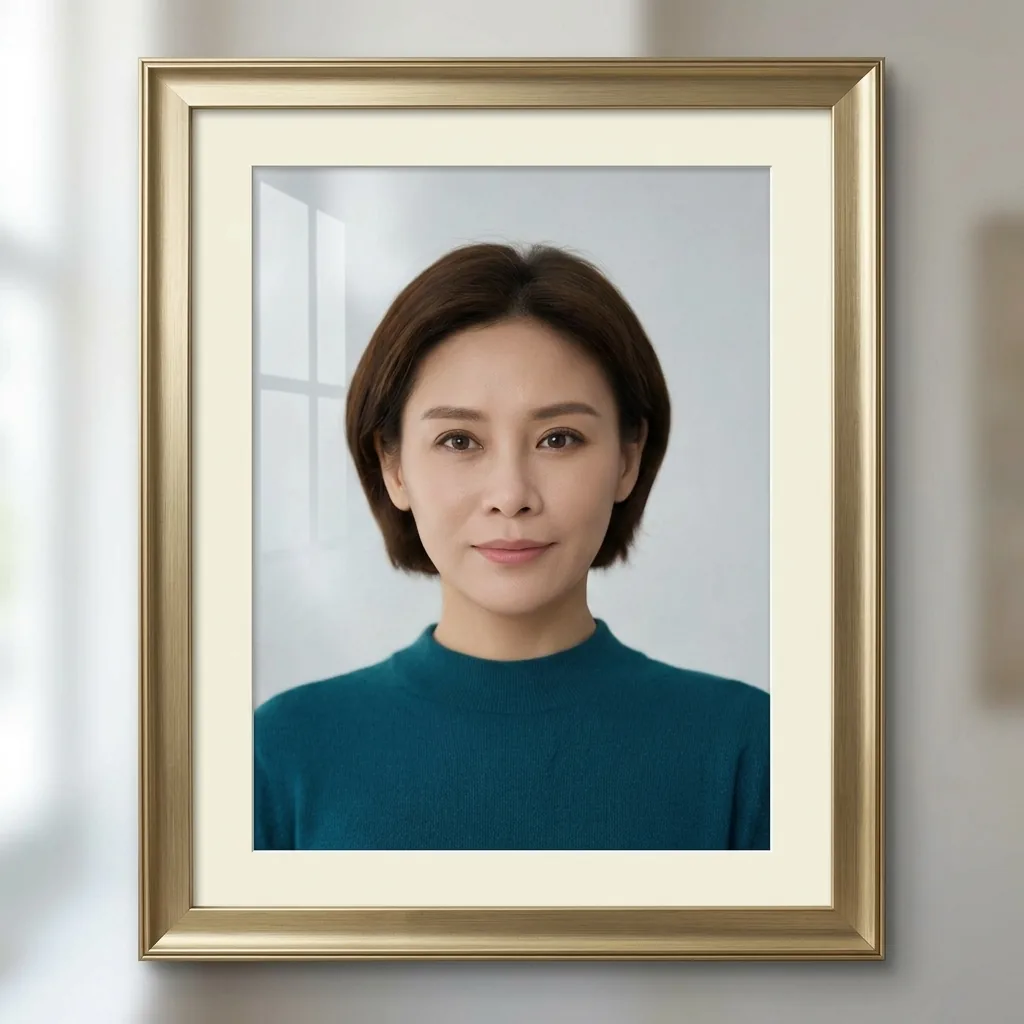
Learn how to tell if an image is AI generated: trace its source, check credentials and watermarks, and inspect details in two documented AI portraits.

Set Nano Banana aspect ratio, compare real 1:1, 9:16, and 16:9 outputs, and learn when to change the prompt or crop to exact dimensions.

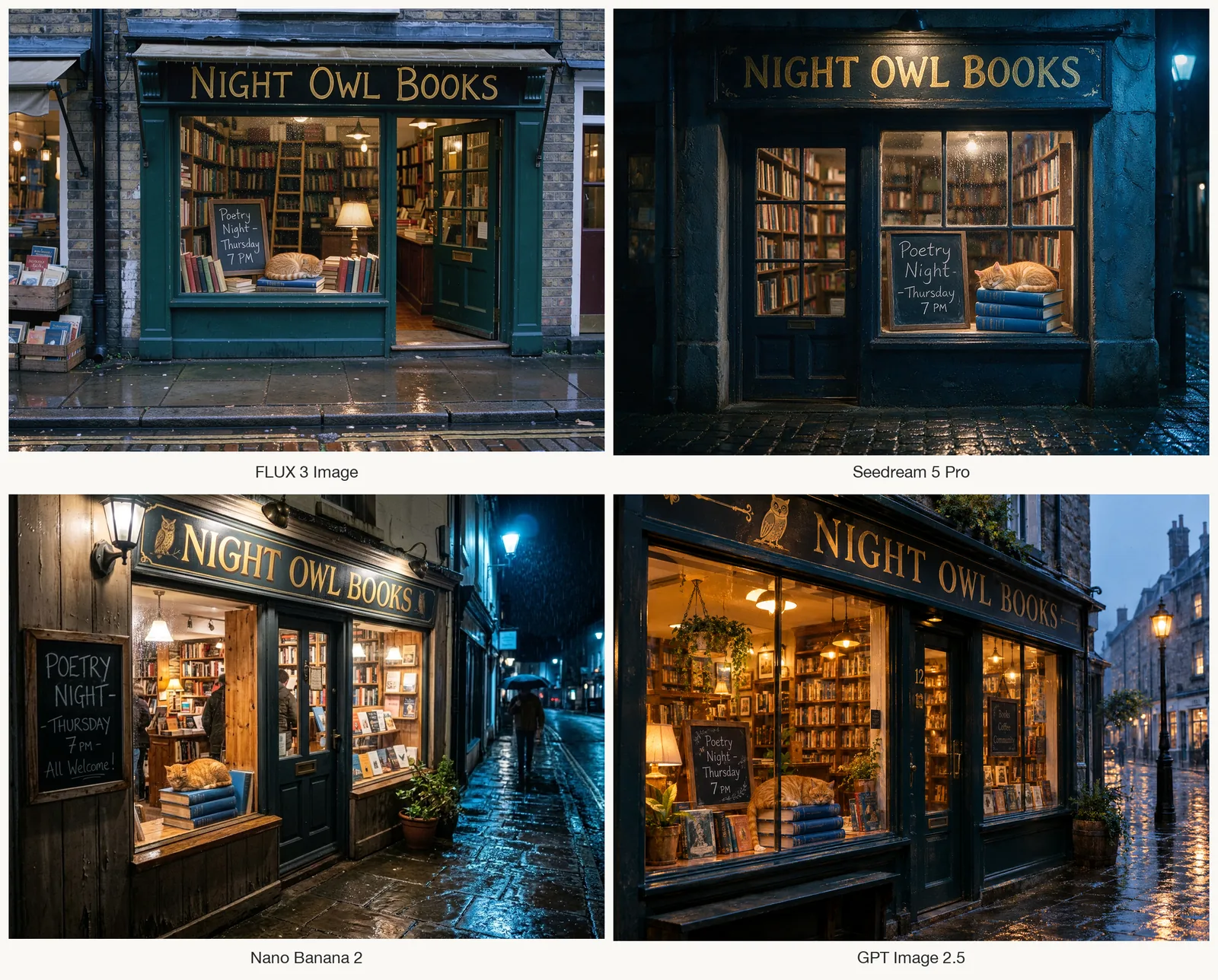
The FLUX 3 release date varies by model: Image launched October 1, 2026. See the timeline, a four-model comparison, editing examples and access options.

Nano Banana Pro vs Nano Banana 2: see both portrait edits from the same photo and prompt, compare the background blur, and check credits at 1K, 2K, and 4K.

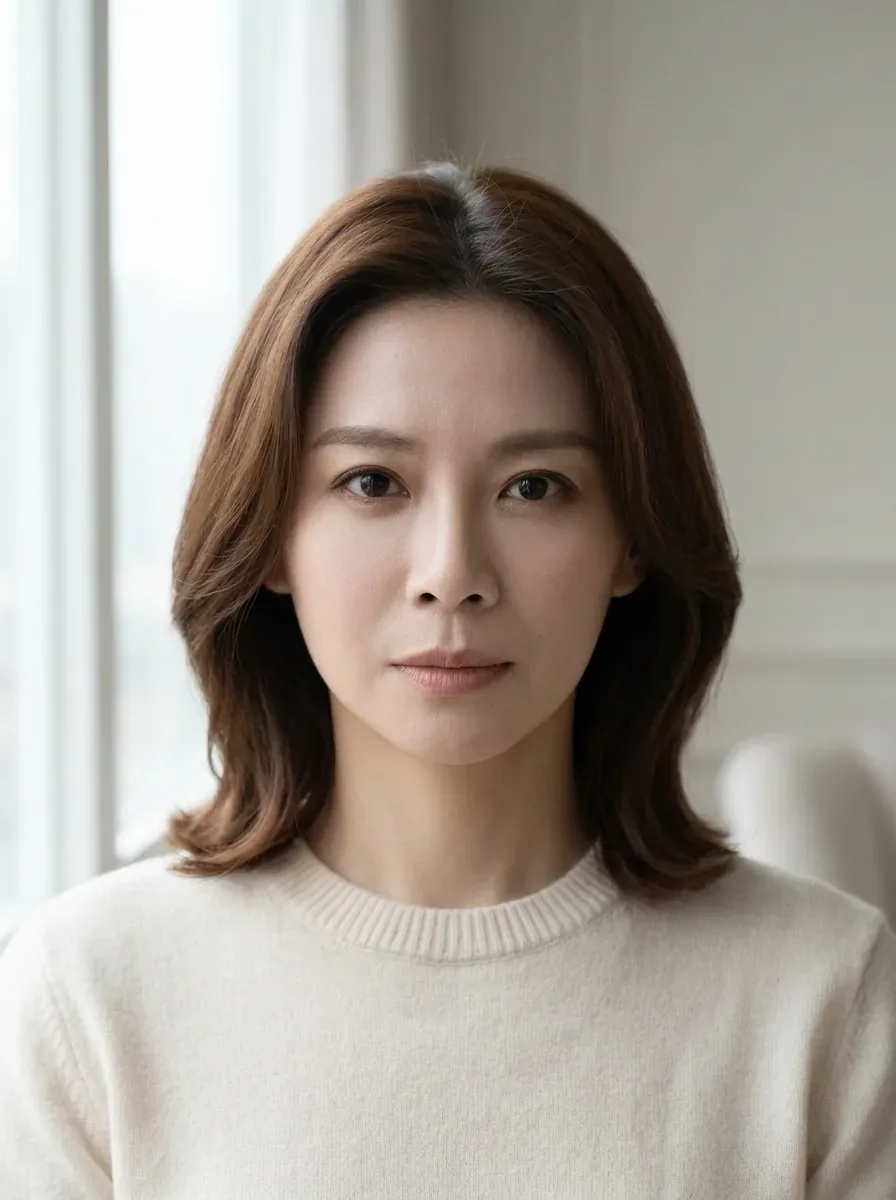
Copy six Nano Banana portrait prompts, compare two real edits with their reference photo, and see which lighting, background, and crop details to change.