Image to Anime AI
Upload a photo of yourself or of a place you love. Image to anime AI redraws it with anime line work and cel shading, and keeps your hairstyle, outfit and pose, or the shape of the street, so it is still your picture.
Add a photo of an adult or a place
No subscription·Failed runs refund credits
Sign in to get free credits every day and keep your creations.
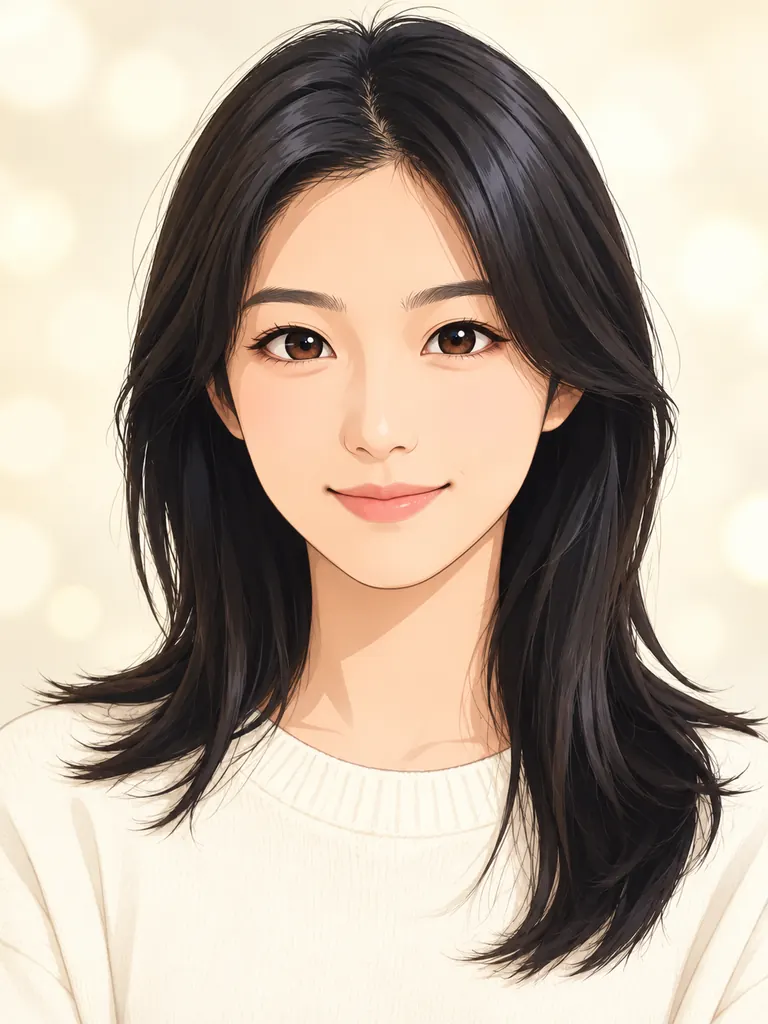
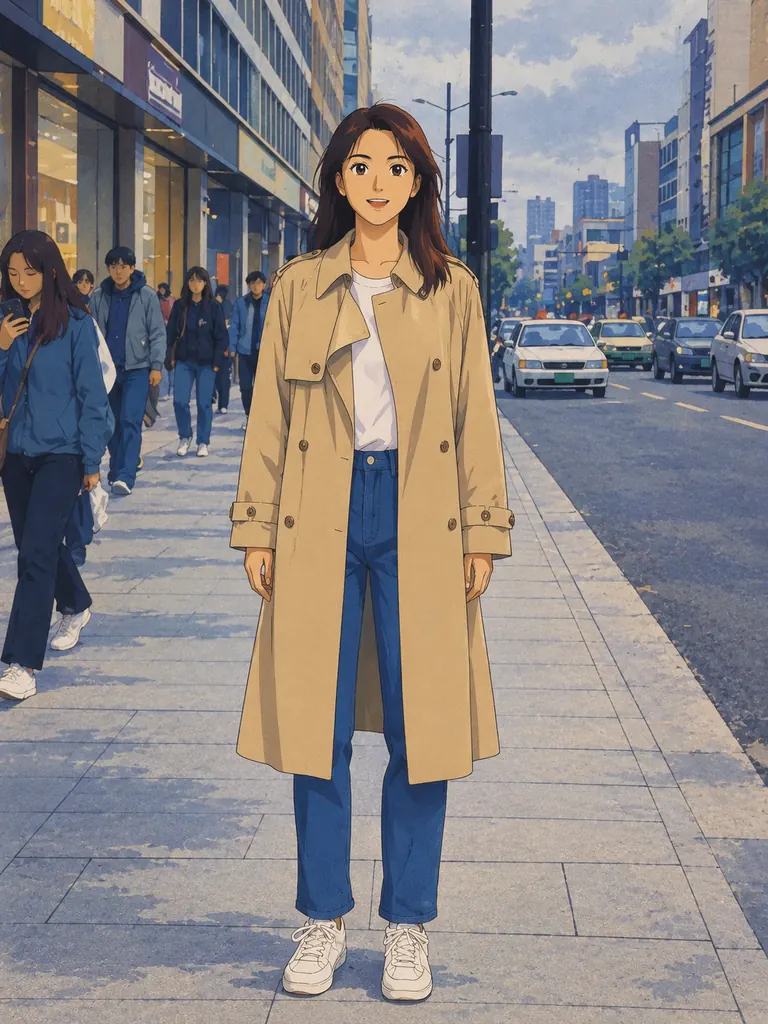
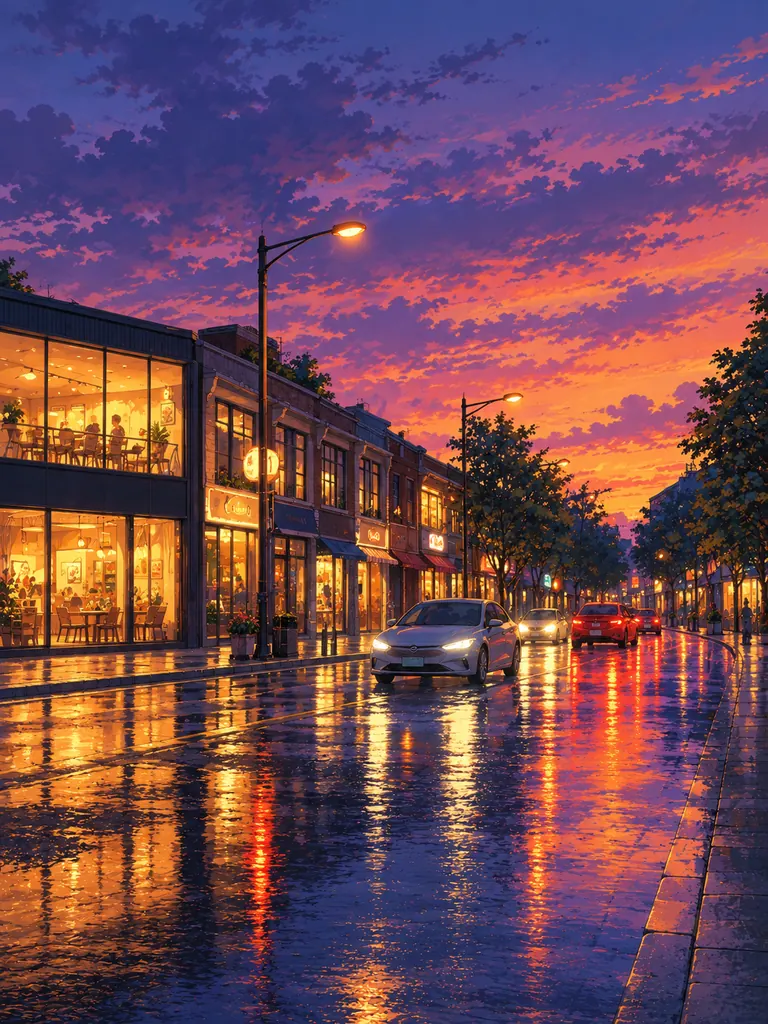
Photos redrawn by image to anime AI
Two portraits, a full-length street photo and a city scene with no people. Tap “Use this prompt”, add your own photo and run it.
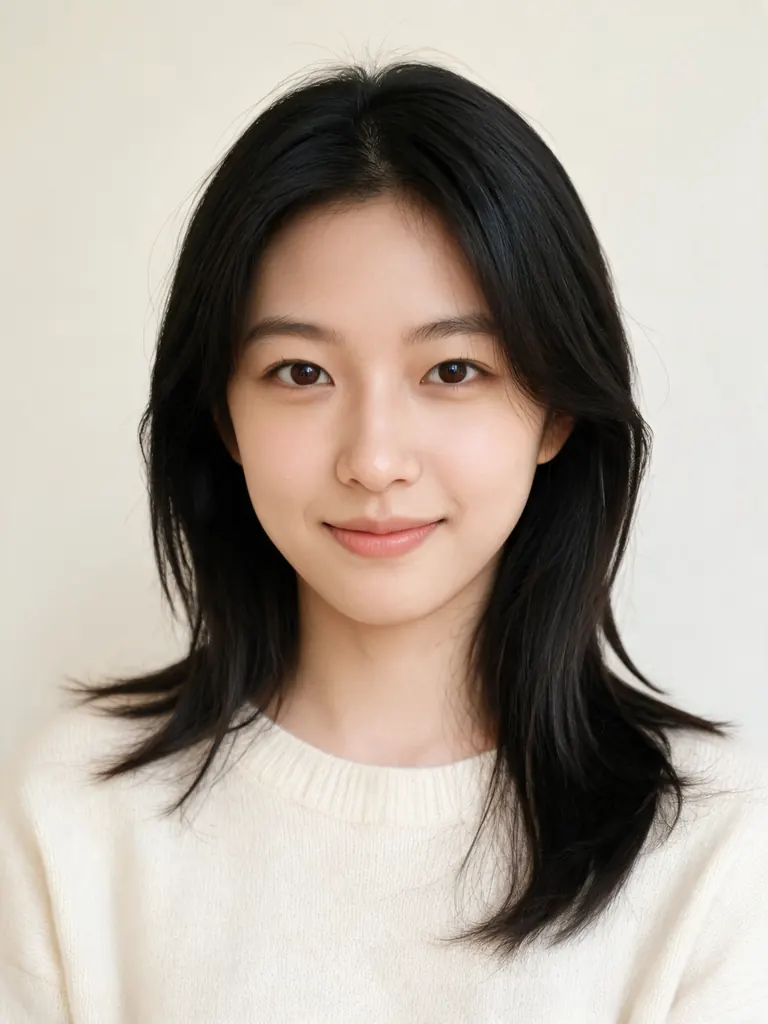
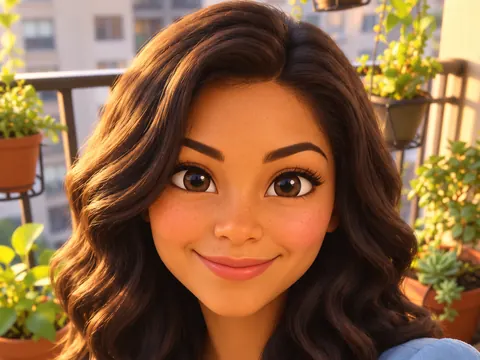
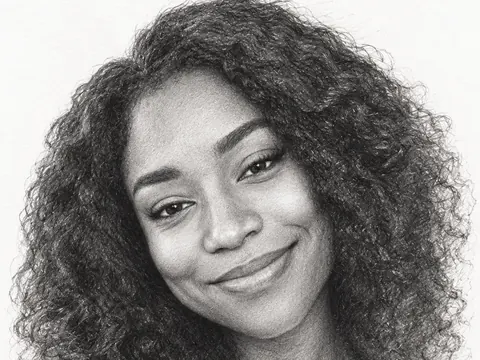
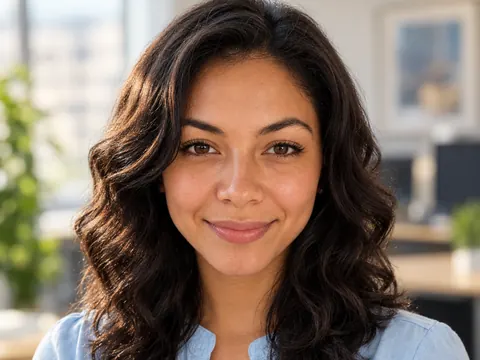
Before After Modern anime portrait“Redraw this photo as a modern anime TV portrait of an adult woman: clean line art, soft cel shading, bright clear eyes and a pale cream background with light bokeh. Keep her hairstyle, cream sweater, face shape and calm expression.”
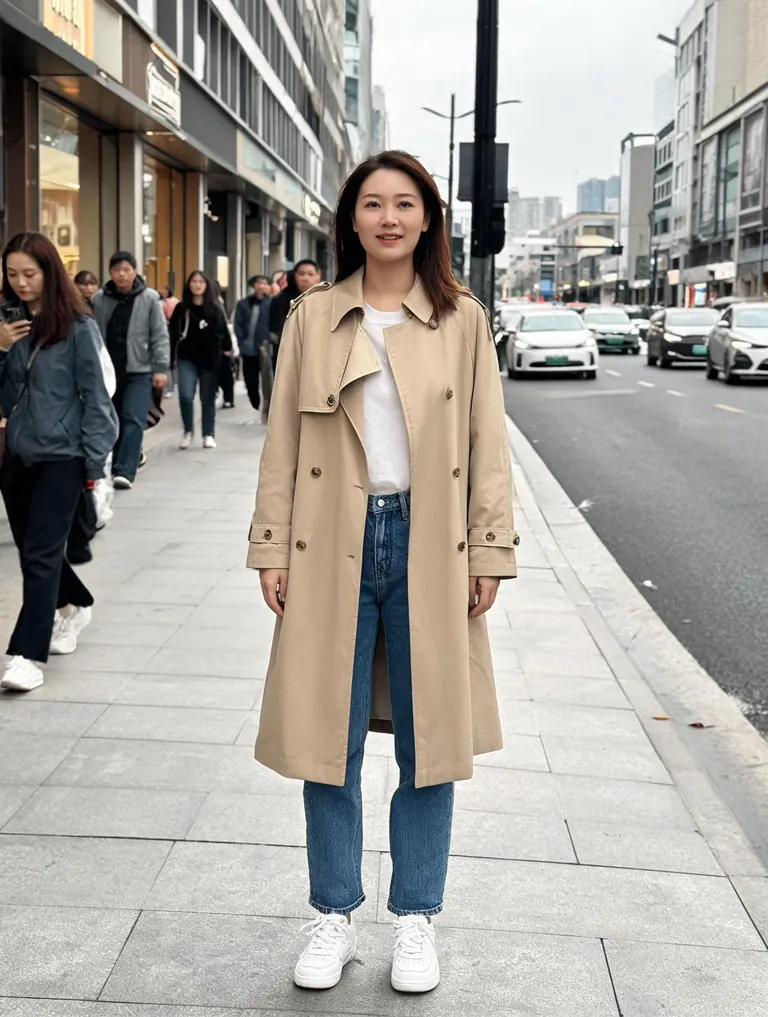
Before After 1990s cel anime“Turn this into a 1990s cel anime frame: the same adult woman in her beige trench coat, jeans and white sneakers on the city sidewalk, a hand-painted street background, slightly grainy colors and a soft overcast sky.”
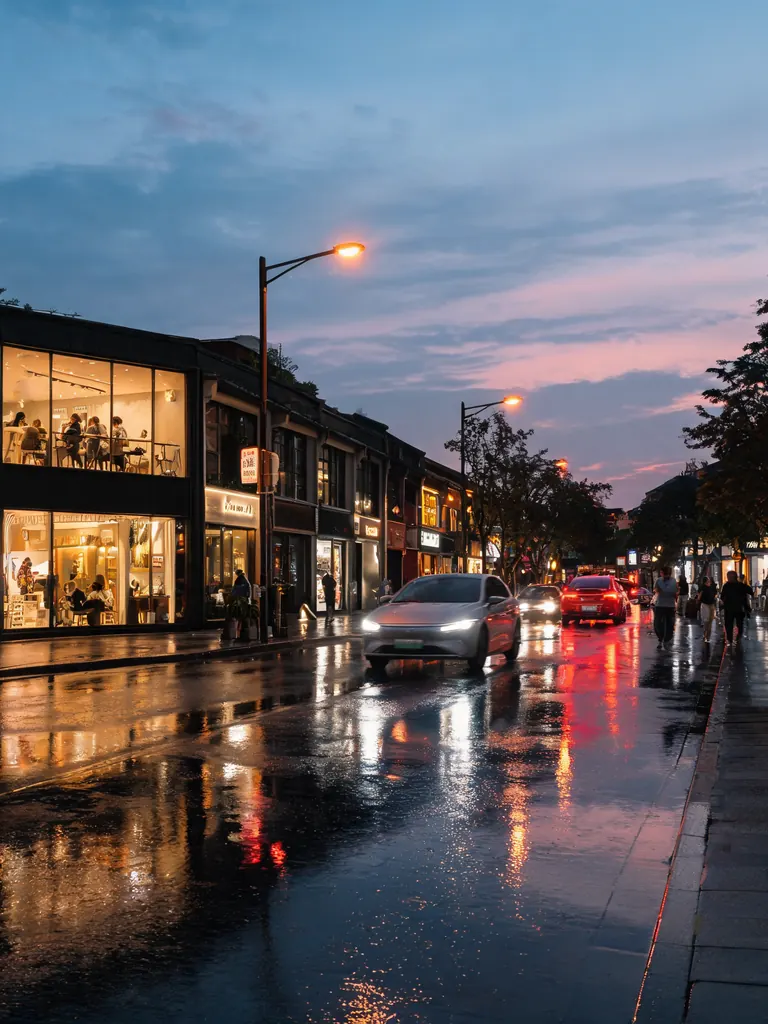
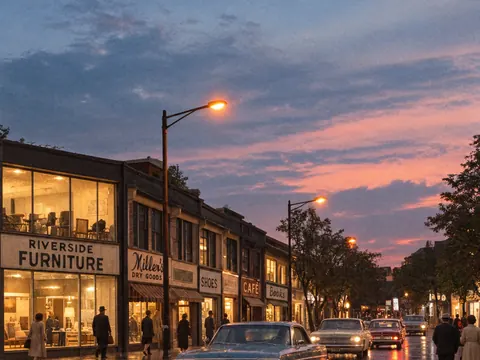
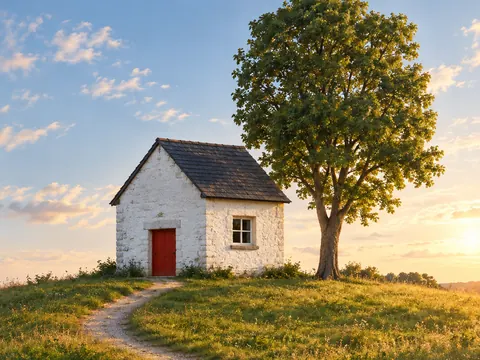
Before After Anime background“Repaint this street as an anime film background: glowing shop windows, wet pavement reflecting the lights, a purple and orange dusk sky, detailed painted buildings and no people in the foreground. Keep the street layout and camera angle.”
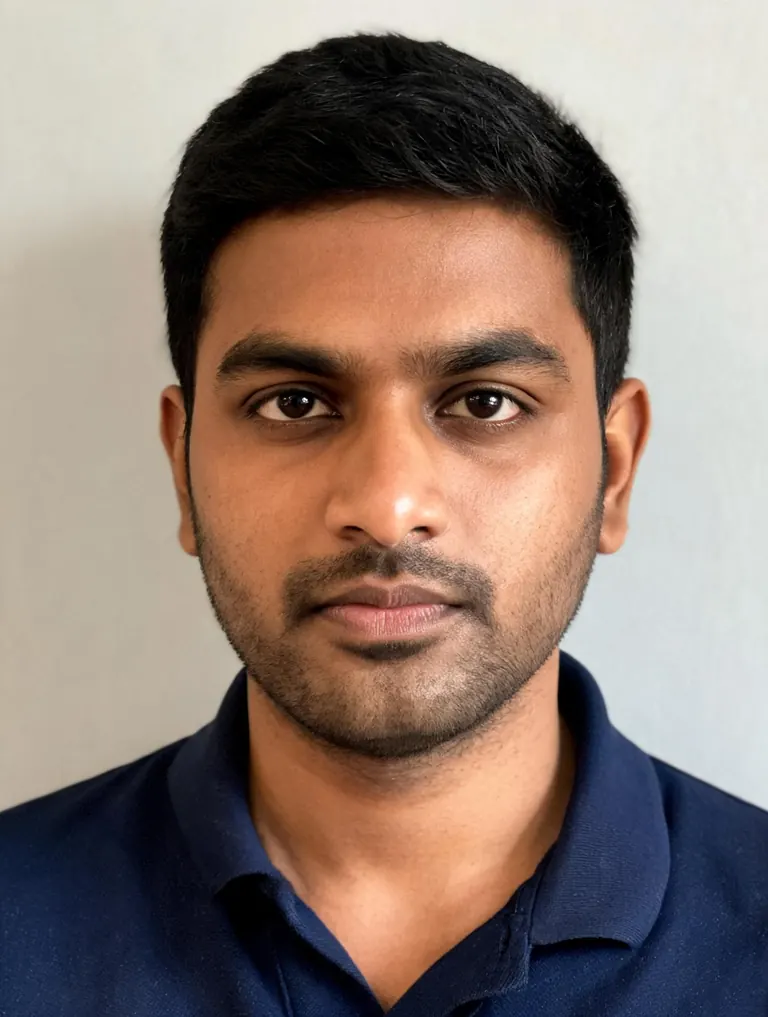
Before 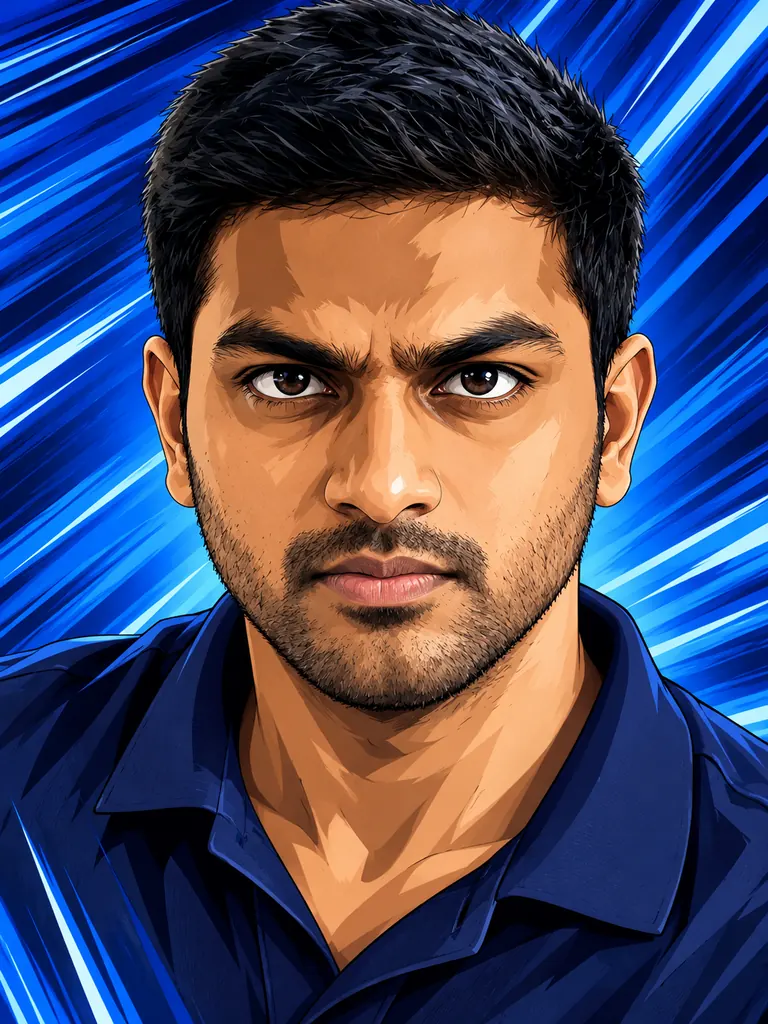
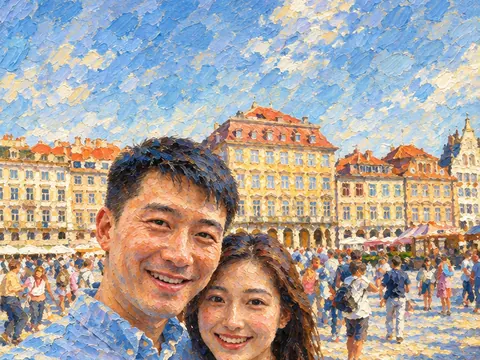
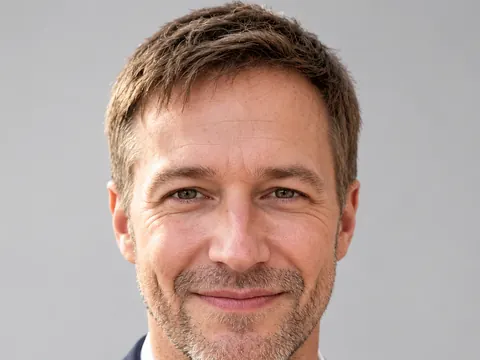
After Action anime“Make an action anime portrait of this man in his mid-thirties: sharp line art, strong cel shadows, a determined look and deep blue speed lines behind him. Keep his hairstyle, face shape and navy polo shirt.”
Anime looks you can get with image to anime AI
The model draws with anime rules (large clear eyes, simple noses, flat shadows with crisp edges) but keeps what makes the photo yours. You choose how far it goes.
- Anime portraits of adults. Head-and-shoulders photos become clean anime portraits for profile pictures, stream overlays or a gift for your partner. Hair color, glasses and clothes carry over.Write “adult woman” or “adult man” in the prompt · Name your real hair color and cut · Ask for a plain background for avatars
- Anime scenes from real places. Travel photos, your street or your apartment turn into painted anime backgrounds with glowing windows and big skies. They make good wallpapers and story backdrops.Say “no people” for a clean background · Name the time of day and the sky color · Pick 9:16 for a phone wallpaper
- Eras and finishes. 1990s cel anime has grain and hand-painted skies, modern TV anime is crisp and bright, and anime film scenery has rich light and dense detail. Name one and the whole picture follows.“1990s cel anime” for a retro look · “Modern TV anime” for clean, bright color · “Anime film background” for detailed scenery
How to use image to anime AI
- 1Upload a photo
Use a clear, front-lit photo of one adult, or a place with a strong view. Tap the + tile, drag a picture in or paste it.
- 2Choose the anime look
Name the era or finish and the mood, for example “modern TV anime, soft cel shading, spring colors”.
- 3Say what to keep
Hairstyle, outfit, pose, glasses, the shape of a building. Nano Banana 2.1 is selected by default; Nano Banana 2 and Pro usually keep faces closest.
- 4Download your anime art
Most images are ready within a few minutes (free accounts wait a little longer on premium models). Save it at full size with no watermark.
Tips for anime art that still feels like you
- 01
Get the hair right
In anime, hair does most of the work of telling characters apart. Describe your cut, parting and color so the drawing keeps them.
- 02
Ask for an adult look
Anime styles tend to make faces look younger. Write “adult woman in her twenties” or “man in his mid-thirties” and mention your build so the character matches your age.
- 03
Simplify the background
Busy backgrounds turn into noise in anime line art. Ask for bokeh, a plain wall or a painted sky behind a portrait.
- 04
Try two eras
Run the same photo as 1990s cel anime and as modern TV anime. Color and line weight change a lot, and one usually suits your photo better.
What image to anime AI does to a photo
An anime filter smooths skin and enlarges the eyes on top of your picture. Image to anime AI draws the picture again: line art first, then flat color and crisp-edged shadows, the way an anime frame is built. The pose, the outfit and the camera angle come from your photo, and the drawing style comes from your prompt.
This page starts with our newest model, which takes 10 reference photos. For long style notes, GPT Image 2.5 keeps small details such as buttons, earrings and shop windows in place. For portraits where likeness matters most, choose Nano Banana 2 or Pro. Seedream 5 is good at saturated sunset color, and FLUX.2 is free, needs no sign-in and redraws one photo at no credit cost.
Google sign-ins get free credits, then more each day. The default model costs 2 credits at 1K, 3 at 2K and 4 at 4K, and the cost shows before you generate.
Anime portraits on this site are of adults only. Photos of minors, sexual content and images meant to deceive or harass a real person are blocked. To invent original characters without a photo, use the AI Anime Generator page instead.
Image to anime AI FAQ
Is the image to anime AI free?
- Yes, you can try it free. Google sign-ins get free credits and more each day. FLUX.2 redraws one photo at no credit cost, no sign-in needed.
Can I turn a photo of my kids into anime?
- No. Photos of minors are blocked on this site, in anime styles too. Portraits must show adults, and you should have their permission.
Will the anime version look like me?
- Usually, when you name your hairstyle, glasses and outfit and ask to keep your face shape. For the most faithful likeness, try two models from the picker and keep the closer face.
Can I make an anime background from a travel photo?
- Yes. Upload the photo, write “no people” and name the sky and the time of day. Pick 9:16 if you want a phone wallpaper.
How is this different from the AI Anime Generator?
- The AI Anime Generator invents characters and scenes from text. Image to anime AI starts from your photo, so the pose, clothes and place come from a real picture.
Can I use the art on my channel or stream?
- Yes. Downloads are full size with no watermark and may be used in personal and commercial projects, as long as the photo you uploaded is yours to use.