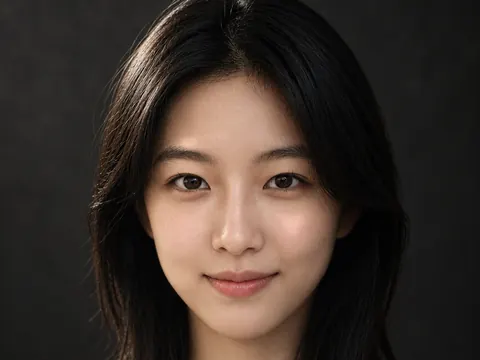
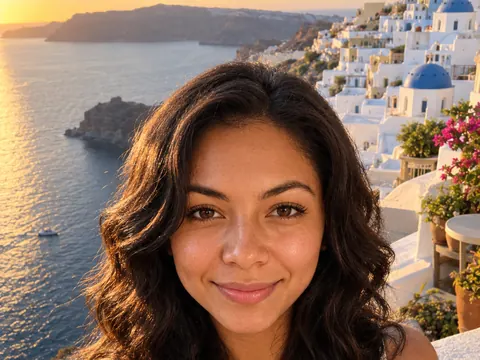
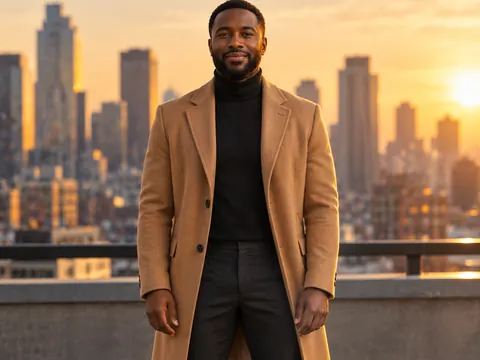
AI Couple Photo Generator
Upload one photo of each person and describe the moment. The AI couple photo generator puts you both in the same frame, on a date, a trip or an anniversary night, with light that matches.
Add two photos: one of each person
No subscription·Failed runs refund credits
Sign in to get free credits every day and keep your creations.
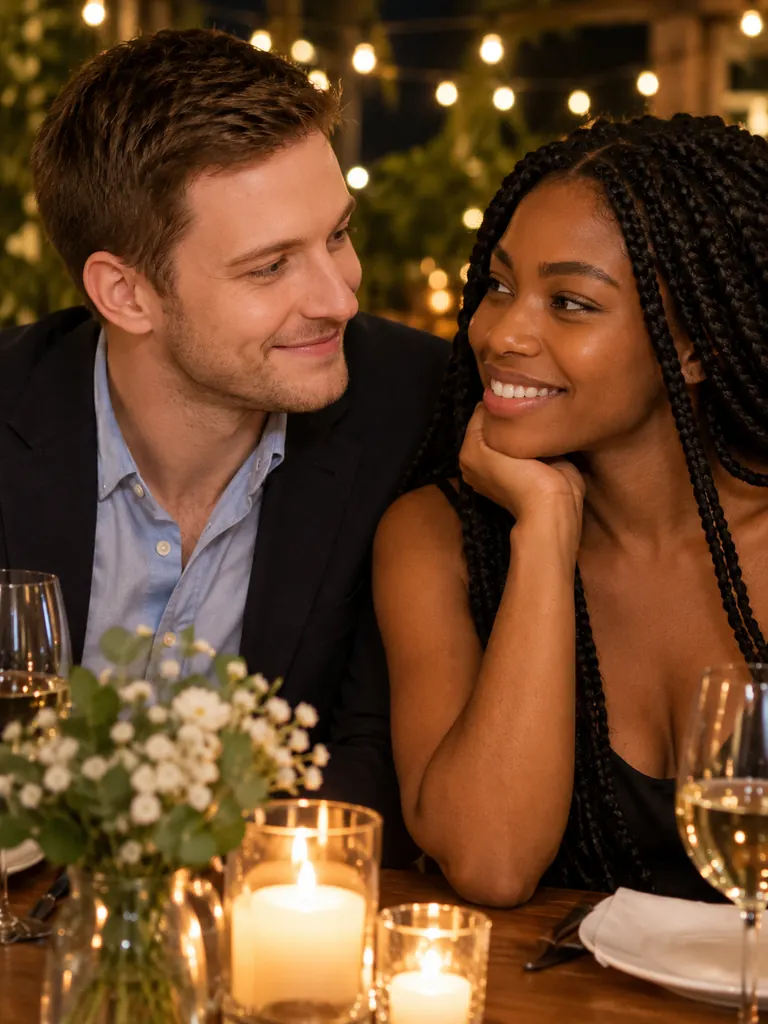
Pictures made with the AI couple photo generator
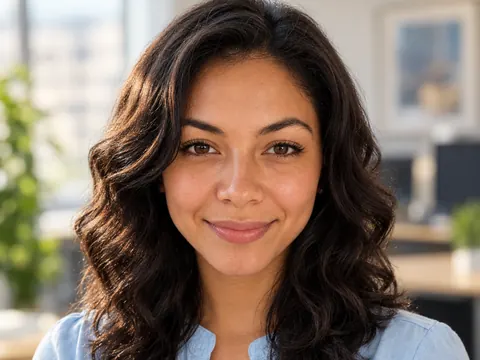
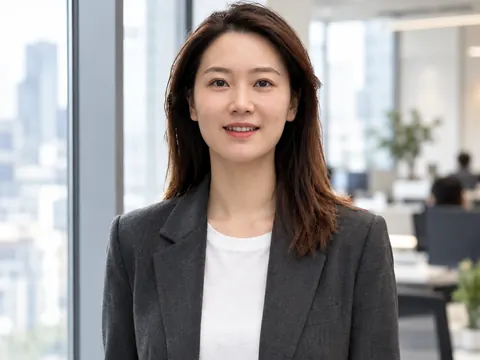
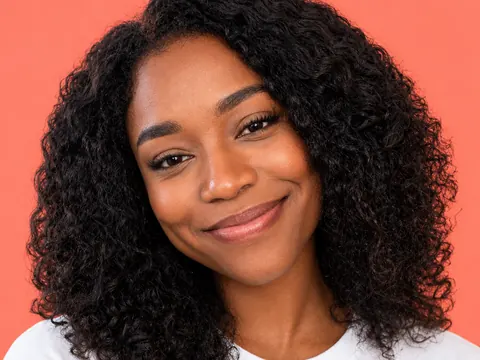
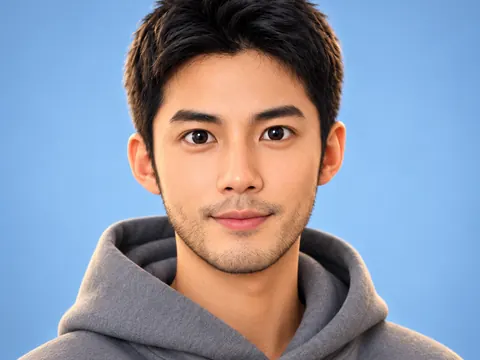
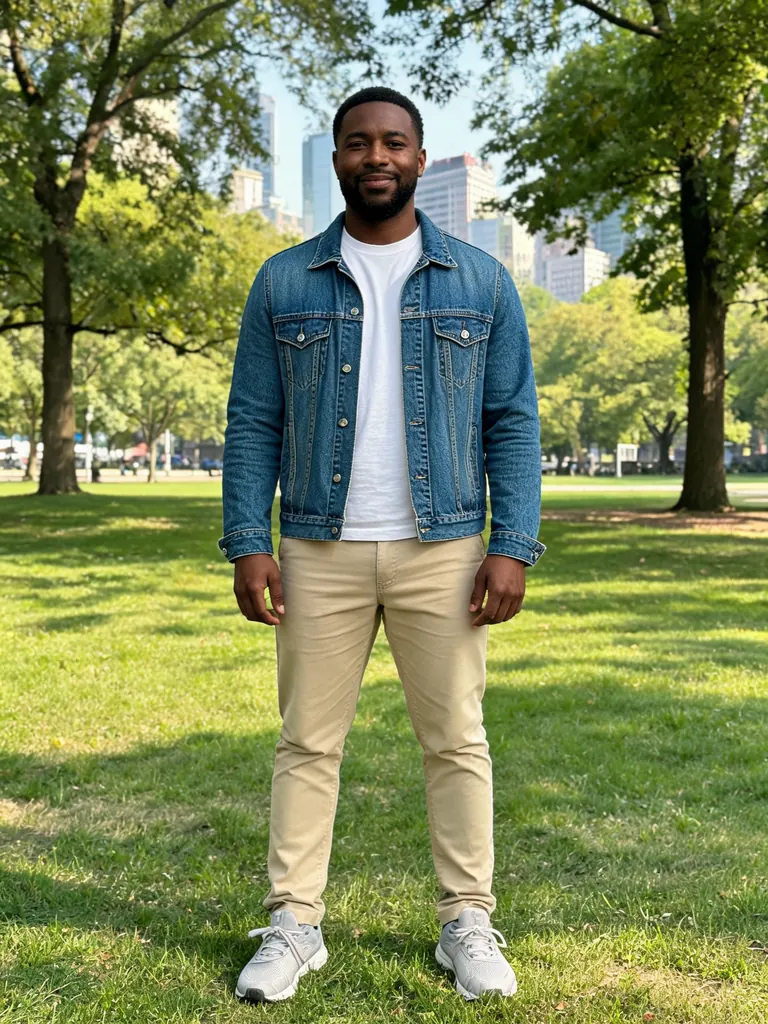
Each AI couple photo below was made from two separate head-and-shoulders photos, one per person. The before side shows both photos. Tap “Use this prompt” and add your own two photos.

Before After Anniversary dinner“Put the man from photo 1 and the woman from photo 2 together at a candlelit restaurant table for an anniversary dinner, smiling at each other, warm string lights behind, 50mm photo with soft warm light. Keep both faces, hair and skin tones the same, with natural skin texture.”
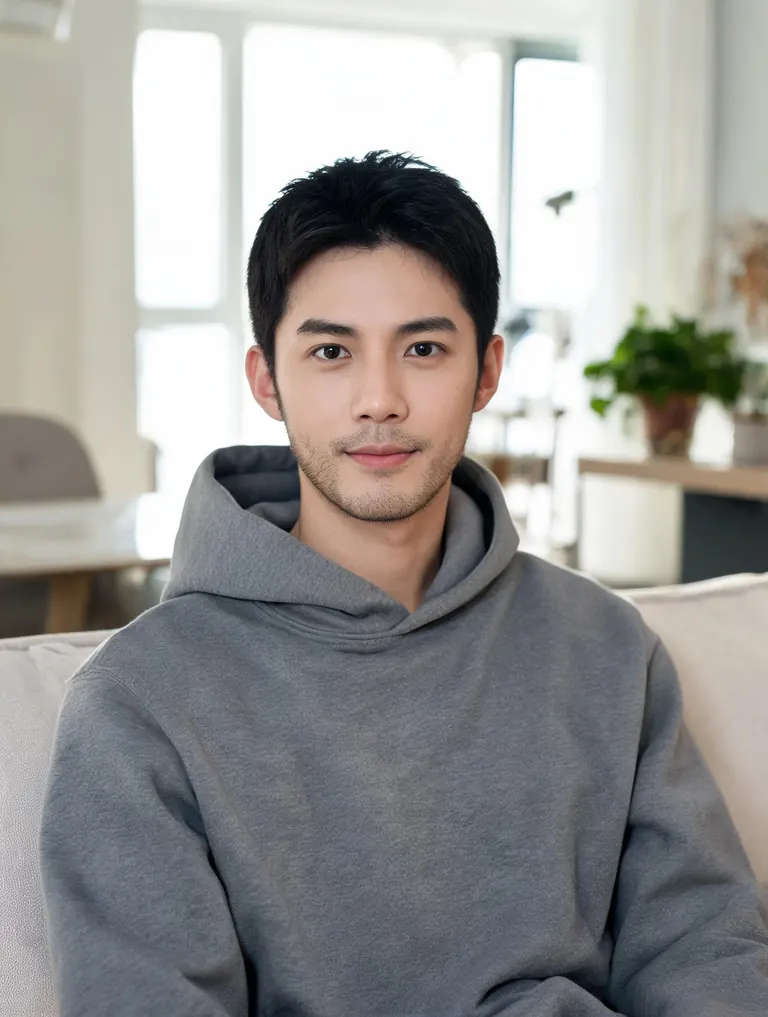
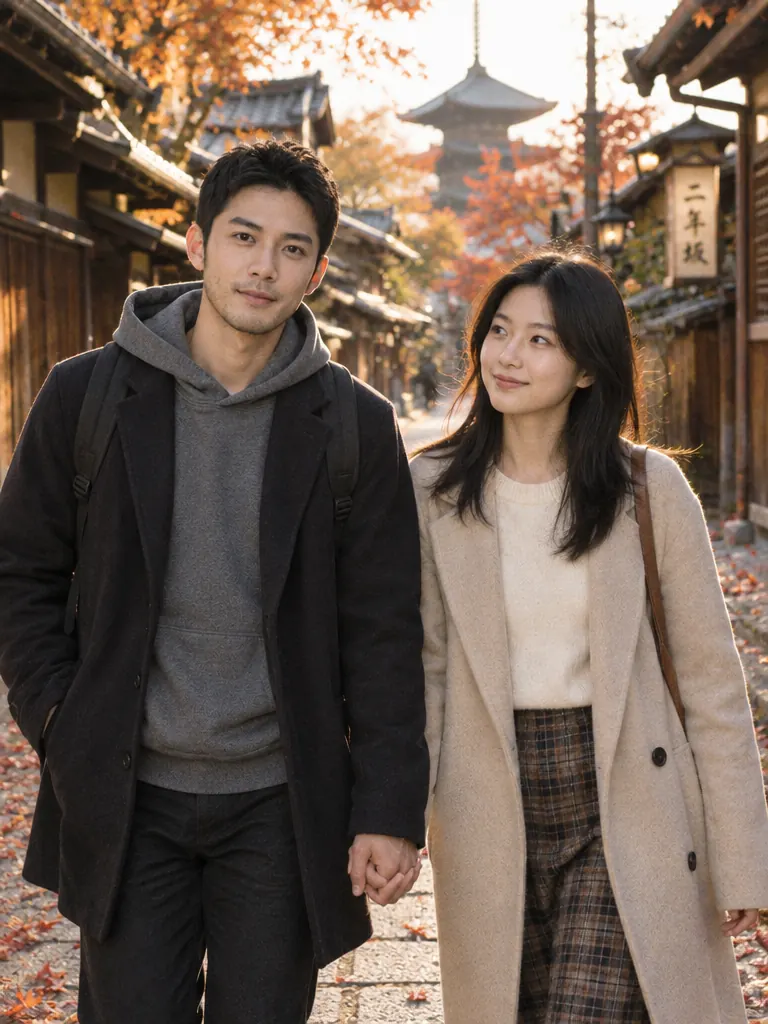
Before After Travel together“Make a travel photo of the two people in my photos, him from photo 1 and her from photo 2, walking hand in hand down a quiet Kyoto street lined with wooden houses, autumn leaves on the ground, soft late-afternoon light, candid 35mm shot. Keep both faces and hairstyles the same.”

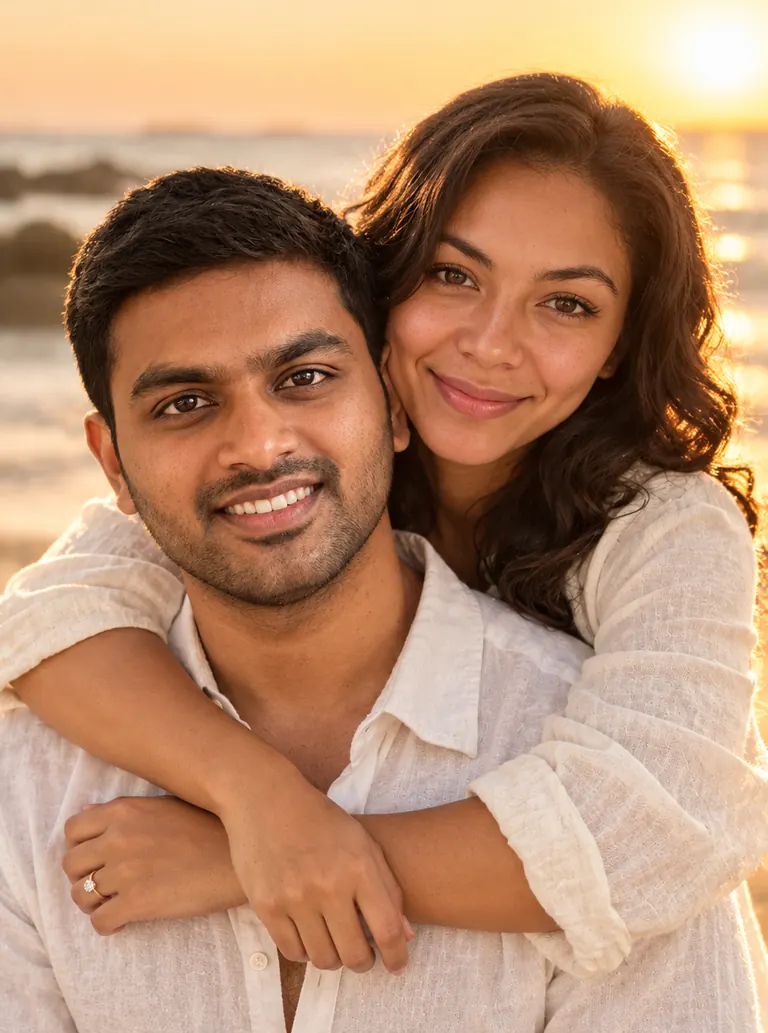
Before After Engagement-style“Create an engagement-style photo of this couple (photo 1 is him, photo 2 is her) on a beach at sunset, her arms around his shoulders, both laughing, light linen outfits, golden backlight, 85mm lens. Keep his face and her face the same, with natural skin texture.”
Before 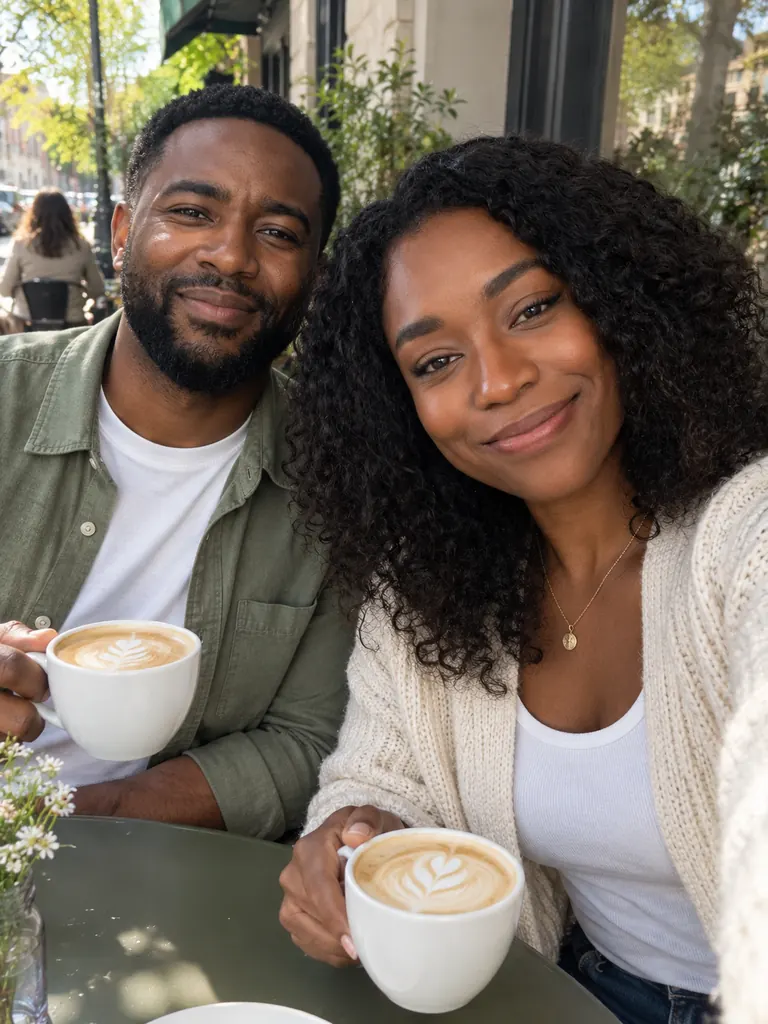
After Coffee date“Show the two of us from these photos on a coffee date at a sunny sidewalk cafe, sharing a laugh over two lattes, casual spring outfits, soft daylight, candid phone-photo look. Keep our faces and hair the same.”
What the AI couple photo generator does with two photos
Two people photographed apart rarely match: different rooms, different light, different cameras. The AI couple photo generator rebuilds you in one scene, so the light, the scale and the focus agree.
- Two people, one frame. Each person comes from their own photo. Refer to them as “the man from photo 1” and “the woman from photo 2” so the model knows who is who and keeps each face with the right body.Upload the photos in the order you name them · Use sharp, front-facing photos of each face · Mention height if one of you is much taller
- Poses that feel close. Couple photos live on small gestures: holding hands, a head on a shoulder, a shared laugh, a look across a table. Name the gesture and the model places both people to fit it.One gesture per picture reads best · “Laughing” looks more natural than “smiling at the camera” · Keep poses simple and wholesome
- Places and occasions. Dates, trips, a first home, an anniversary, a winter holiday card. Pick the place and the season, and clothes and light follow.Add the time of day: sunset, blue hour, morning · Match both outfits to the weather · Say “candid” for a snapshot, “85mm” for a portrait
How to use the AI couple photo generator
- 1Upload two photos
Add one clear photo of each person. Head-and-shoulders photos with even light work well; group photos and sunglasses make faces harder to read.
- 2Name who is who
Write “the man from photo 1” and “the woman from photo 2”, or “the person in photo 1” and “the person in photo 2”, then describe the scene and the pose.
- 3Pick a premium model
Two photos need a model that reads several references: the default model (10 photos), GPT Image 2.5 (16) or Nano Banana 2 (14). The free FLUX.2 model takes only one photo.
- 4Download your favorite
Most images are ready within a few minutes; free accounts wait a little longer on premium models. Run the prompt twice and keep the version where each face looks right.
Tips for AI couple photos that look real
- 01
Use similar photos
Two photos with similar light and framing blend best. A bright outdoor selfie next to a dim indoor photo gives the model more to fix.
- 02
Say “keep both faces”
End every prompt with “keep both faces the same”. For the most faithful likeness of two people, choose Nano Banana 2 or Pro.
- 03
Start simple, then add
Get the two of you right in a plain scene first. Then upload that result and ask for the new background, the season or the outfits.
- 04
Only with a yes from both
Make couple photos of yourself and a partner who agreed. Never pair someone with a person they are not with to fool others.
When an AI couple photo generator helps
Many couples have hundreds of photos of each other and very few of the two of them together. One person is always behind the camera. An AI couple photo generator fills that gap: you upload one photo of each partner, describe a place and a pose, and get a picture of both of you in the same light.
It is useful for long-distance couples who want a shared picture, for an anniversary or Valentine’s card, for a wedding website or a save-the-date idea, and for trips you are still planning. Wholesome is the rule: dates, travel, family dinners and holidays. Content that is sexual or meant to deceive is blocked.
AI couple photos need a model that reads more than one reference image. Nano Banana 2.1, the default on this page, takes 10 photos, and GPT Image 2.5 takes 16 and follows long scene notes. Nano Banana 2 takes 14 and Nano Banana Pro takes 8, and both keep faces most faithfully. FLUX.2 is free but edits one photo at a time, so it cannot combine two people.
Google sign-ins get free credits and more every day. A 1K picture with the default model costs 2 credits. Every result downloads at full size without a watermark, stays private in My Images and can be deleted at any time.
AI couple photo generator FAQ
Is the AI couple photo generator free?
- You can use your free credits: Google sign-ins get some right away and more every day. Couple photos need a premium model such as the default model (2 credits at 1K), because free FLUX.2 takes one photo.
Do we need a photo together?
- No. One photo of each person is enough. That is the point of an AI couple photo maker: the two of you appear together even if you have never been photographed side by side.
Will both faces stay the same?
- Usually, when both photos are sharp and you write “keep both faces the same”. For the most faithful likeness, try two models from the picker and keep the closer face. No model promises identical faces every time.
Can we add our dog?
- Yes. Add the dog’s photo as a third reference and write, e.g., “the dog from photo 3 sitting between us”. Every premium model takes three photos or more.
Can I print an AI couple photo?
- Yes. Pick 2K or 4K before you generate. Images download at full size without a watermark, and you may use them for personal and commercial projects.
What won’t the AI couple photo generator make?
- Sexual content, anything involving minors, and pictures that pair real people without consent or are meant to deceive or harass someone are blocked.