AI Art Generator from Photo
Upload a photo and name a medium: oil, watercolor, pastel or woodblock print. This AI art generator from photo paints your picture again in that medium, with visible brushstrokes, paper grain and a painter’s choice of color, so it reads as art rather than a filter.
Add the photo you want painted
No subscription·Failed runs refund credits
Sign in to get free credits every day and keep your creations.
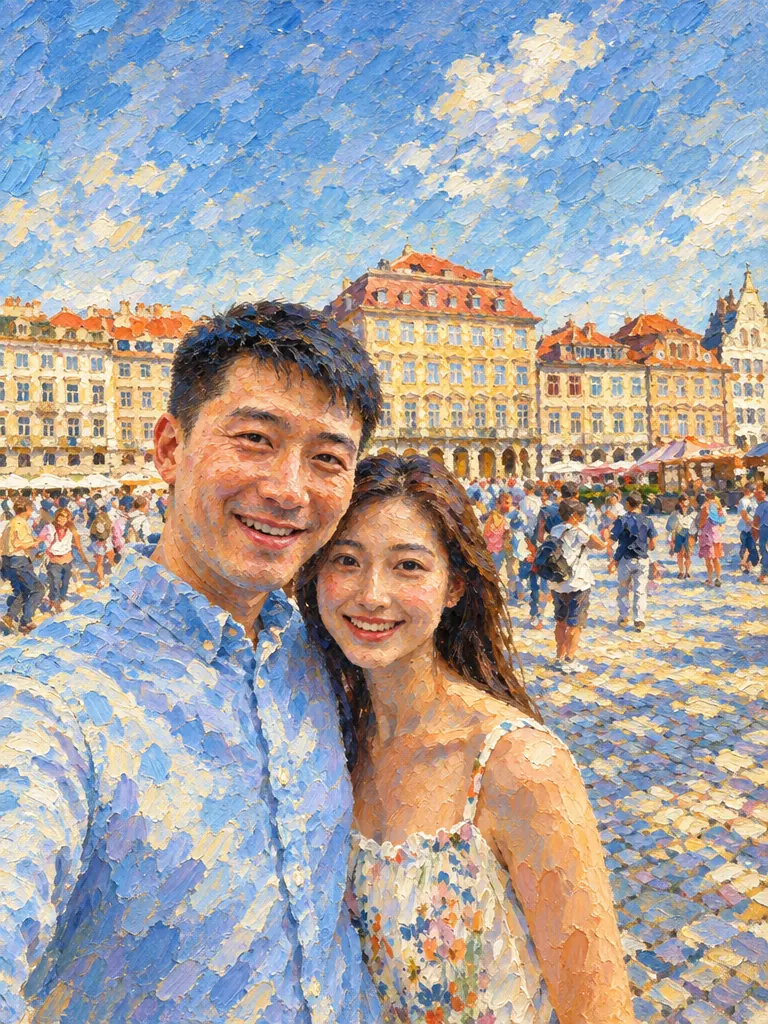
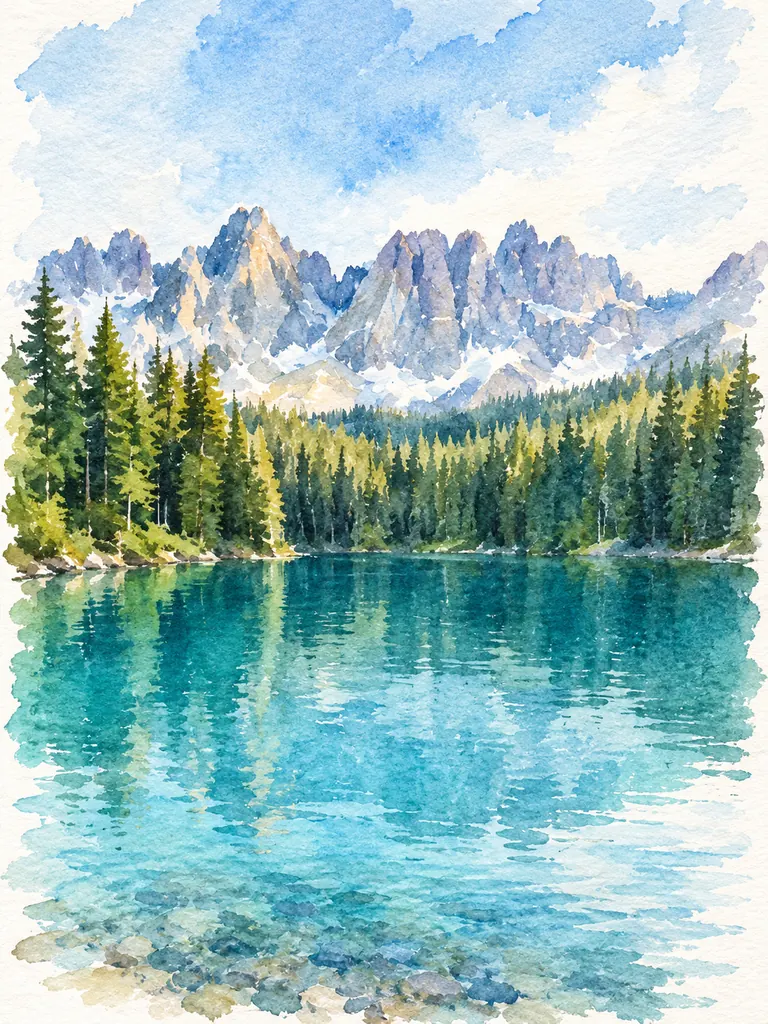
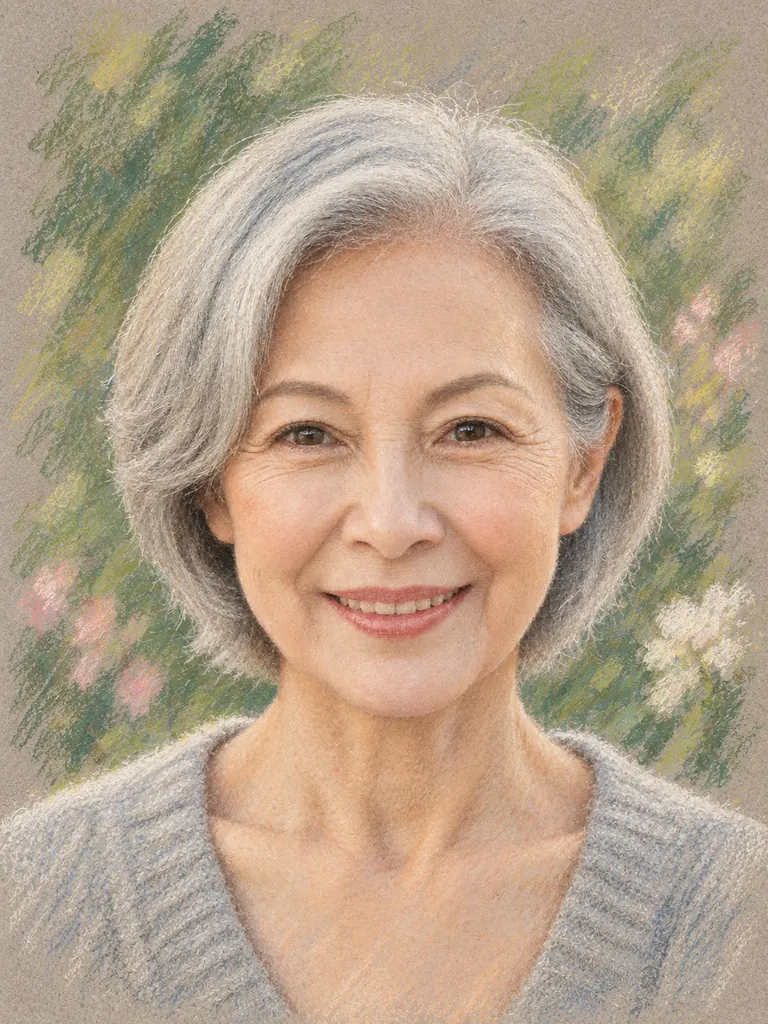
Before and after: the AI art generator from photo
Each painting started as an ordinary snapshot. The prompt names the medium, the brushwork and the colors. Tap “Use this prompt”, add your own photo and run it.
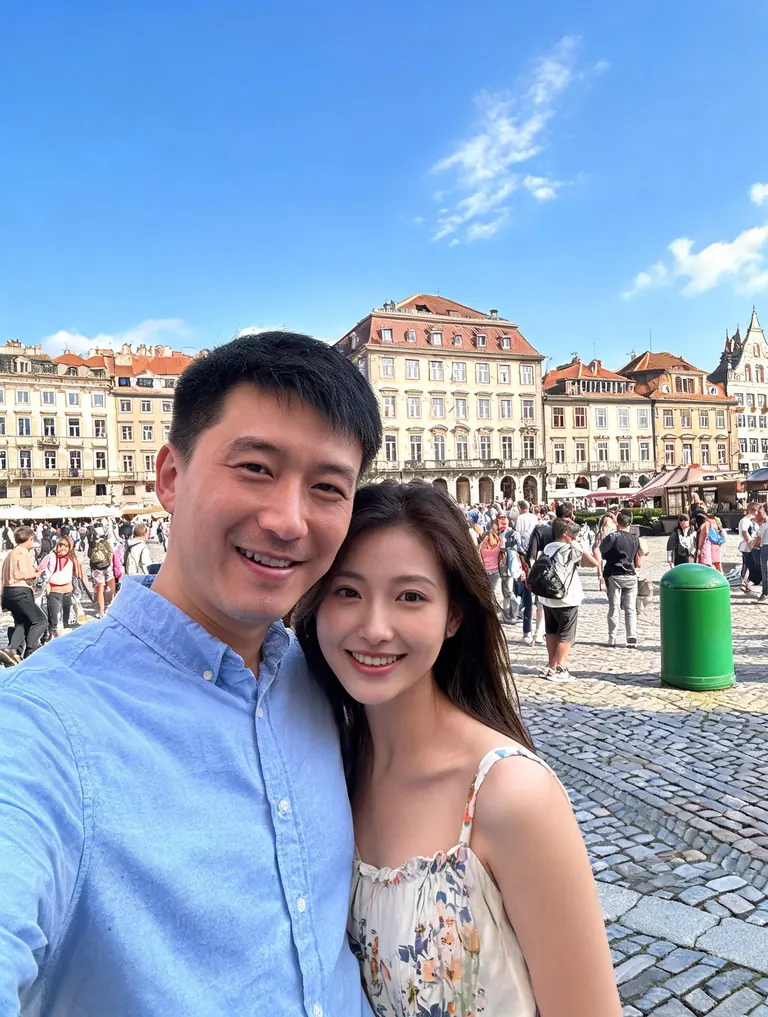
Before After Impressionist oil“Turn this photo into an Impressionist oil painting on canvas: thick, visible brushstrokes, dappled sunlight on the plaza, soft blues and warm ochres. Keep the couple, their faces and the buildings recognizable, and leave out the trash can.”
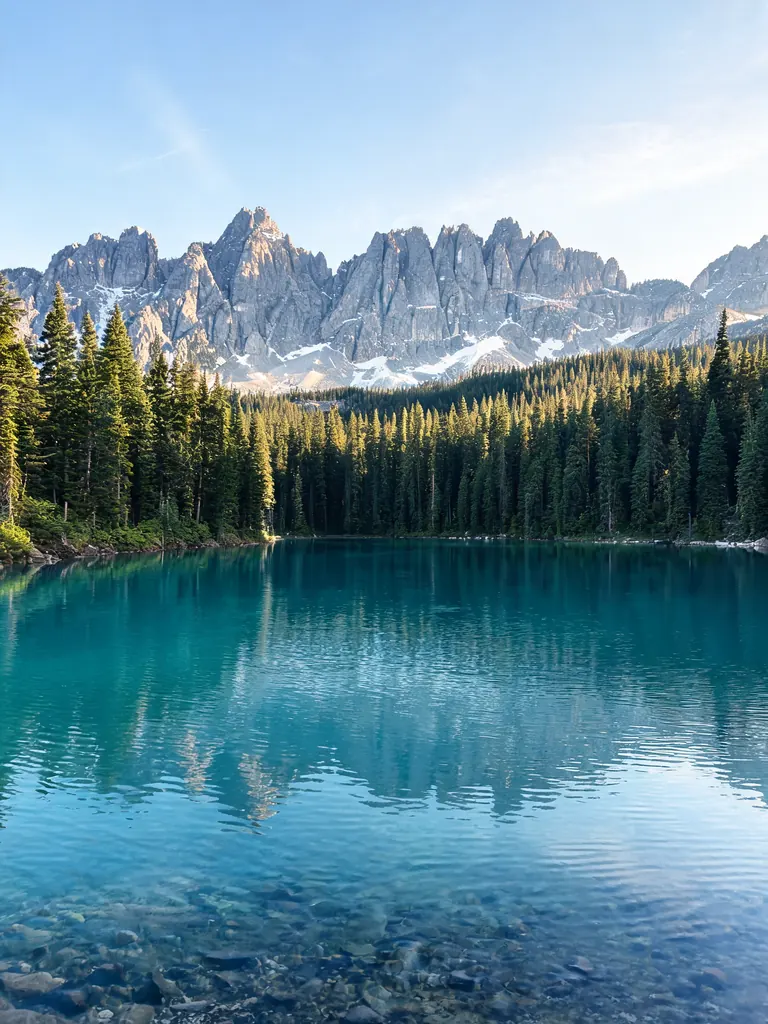
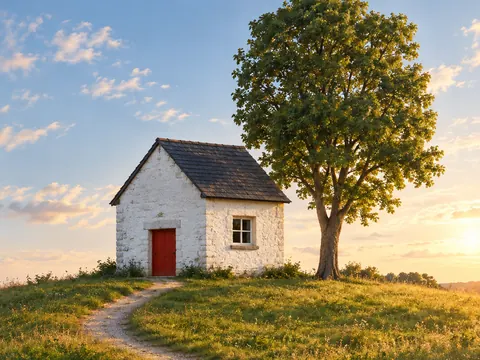
Before After Watercolor landscape“Paint this mountain lake as a loose watercolor on cold-press paper: a soft wet-on-wet sky, turquoise water in clear washes, pines in a few dark strokes and white paper showing through at the edges.”
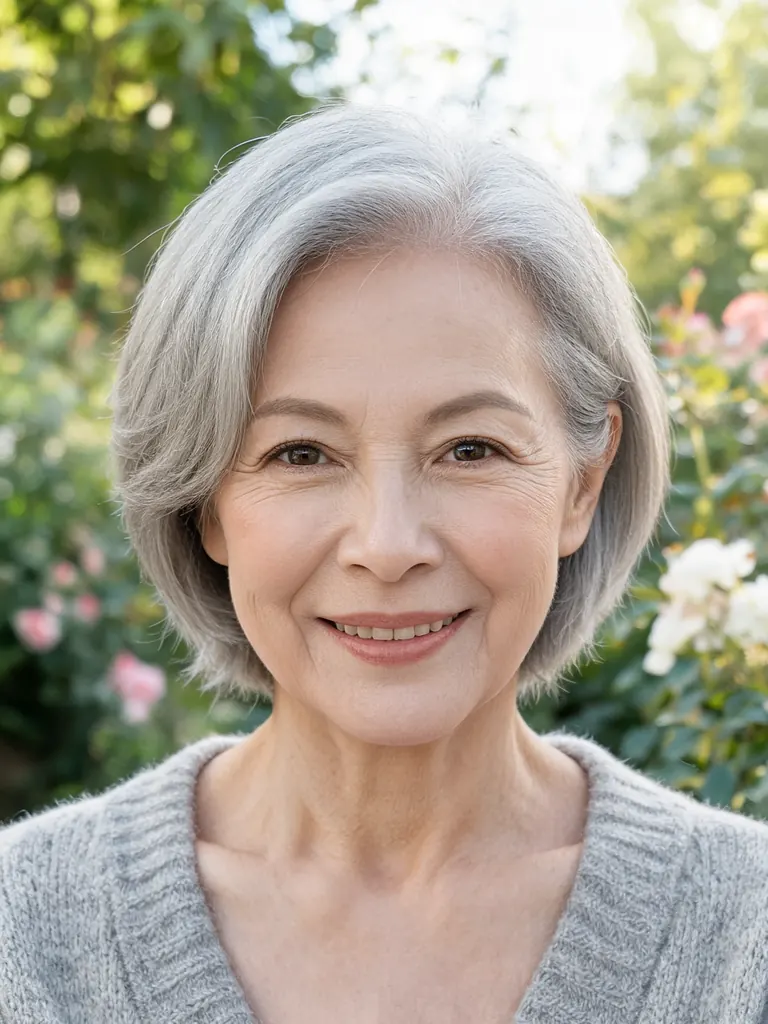
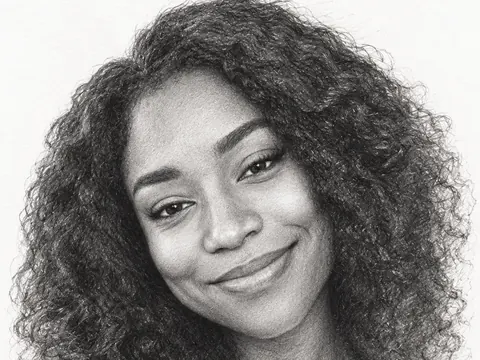
Before After Pastel portrait“Make a soft pastel portrait of her on warm gray toned paper: chalky strokes, gentle shading on her face, her short gray hair and cardigan in muted colors, and the garden suggested by loose green marks. Keep her face and expression the same.”
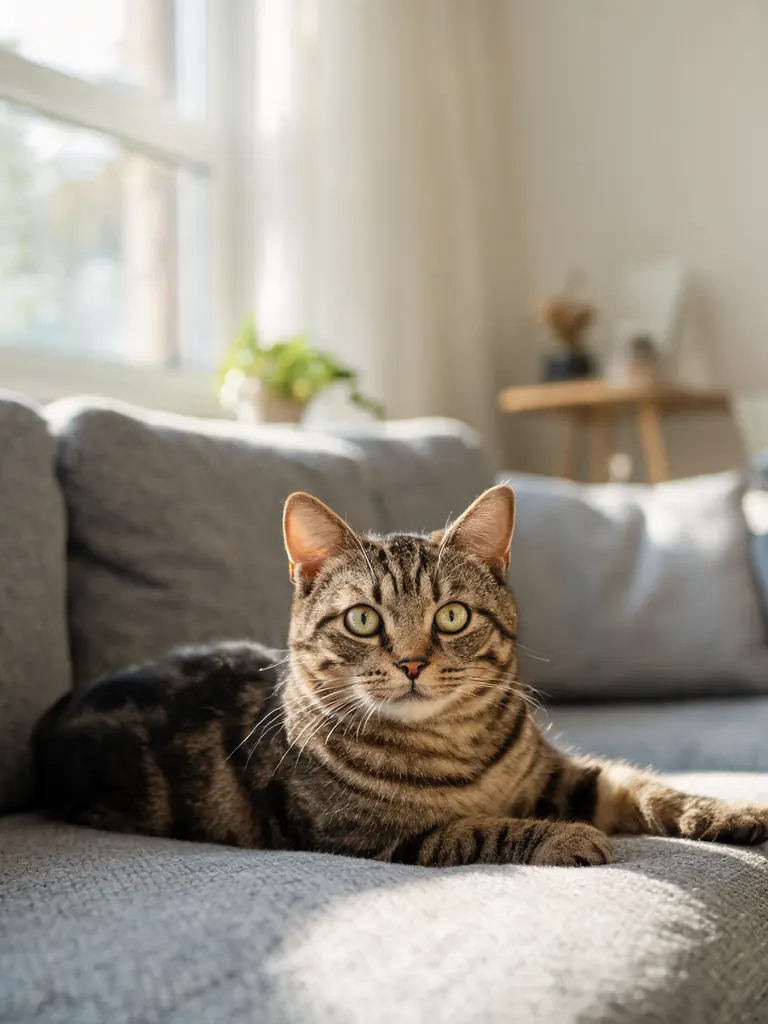
Before 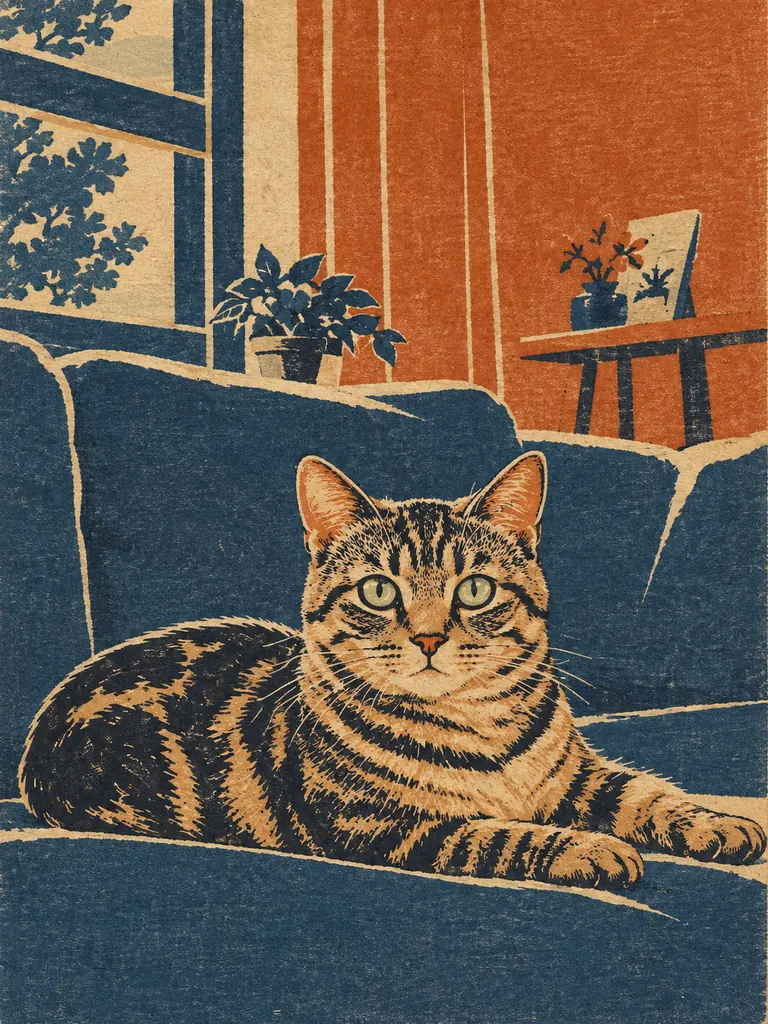
After Woodblock print“Recreate this photo as a Japanese woodblock print: the tabby cat lying on the sofa, flat areas of indigo, rust and cream, fine carved outlines and visible paper grain. Keep the cat’s pose and stripes.”
Mediums the AI art generator from photo can paint
The model keeps what makes your photo yours (the faces, the pose, the place) and rebuilds the surface in the medium you name. The more you say about paint, paper and color, the more it looks like real art.
- Oil and acrylic. Thick impasto for portraits and street scenes, thin glazes for a classical look, flat acrylic color for something modern. The brushstrokes follow the shapes in your photo, the way a painter’s would.Say how thick the paint is: “thick impasto”, “smooth glazes” · Name the canvas or wood panel for texture · Ask for a limited palette: “ochre, blue and white”
- Watercolor, pastel and ink. Soft mediums suit landscapes, gardens, pets and older family photos. Paper texture and unpainted white areas are what sell the look, so mention them.Name the paper: “cold-press”, “toned gray” · Ask for loose edges and white paper showing · Keep the background simple so the subject stands out
- Prints and folk styles. Woodblock, linocut, screen print and folk-art styles turn a photo into flat shapes with bold outlines. They work well small, as cards, labels and shop art.Give 3–4 colors to keep it print-like · Say “flat color, no gradients” · Mention paper grain or ink texture
How to use the AI art generator from photo
- 1Pick a photo worth painting
Clear light and a simple background paint best. Tap the + tile, drag a picture in or paste it. JPG, PNG and WebP all work.
- 2Name the medium and mood
Write one or two sentences: the medium, how loose or detailed, the colors, and what must stay recognizable. “Watercolor, loose, soft blues, keep her face” is enough.
- 3Choose the model and size
Nano Banana 2.1 is selected by default; GPT Image 2.5 follows detailed style notes well. For a portrait gift where likeness matters most, switch to Nano Banana 2 or Pro. The credit cost shows before you start.
- 4Download, print or frame
Most paintings are ready within a few minutes (free accounts wait a little longer on premium models). Pick 2K or 4K for prints; every download is full size with no watermark.
Tips for art that looks hand-made
- 01
Describe the tools, not the result
Words like “beautiful” or “artistic” give the model nothing to paint. “Palette knife”, “dry brush”, “charcoal smudges” and “deckled paper edge” do.
- 02
Simplify before you paint
Painters leave things out. Ask the AI to drop clutter such as signs, wires or a busy crowd, so the picture has one clear subject.
- 03
Let the medium change the color
A watercolor is lighter than a photo, and an old oil painting is warmer. Say which you want: “muted, earthy colors” or “bright, clean washes”.
- 04
Check faces at full size
Faces are the hardest part in loose styles. Zoom in before you print, and run the prompt again or switch to Nano Banana Pro if the likeness slips.
Why use an AI art generator from photo instead of a filter
A photo filter pushes colors around and lays a texture on top. An AI art generator from photo works more like a painter looking at your picture: it decides where the light falls, which shapes matter and what to leave out, then builds the image again in paint, pastel or ink. That is why the brushstrokes follow a cheek or a rooftop instead of a pattern stamped across the frame.
People use it for wall art from a trip, a painted portrait of a parent, a watercolor of their house or a print-style card of their cat. Our newest model is the default here, and GPT Image 2.5 follows long style notes closely. Nano Banana 2 and Pro usually keep faces closest to the photo, Seedream 5 is strong at rich color, and FLUX.2 is free, needs no sign-in and paints from a single photo.
Google sign-ins get free credits, and more to claim every day. A painting with the default model costs 2 credits at 1K, 3 at 2K and 4 at 4K. The exact cost shows next to the Generate button before anything is spent.
Your photos are used only to make your painting, and results stay private in My Images until you delete them. Only paint photos you have the right to use.
AI art generator from photo FAQ
Is the AI art generator from photo free?
- You can try it free. Google sign-ins get free credits and more each day, and FLUX.2 paints one photo at no credit cost, no sign-in needed. The default model and other premium models use credits.
Which medium suits my photo?
- Match the medium to the subject. Oil and pastel suit portraits, watercolor suits landscapes and gardens, and woodblock or linocut suits pets, buildings and simple shapes. If you are unsure, run the same photo in two mediums and compare.
Can I print the painting and hang it?
- Yes. Pick 2K or 4K for printing; 4K keeps the most brush and paper detail for large frames. Downloads are full size with no watermark, and you may print, gift or sell them.
Will a painted portrait still look like the person?
- Usually, when you ask to keep the face and expression. Loose styles such as watercolor drift more than oil. For the most faithful likeness, try two models from the picker and keep the closer face.
How is this different from the AI Art Generator page?
- That page paints from a text prompt alone. The AI art generator from photo starts from your picture, so the people, pets and places in it stay recognizable in the painting.
What photos can’t I turn into art?
- Sexual content, anything involving minors and images meant to deceive or harass a real person are blocked, even as paintings. The content policy page has the full rules.