AI Line Art Generator
Describe a subject and get crisp black outlines on a white page. The AI line art generator makes coloring pages, ink studies, tattoo stencils and one-line drawings from a sentence.
No subscription·Failed runs refund credits
Sign in to get free credits every day and keep your creations.
What people draw with the AI line art generator
Every piece of AI line art below came from the prompt printed under it. Tap “Use this prompt”, swap in your own subject and run it.
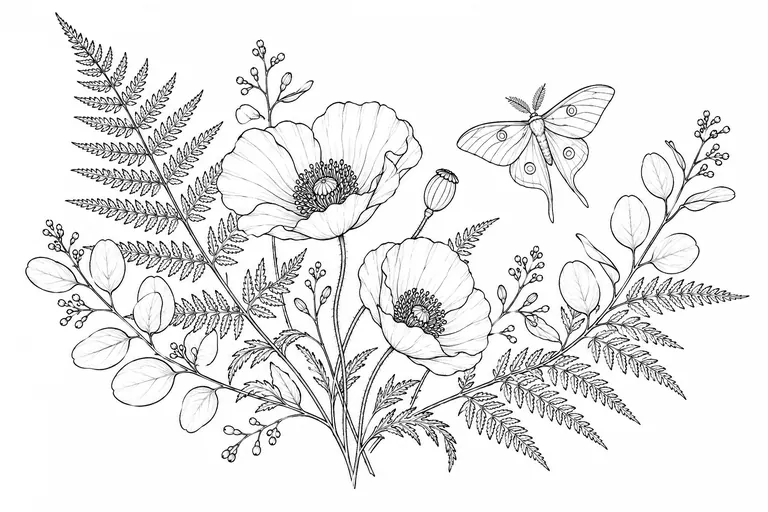
- Botanical ink study
“Clean black ink line art of a wild botanical arrangement: fern fronds, poppies, eucalyptus sprigs and a single moth, drawn with fine, even pen lines on pure white paper. No shading, no color, no gray fill, crisp closed outlines and plenty of white space.”
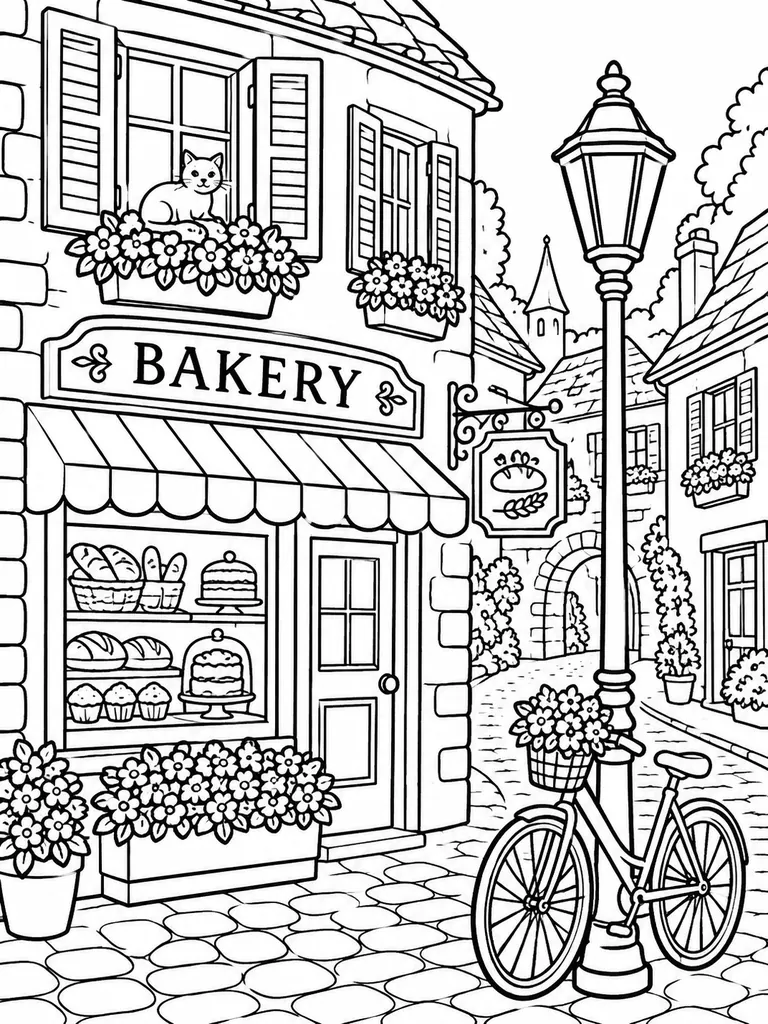
- Coloring page
“Adult coloring page of a cozy village street: a small bakery, a bicycle leaning on a lamppost, flower boxes under the windows and a cat on a windowsill. Thick, clean black outlines, closed shapes ready to color, pure white background, no shading or gray tones.”
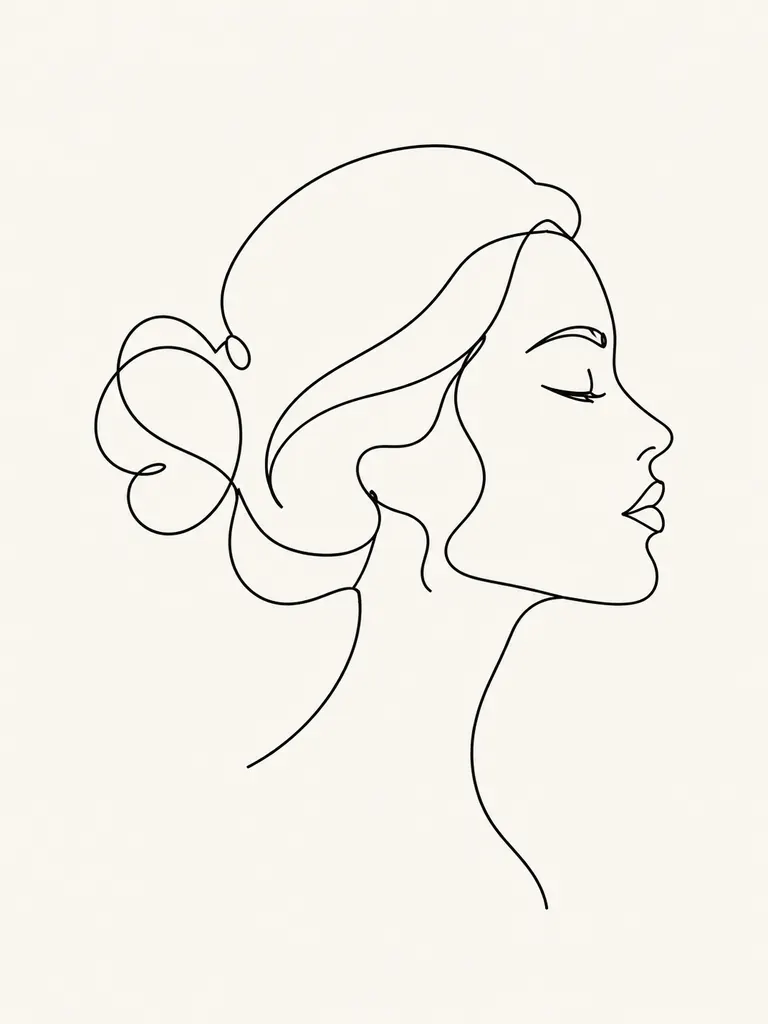
- One-line portrait
“Minimal one-line drawing of a woman’s face in profile with her hair in a loose bun, made from a single continuous black line on an off-white background. Elegant and sparse, no shading, no extra strokes.”
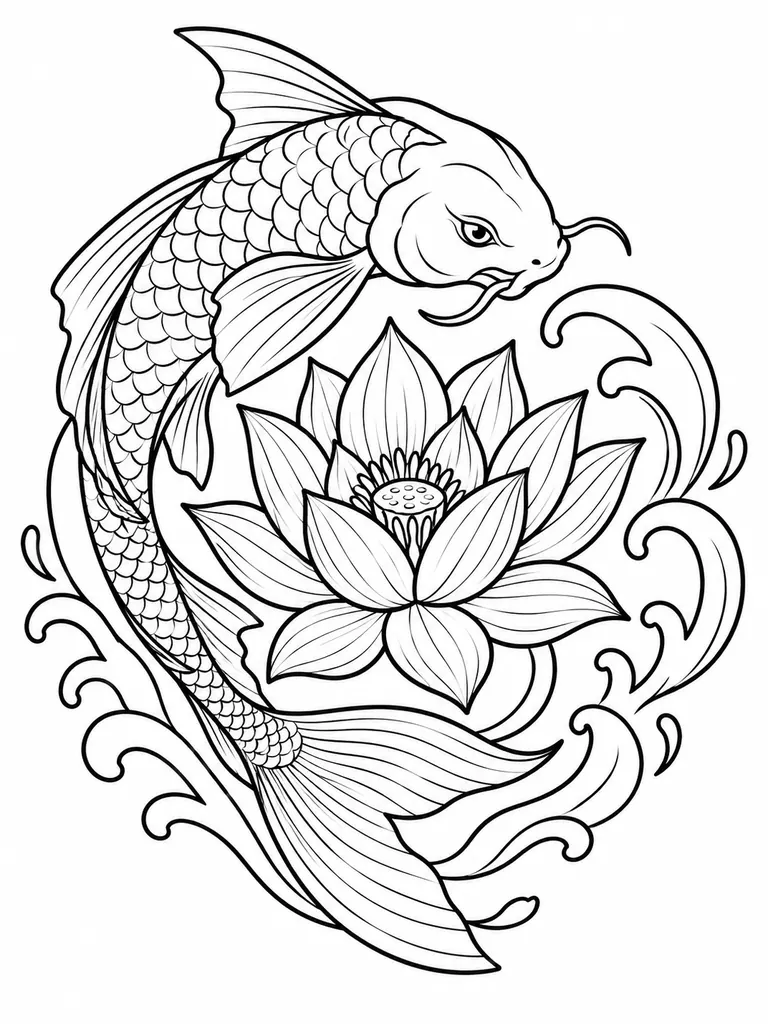 Tattoo stencil
“Tattoo-style line art of a koi fish circling a lotus flower, bold clean outer outlines with fine inner lines for the scales and petals, black ink on white, ready to trace as a stencil. No shading or color.”
What you can make with an AI line art generator
Line art lives on clean edges and empty space. Give the AI line art generator a subject and a line weight, rule out shading, and it draws the outline only.
- Coloring pages. Animals, city streets, mandalas and holiday scenes with closed shapes that are easy to fill with pencils or markers. Print one page or build a whole book.Ask for “thick outlines” and “closed shapes” · Say “no gray tones” so pages print clean · Use 3:4 for a letter or A4 sheet
- Minimal and one-line drawings. Single continuous-line faces, hands, cats and plants for wall prints, logos in progress, cards and social posts. The fewer lines you ask for, the calmer the result.Write “one continuous line” in the prompt · Name the background: white, off-white, cream · Keep the subject simple: one face, one flower
- Outlines to trace, ink or cut. Tattoo stencils, embroidery patterns, woodburning designs and sketches to ink by hand. Clear black outlines on white are easy to transfer onto skin, fabric or wood.Ask for bold outer lines and fine inner detail · Say “symmetrical” for badges and emblems · Download at 2K or 4K before tracing
How to use the AI line art generator
- 1Describe the subject
Write what should be on the page: the subject, the setting and how busy it should be. “A fox asleep in autumn leaves” is enough to start.
- 2Name the line style
Add the look: thin pen lines, thick coloring-book outlines, one continuous line or tattoo flash. End with “no shading, no color” to keep it pure line art.
- 3Pick size and quality
Nano Banana 2.1 is selected by default. Choose 3:4 for printable pages or 1:1 for posts, and 2K or 4K when you plan to print. The credit cost shows before you start.
- 4Download and print
Most images are ready within a few minutes (free accounts wait a little longer on premium models). Results save to My Images and download at full size with no watermark.
Tips for cleaner AI line art
- 01
Say what to leave out
Image models like to add shadows and texture. Close every prompt with “no shading, no gray fill, no color” and you get flat black lines on white.
- 02
Control the line weight
Coloring pages need thick, even outlines; botanical studies look better with fine pen lines. Name the weight you want instead of hoping for it.
- 03
Keep the background empty
A busy background turns into a tangle of lines. Ask for a “pure white background” unless the scene itself is the point, like a street or a room.
- 04
Spell out any text
For a name or a greeting on the page, put the exact words in quotes and ask for “outlined letters”. Switch to GPT Image 2.5, which keeps short text readable.
An AI line art generator for print, ink and color
Line art is the drawing before the color: outlines only, no tones, lots of white space. An AI line art generator gives you that stage from a sentence. Describe a subject, say how thick the lines should be and what to leave out, and the model draws a clean page you can color, trace, print or ink over by hand.
Our newest model is the default here. For AI line drawing, instructions like “closed shapes”, “one continuous line” or “no gray fill” are the whole job, and GPT Image 2.5 follows long, specific prompts closely. It also keeps short text readable, so a coloring page can carry a name or a title in outlined letters. You can switch to Seedream for bolder graphic shapes or to Nano Banana 2 for a different drawing hand.
Credits are shared across the site. Google sign-ins get free credits, and more to claim every day. A 1K image with the default model costs 2 credits, 2K costs 3 and 4K costs 4. The exact cost always shows next to the Generate button before anything is spent.
Every page from the AI line art generator downloads at full size without a watermark, for personal and commercial use, from a printable coloring book to a shop design. The file is an image, not a vector; if a cutter or laser needs paths, trace the black lines in a vector app.
AI line art generator FAQ
Is the AI line art generator free?
- Yes, you can start for free. Google sign-ins get free credits and more every day, and the FLUX.2 model costs no credits and needs no sign-in. The default model costs 2 credits for a 1K image.
Can I make printable coloring pages?
- Yes. Ask for thick outlines, closed shapes, a white background and no gray tones, and pick the 3:4 size. Download at 2K or 4K for a sharp print on letter or A4 paper.
Why does my AI line art have shading?
- Shading appears when the prompt does not rule it out. Name the three things to drop, shading, gray fill and color, at the end of the prompt and run it again.
Can I sell pages made with the AI line art generator?
- Yes. Images download without a watermark and may be used in commercial projects such as coloring books, prints and stickers. Avoid logos and characters that belong to someone else.
Can the AI line art generator trace my photo?
- No, this page starts from words. To turn your own photo into outlines, use the Image to Sketch AI tool, which keeps the shapes of the picture you upload.
Do I get a vector file?
- No, you get a full-size image. Clean black lines on white trace well in most vector apps if you need SVG paths for cutting or engraving.