AI Profile Picture Generator
Turn an ordinary selfie into a pfp people notice in a feed: bold color behind you, a film look, neon light or a painted finish. The AI profile picture generator makes square images that crop cleanly into a circle.
Add a selfie (optional)
No subscription·Failed runs refund credits
Sign in to get free credits every day and keep your creations.
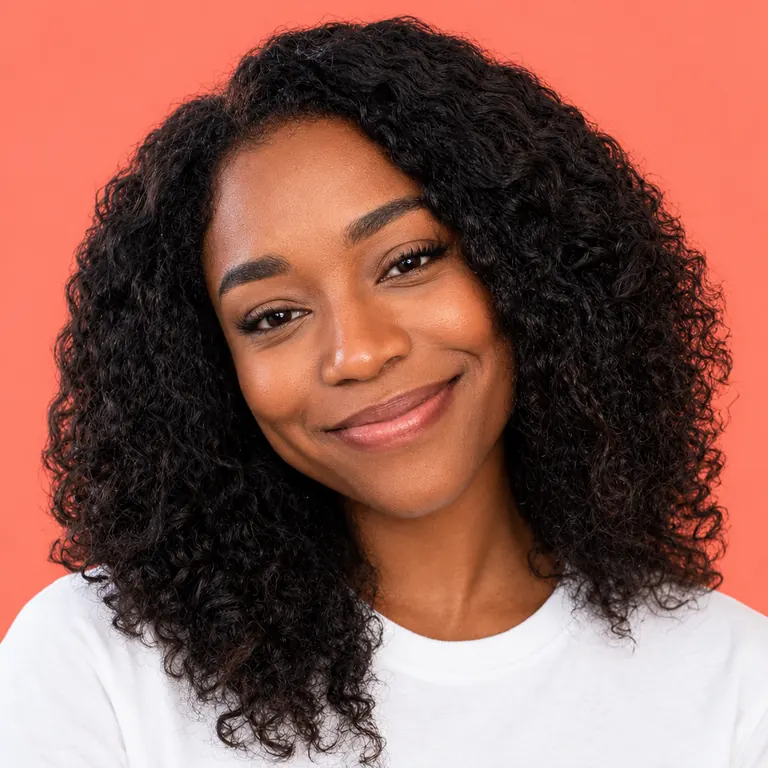
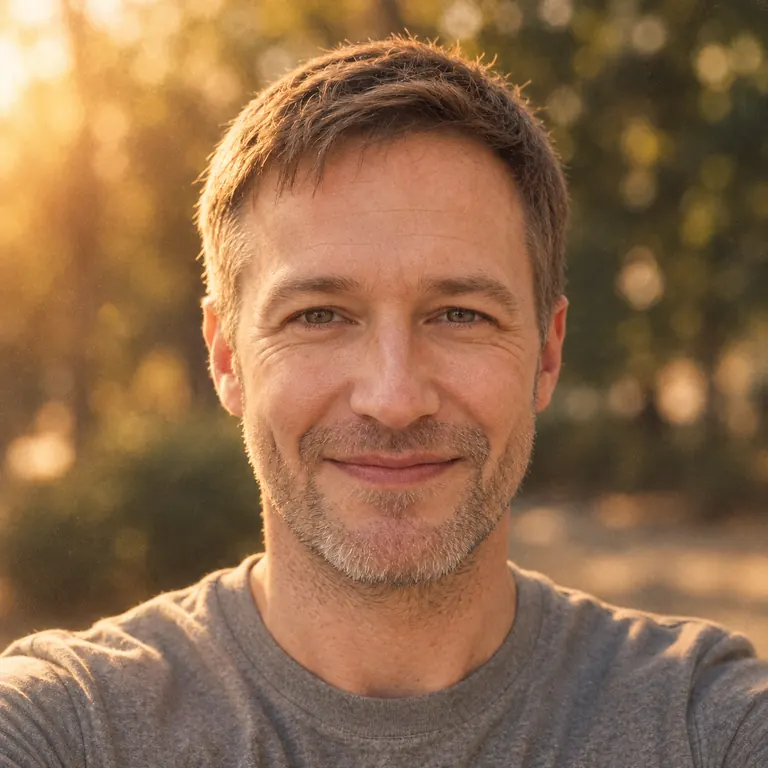
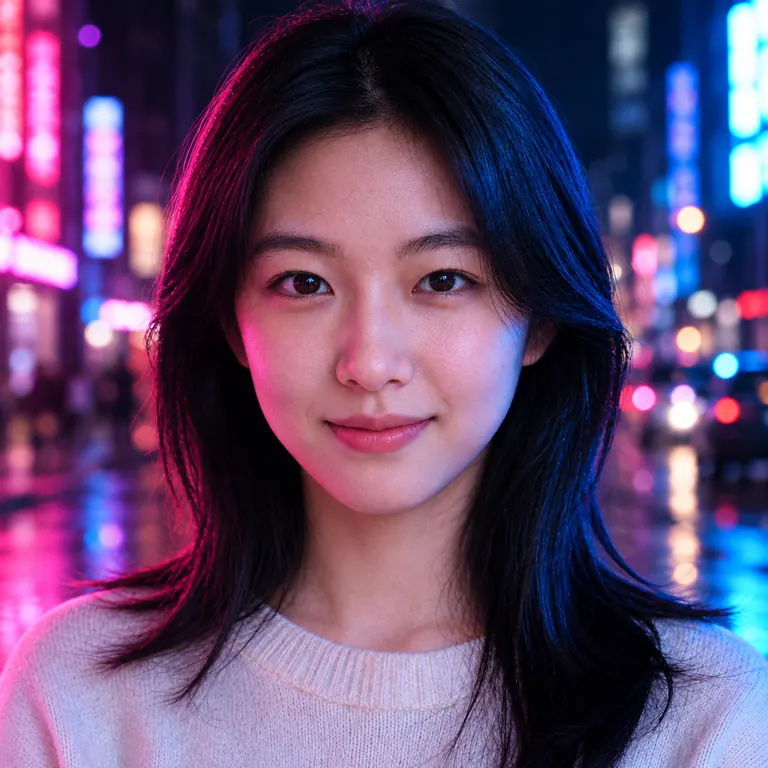
Pfps from the AI profile picture generator
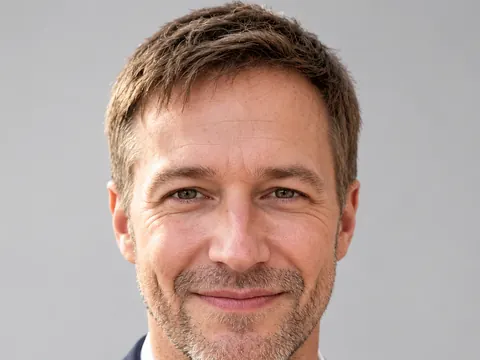
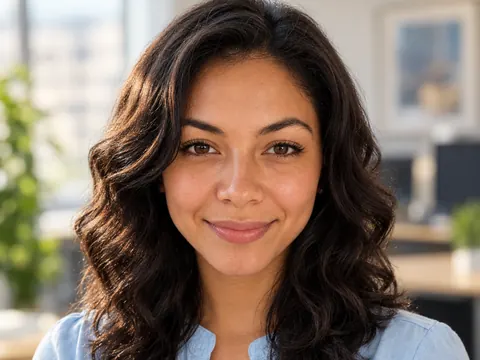
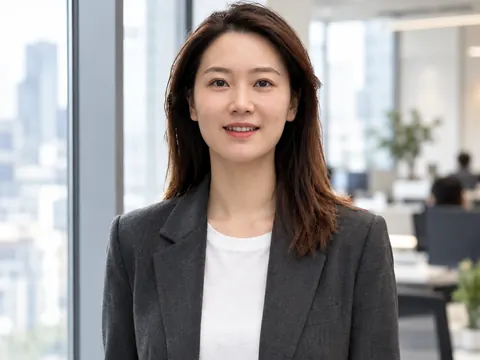
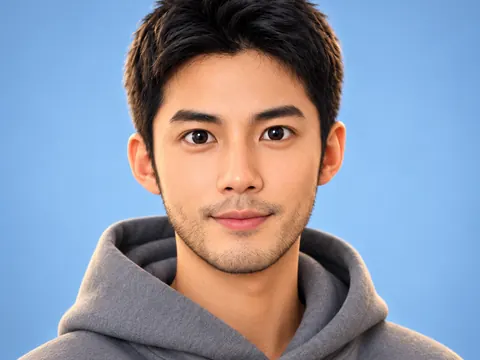
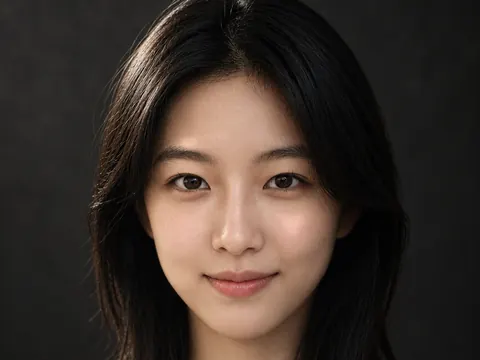
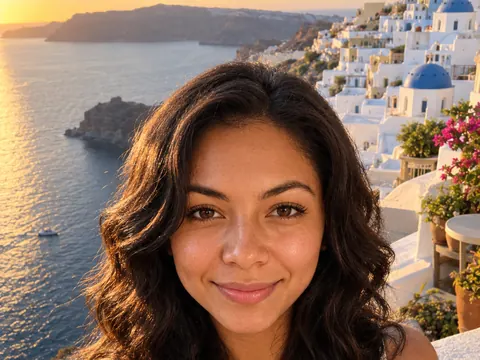
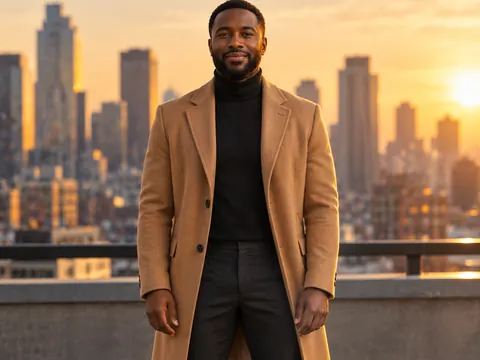
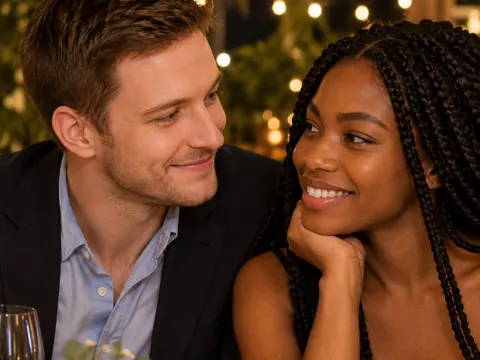
Four selfies turned into AI profile pictures for four kinds of accounts. Tap “Use this prompt” and swap in your own photo, or change the colors to match your feed.
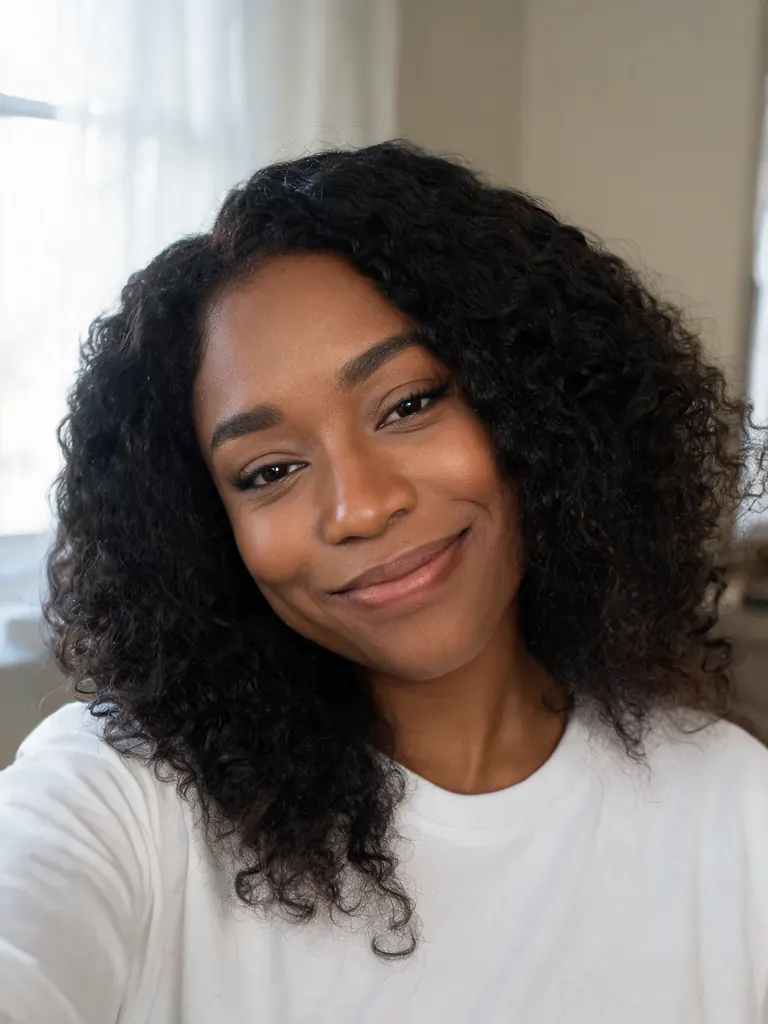
Before After Color pop“Make a square profile picture of her on a solid coral background: bright, even studio light, big natural smile, head and shoulders centered. Keep her face, curly hair and skin tone the same, with natural skin texture.”
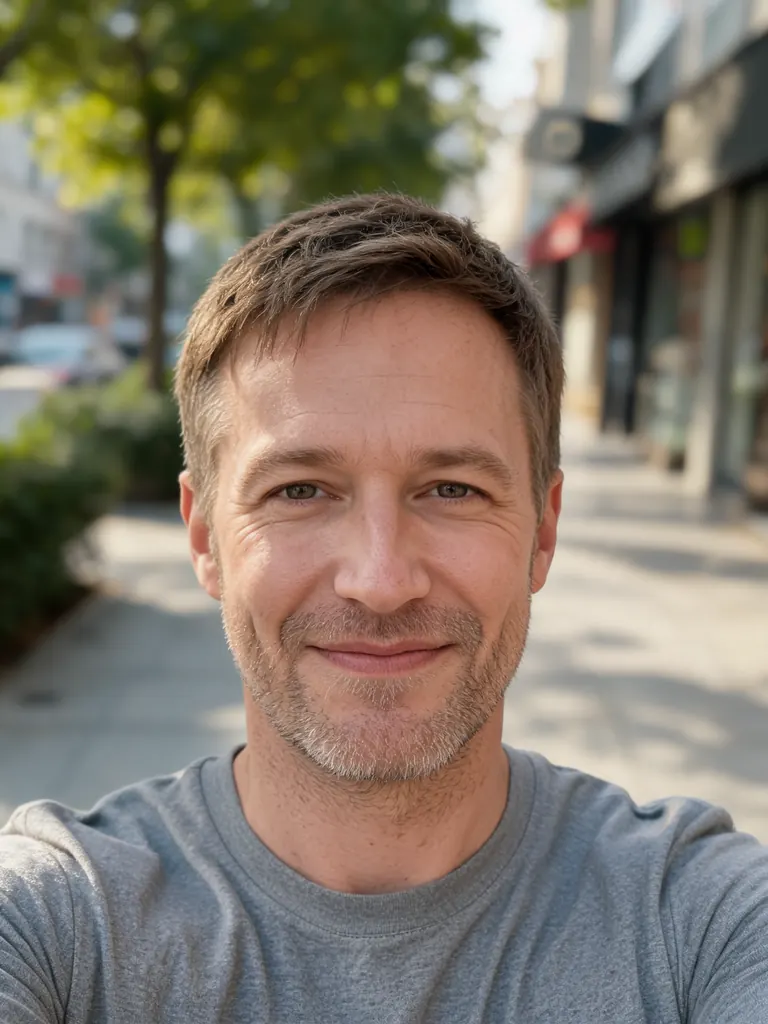
Before After Film look“Give this selfie a warm 35mm film look: golden hour light, soft grain, slightly faded colors, blurred trees behind him, square crop centered on his face. Keep his face, stubble, hair and skin tone the same.”
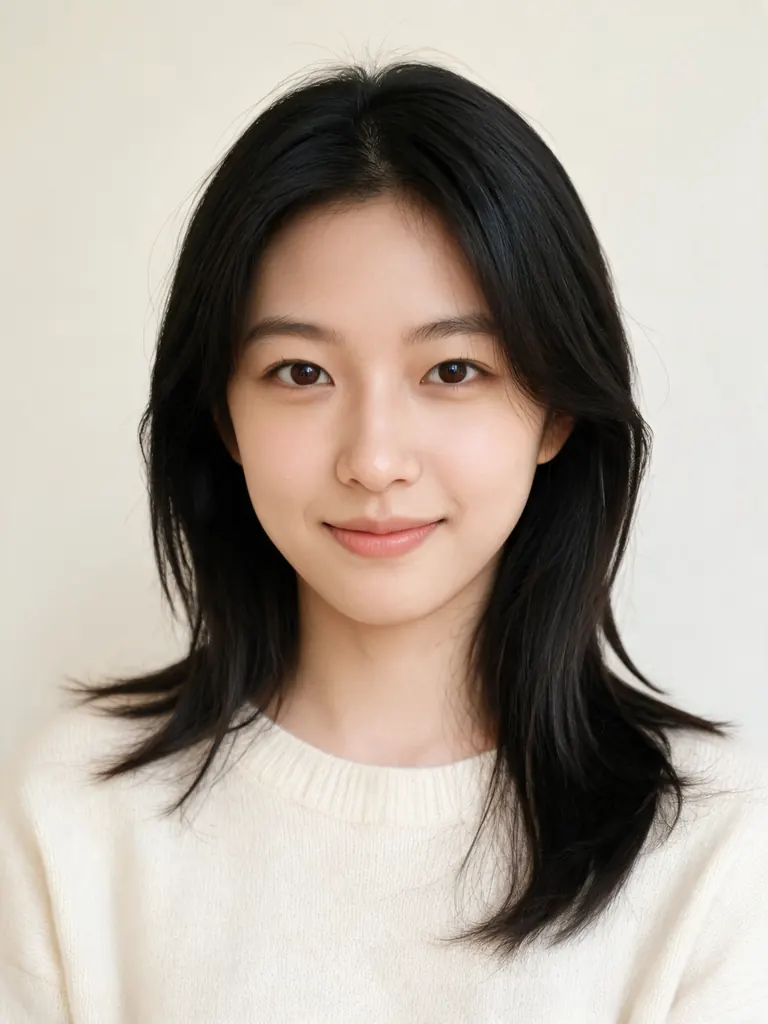
Before After Neon night“Turn this into a night-time pfp: pink and blue neon light on her face from both sides, dark city street blurred behind her, square crop. Keep her face, hair and skin tone the same, with real skin texture.”
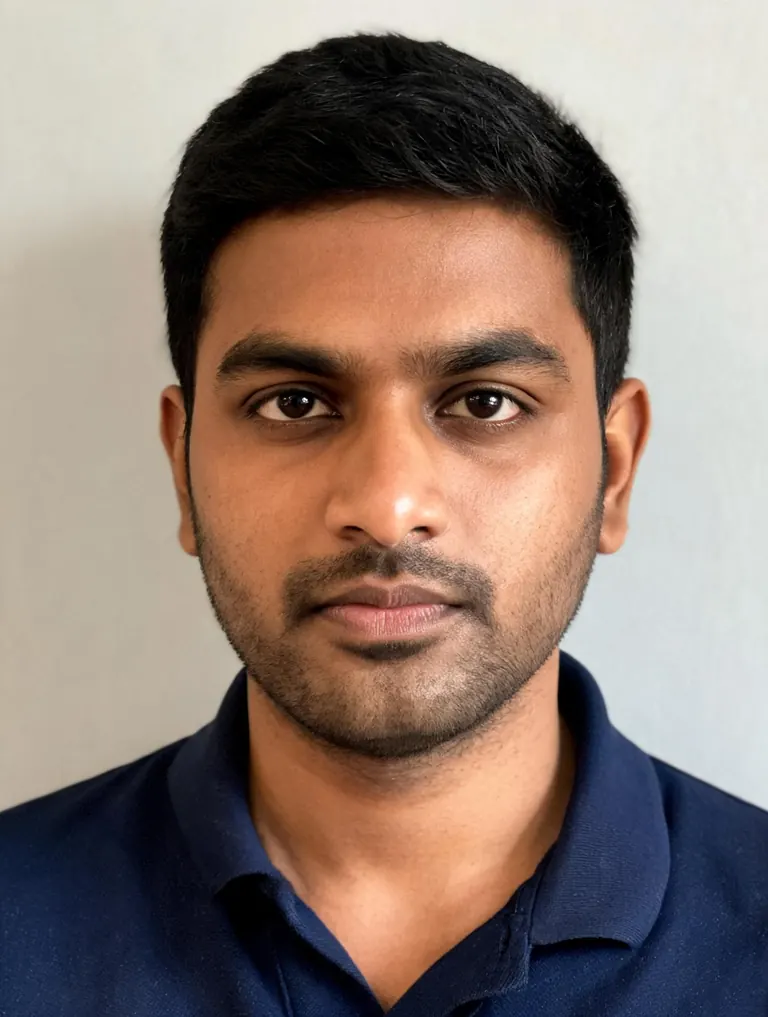
Before 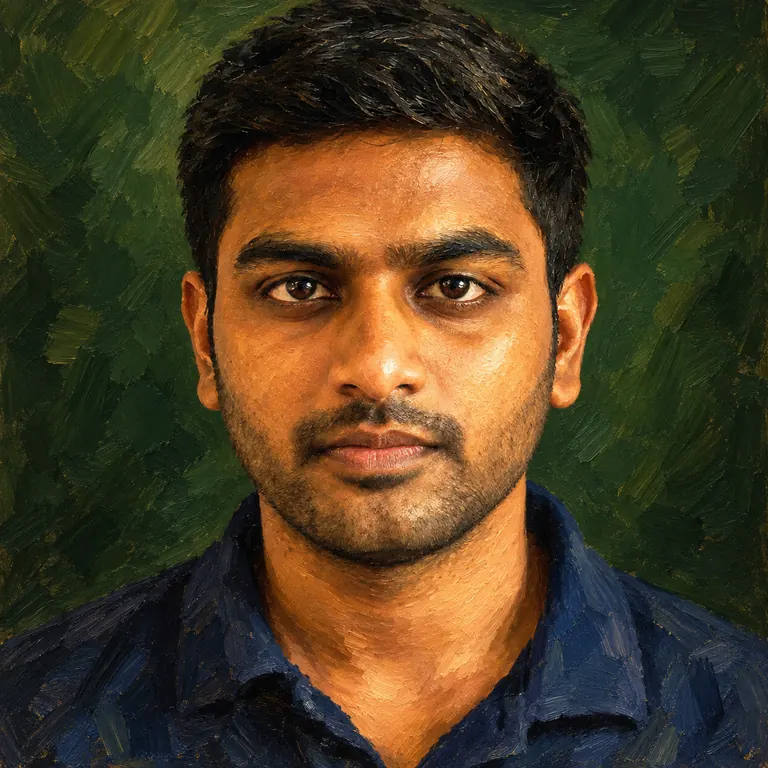
After Oil painting“Paint him as an oil portrait for my accounts: visible brush strokes, deep green background, warm light on the face, square crop. Keep his face shape, short black hair and skin tone recognizable.”
Looks the AI profile picture generator does well
Profile pictures are seen tiny, usually as a circle beside a username. Strong color, a clear face and one simple idea read best at that size.
- Bold backgrounds. A solid color behind you makes a pfp stand out in comments and group chats. Pick a shade that suits your skin tone and the rest of your feed.Try coral, cobalt, teal or mustard · One flat color reads better than a gradient · Say “solid background, no pattern”
- Photo looks. Film grain, golden hour, black and white or neon light change the mood without changing you. These looks keep the picture feeling like a real photograph.“35mm film, soft grain” for a relaxed feel · “High-contrast black and white” for a classic look · Neon works best against a dark background
- Painted and drawn. For a playful account, turn your selfie into an oil painting, a watercolor or a comic-style drawing. For 3D and game characters, the AI avatar generator goes further.Name the medium: “oil painting”, “watercolor” · Ask to keep your “face shape and hair recognizable” · Simple backgrounds keep the face clear
How to create a pfp with the AI profile picture generator
- 1Add a selfie or skip it
Upload a clear selfie to star in the picture. Or leave the photo out and describe what you want, such as a cat in round glasses or a moody portrait of a made-up character.
- 2Pick one look
Choose a background color, a photo style or an art style. One strong idea reads better at small sizes than three mixed together.
- 3Keep it square
The size is preset to 1:1, which suits Instagram, TikTok, X, Discord and most other apps. Nano Banana 2.1 is the default; switch to Nano Banana 2 or Pro for the most faithful likeness.
- 4Test it as a thumbnail
Most pictures are ready within a few minutes (free accounts wait a little longer on premium models). Zoom out until the image is tiny. If your face is still clear, download it.
Tips for a pfp that reads at small sizes
- 01
Fill the frame with your face
Your head and shoulders should take up most of the square. Wide shots full of scenery shrink to a dot in a comment thread.
- 02
Match your other accounts
Using the same picture, or the same background color, across apps helps friends and followers know it is you.
- 03
Stay recognizable
A pfp that looks nothing like you today can confuse people you meet. Keep your real hair color, glasses and facial hair unless you want a clearly stylized look.
- 04
Make a small set
Run one prompt with three background colors and keep all three AI profile pictures. Swap them for seasons or events without starting over.
An AI profile picture generator for every app you use
Plenty of people use one old, badly cropped selfie on every app they have. An AI profile picture generator turns that selfie into something made for the job: square, well lit, with a clear face and a background that stands out. Keep it realistic, give it a film look, or go further with painted styles.
You do not need a photo at all. Describe a picture in words, like “a calico cat in round glasses reading a book, watercolor”, and the generator makes it from scratch. That suits gaming handles, fan pages and anyone who prefers not to show their face.
When your own face is in it, likeness matters. Our newest model is the default here, GPT Image 2.5 follows style instructions closely, and Nano Banana 2 and Pro usually keep faces most faithfully. Google sign-ins get free credits and more every day, and a 1K image with the default model costs 2 credits, so this works as a free AI profile picture generator for everyday use.
Pictures download at full size with no watermark and stay private in My Images until you delete them. Profile pictures of other real people made to impersonate or mock them are not allowed.
AI profile picture generator FAQ
Is there a free AI profile picture generator here?
- Yes. Google sign-ins get free credits and more every day. A 1K square image with the default model costs 2 credits.
Do I need to upload a selfie?
- No. Upload one to put yourself in the picture, or describe any character, pet or scene and the AI profile picture generator creates it from text.
Will it look like me?
- Usually, with a sharp, front-facing selfie and a prompt that asks to keep your face, hair and skin tone. For the most faithful likeness, try two models from the picker and keep the closer face. Painted styles change your features more than photo looks do.
What size are the images?
- Square (1:1), which social apps crop into a circle or a rounded square. 1K is plenty for a profile; choose 2K when you also want a large copy for a banner or a print.
Can I use it for a brand or creator account?
- Yes. AI profile pictures from this page download with no watermark and may be used for personal and commercial purposes, including brand and creator accounts.
What is not allowed?
- Sexual content, anything involving minors, and pictures of real people meant to impersonate, deceive or harass them are blocked. The full rules are on the content policy page.