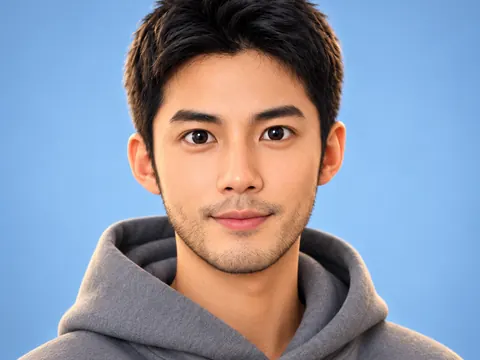
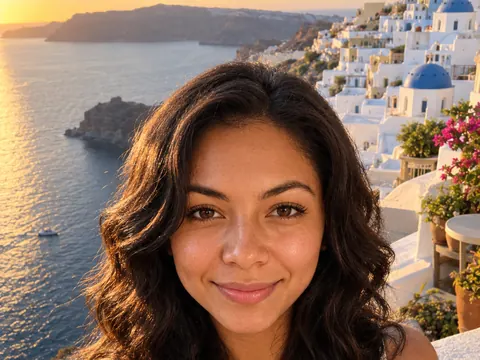
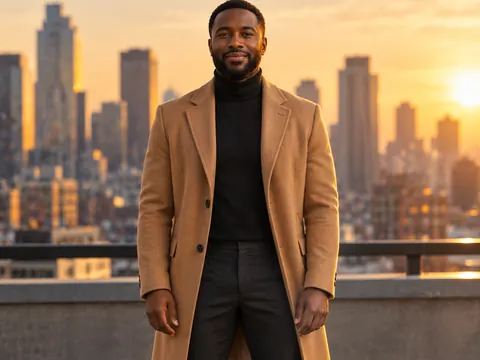
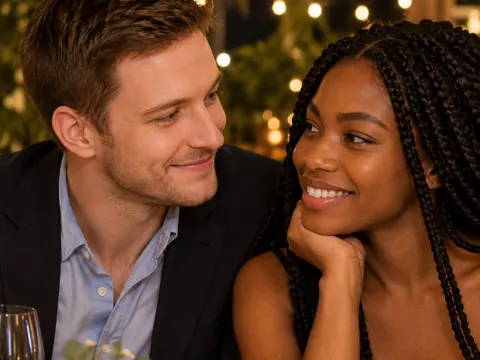
AI Portrait Generator
Upload a photo or describe a person, then name the light. The AI portrait generator makes studio, black-and-white and painted portraits with believable light and skin.
Add a clear photo of the face (optional)
No subscription·Failed runs refund credits
Sign in to get free credits every day and keep your creations.
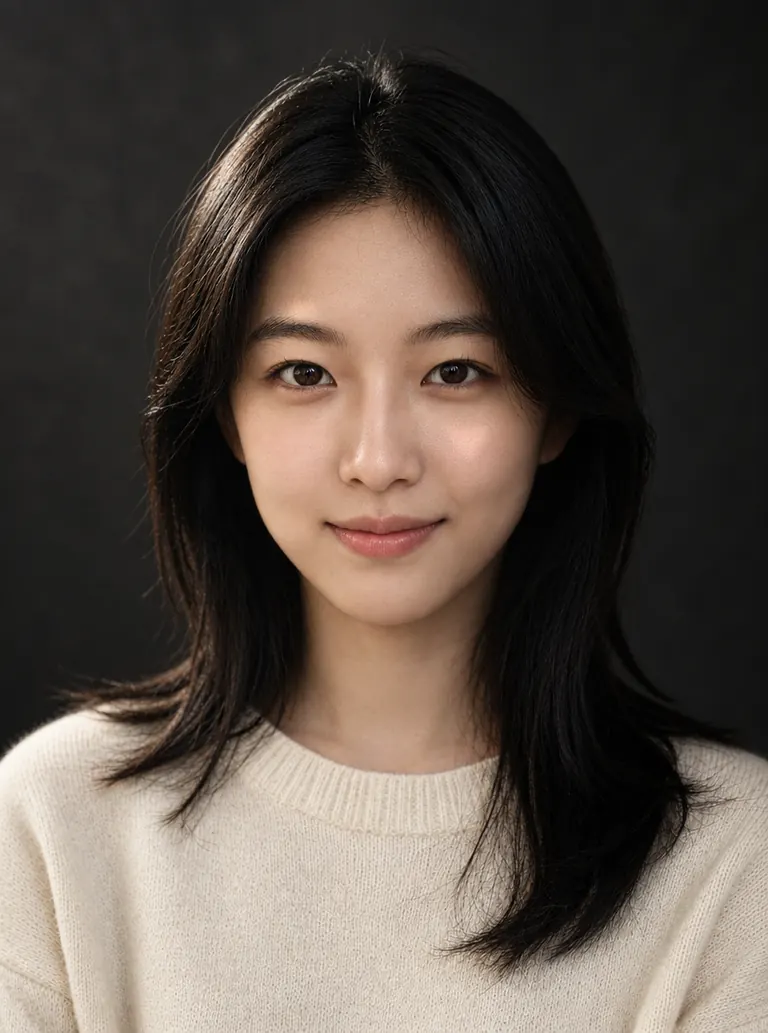
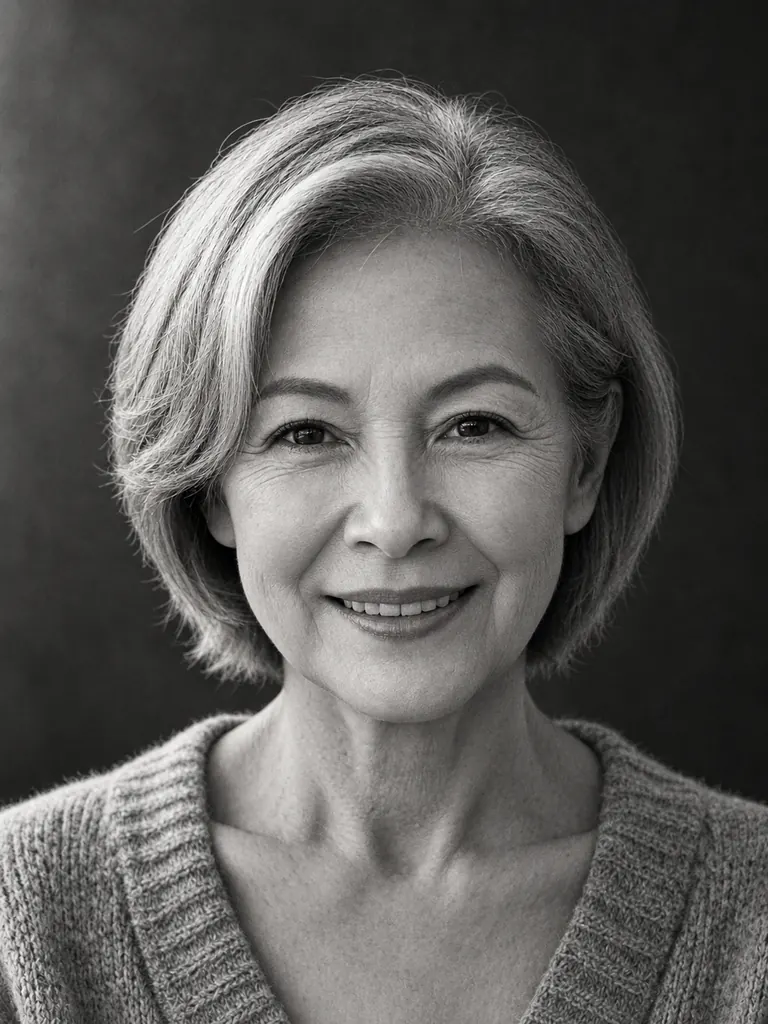
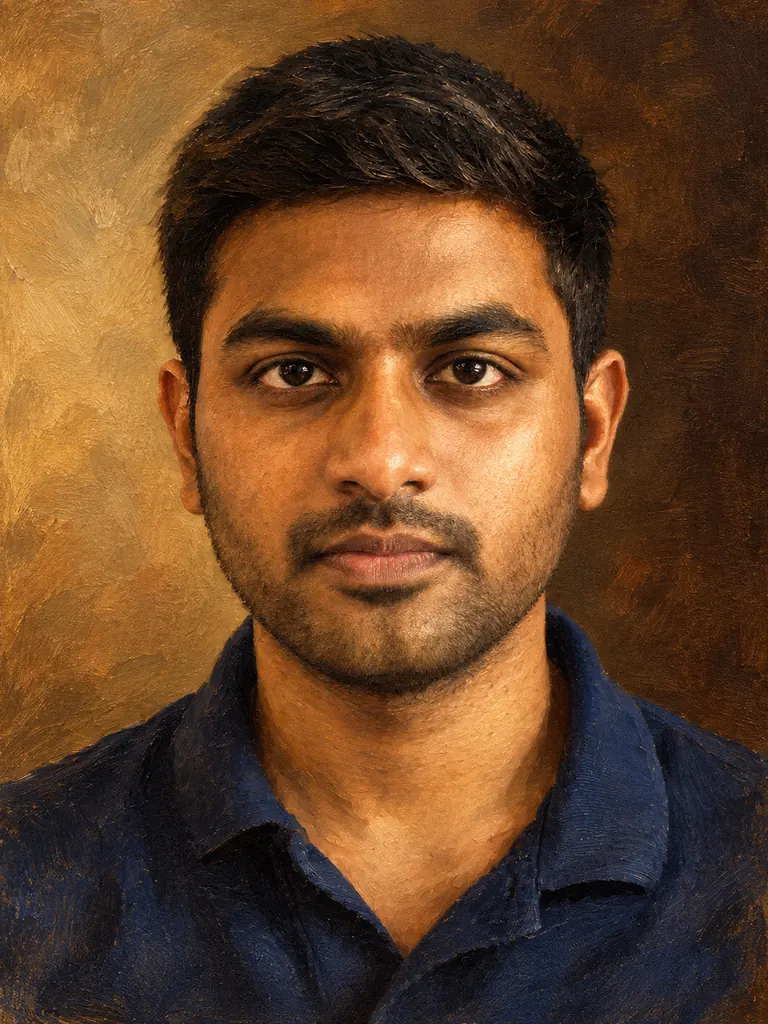
Portraits made with the AI portrait generator
Each result below started as a casual photo and one or two sentences about light and finish. Tap “Use this prompt” and run it with your own photo.
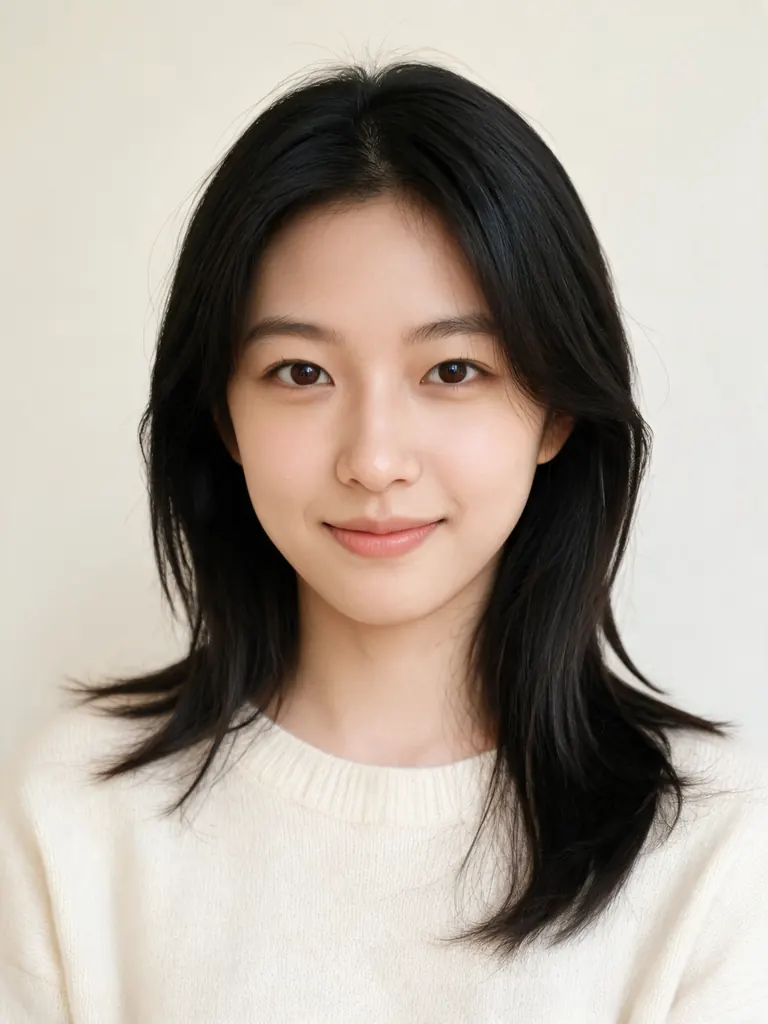
Before After Rembrandt light“Turn this photo into a studio portrait with Rembrandt lighting: one soft key light from the upper left, a small triangle of light on her shadow-side cheek, dark charcoal backdrop, 85mm lens. Keep her face, hair and cream sweater the same, with natural skin texture.”
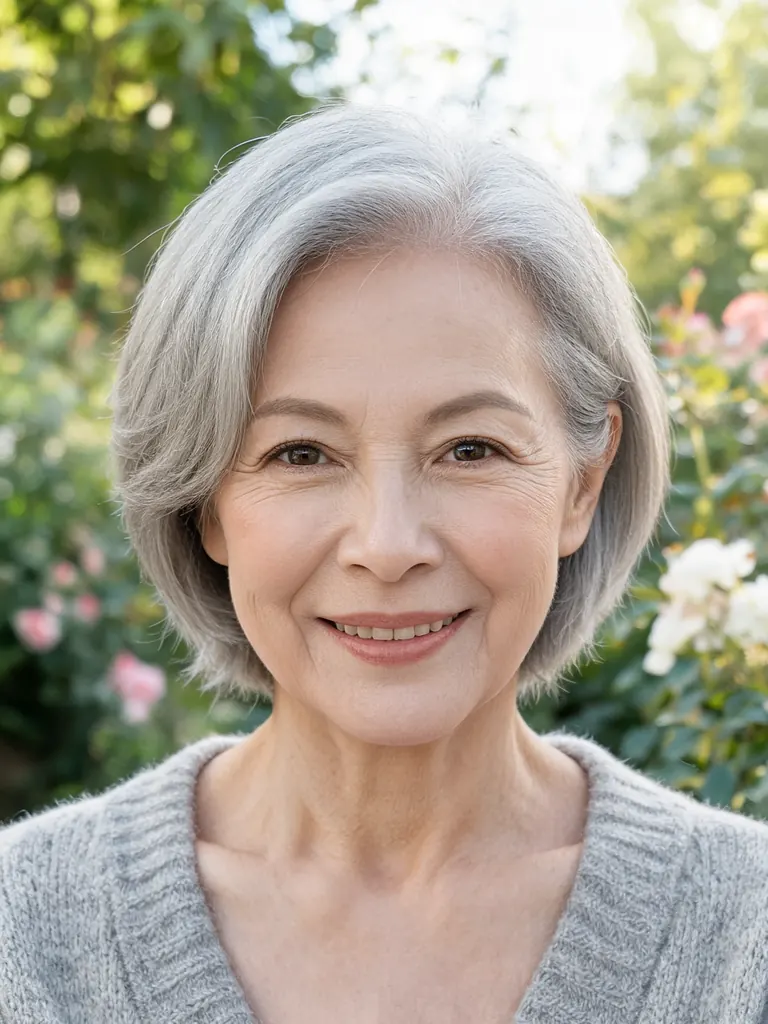
Before After Black and white“Make a black-and-white fine-art portrait of her: plain dark gray backdrop, soft window light from the side, deep blacks and gentle film grain. Keep her face, short gray hair, smile lines and cardigan the same.”
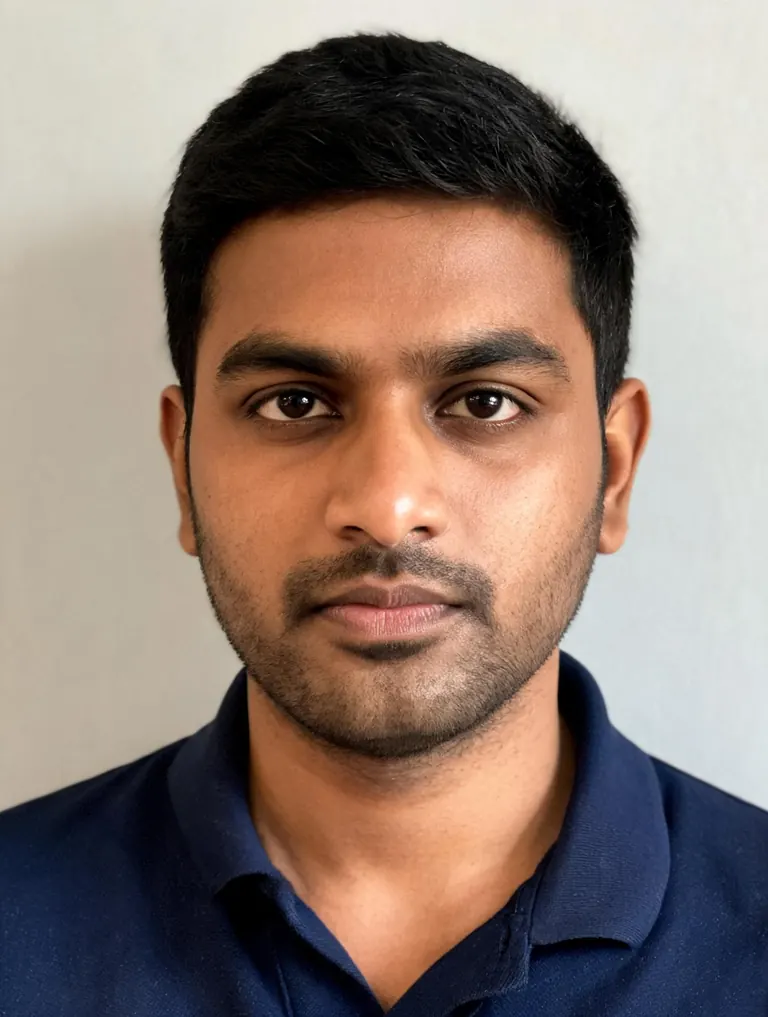
Before After Oil painting“Repaint this photo as a classical oil painting portrait: visible brushstrokes, canvas texture, warm umber background and soft light from the left, like a museum portrait. Keep his face, hair and navy polo shirt recognizable.”
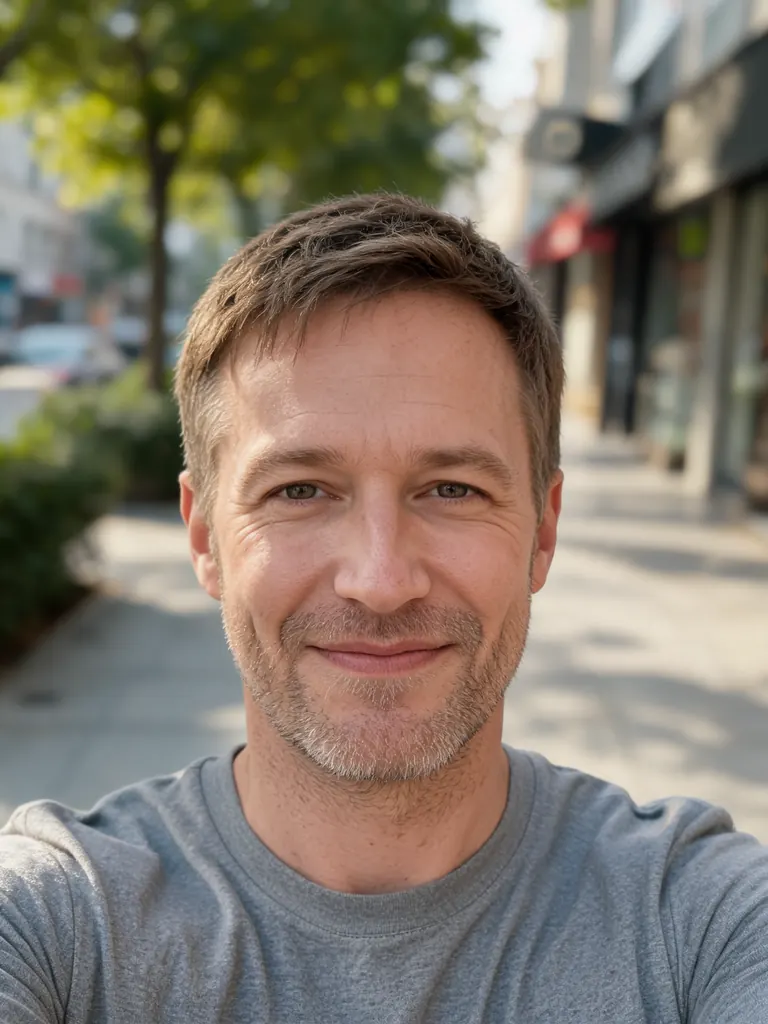
Before 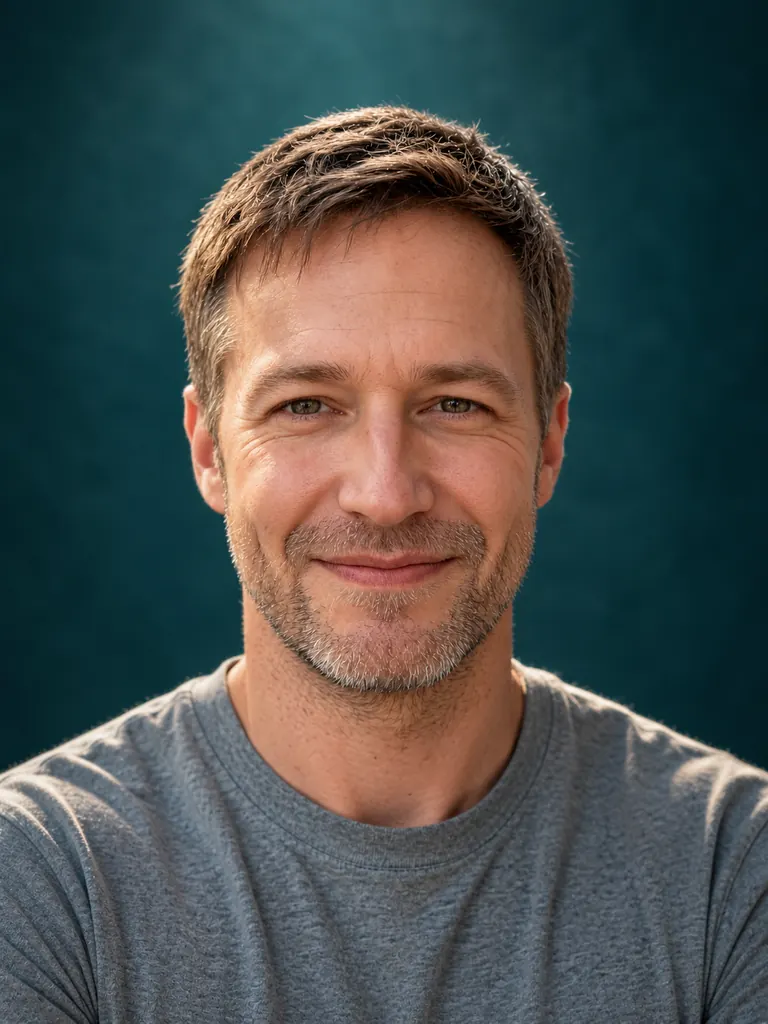
After Colored backdrop“Turn this into a studio portrait on a deep teal paper backdrop with butterfly lighting from above, a soft rim light on his shoulders and an 85mm look. Keep his face, stubble and gray T-shirt the same, with natural skin texture.”
Light and finishes the AI portrait generator knows
A portrait is mostly light. Name the setup a photographer would use and the model builds it: where the key light sits, how dark the shadows fall and what color the backdrop is.
- Classic studio lighting. Rembrandt, butterfly, loop and split lighting all work by name. Ask for a softbox, a beauty dish or a single bare bulb, and the shadows on the face change to match.Name the setup: “Rembrandt light from the left” · Pick a backdrop color: charcoal, cream, deep teal · Add a lens: “85mm, shallow depth of field”
- Black-and-white and film. Ask for a monochrome gallery print, a grainy 35mm film look or a bright high-key finish. Tone words such as “deep blacks” or “soft gray midtones” steer the result.Put “black and white” early in the prompt · “Gentle film grain” keeps skin from looking plastic · Low-key means a dark backdrop, high-key a white one
- Painted portraits. Turn a photo into an oil painting, a watercolor or a charcoal drawing that still reads as the same person. Brushwork, canvas texture and palette are yours to choose.Name the medium: oil, gouache, charcoal · Describe the palette: “warm umber and ochre” · End with “keep the face recognizable”
How to make a portrait with the AI portrait generator
- 1Upload a photo, or skip it
Upload one clear, front-facing photo for a portrait of a real person. To create someone new, leave the upload empty and describe age, hair, clothing and mood.
- 2Describe the light and finish
Write the lighting setup, the backdrop and the finish in one or two sentences, e.g. “split light, black backdrop, black and white, 85mm”.
- 3Choose the model
Nano Banana 2.1 is the default; GPT Image 2.5 follows detailed lighting notes well. For the most faithful likeness of a real face, switch to Nano Banana 2 or Pro.
- 4Download and frame it
Most portraits are ready within a few minutes; free accounts wait a little longer on premium models. Pick 2K or 4K if you plan to print.
Tips for a real-camera look
- 01
Start from even light
A photo taken facing a window, without flash or hard shadows, gives the model a clean map of the face to relight in any studio setup.
- 02
Change the light, not everything
Keep the clothes and hair when you change the lighting. If you also want a new outfit, run that as a second edit on the finished result.
- 03
Ask for skin texture
Words like “natural skin texture” and “no heavy retouching” stop the over-smoothed look that gives an AI portrait away.
- 04
Decide the crop
Write “head-and-shoulders” for a classic frame or “waist-up” to show hands and clothing. A tight crop keeps attention on the eyes.
Why an AI portrait generator needs lighting words
A studio portrait usually takes a photographer, two or three lights, a paper backdrop and an hour of setup. An AI portrait generator gets close from one ordinary photo because it treats light as something you can describe. Ask for a soft key light at 45 degrees and a dark backdrop, and the shadow under the cheekbone, the catchlight in the eyes and the falloff on the shoulders all follow.
You can also start from words alone. Describe the person, for example “a man in his 50s with a gray beard, wool coat, window light”, and the model creates a new, fictional face in that light. This is handy for book characters, mood boards and planning a real shoot. An AI portrait of a real person should come from a photo that person agreed to share.
Likeness depends on the model. Our newest model is the default here, and GPT Image 2.5 follows long lighting notes closely. Nano Banana 2 and Pro keep faces most faithfully, so choose them for a portrait of yourself or a gift for your family. No model makes a perfect copy of a face, so run a prompt twice and keep the better one.
Google sign-ins get free credits and more every day. A 1K portrait with the default model costs 2 credits, 2K costs 3 and 4K costs 4. The free FLUX.2 model works from one photo with no sign-in and is unlimited for normal use (a daily fair-use limit only stops automated abuse). Every portrait downloads at full size with no watermark and stays private in My Images.
AI portrait generator FAQ
Is the AI portrait generator free?
- Yes. Google sign-ins get free credits plus more each day, and FLUX.2 makes portraits from one photo at no credit cost. Premium models use credits.
Can I make a portrait without uploading a photo?
- Yes. Leave the upload empty and describe the person, the light and the finish. The AI portrait generator then creates a fictional person rather than a portrait of someone real.
Will the portrait still look like me?
- Usually, when you end the prompt with “keep the face the same”. For the most faithful likeness, upload a sharp, front-facing photo, then try two models from the picker and keep the closer face.
Can I turn a photo into a painting?
- Yes. Name the medium, e.g. “oil painting with visible brushstrokes” or “charcoal drawing on cream paper”, and say that the face should stay recognizable.
Can I print an AI portrait?
- Yes. Choose 2K or 4K before you generate. Portraits download at full size with no watermark, and you may use them for personal and commercial projects.
What portraits are not allowed?
- Sexual content, anything involving minors and portraits meant to deceive or harass a real person are blocked. Use photos of yourself or of people who agreed.