AI Photoshoot
Upload one photo and plan the shoot in words: the outfits, the locations and the light. The AI photoshoot tool turns it into a set of editorial pictures of the same person.
Add a clear photo of the person in the shoot
No subscription·Failed runs refund credits
Sign in to get free credits every day and keep your creations.
Looks from an AI photoshoot
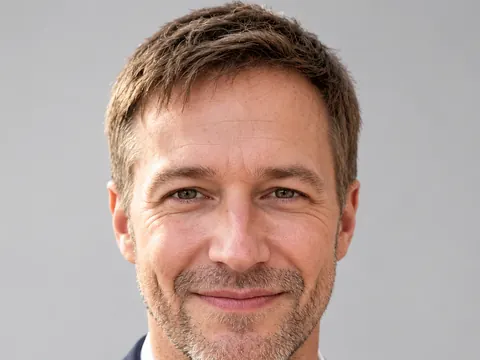
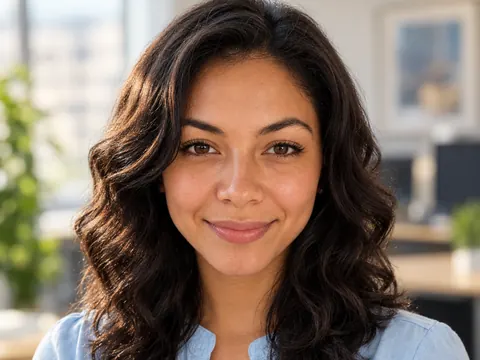
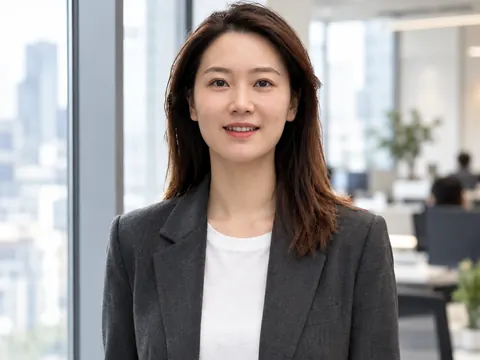
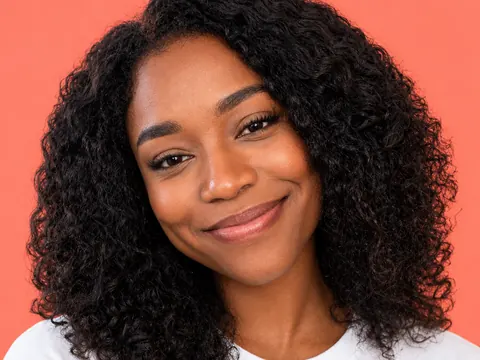
Each shot started as an ordinary phone photo. One or two sentences set the outfit, the place and the light. Tap “Use this prompt” and run it with your own photo.
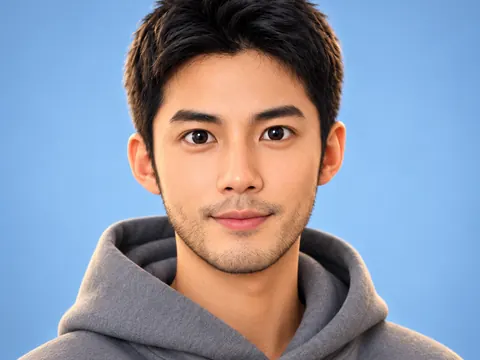
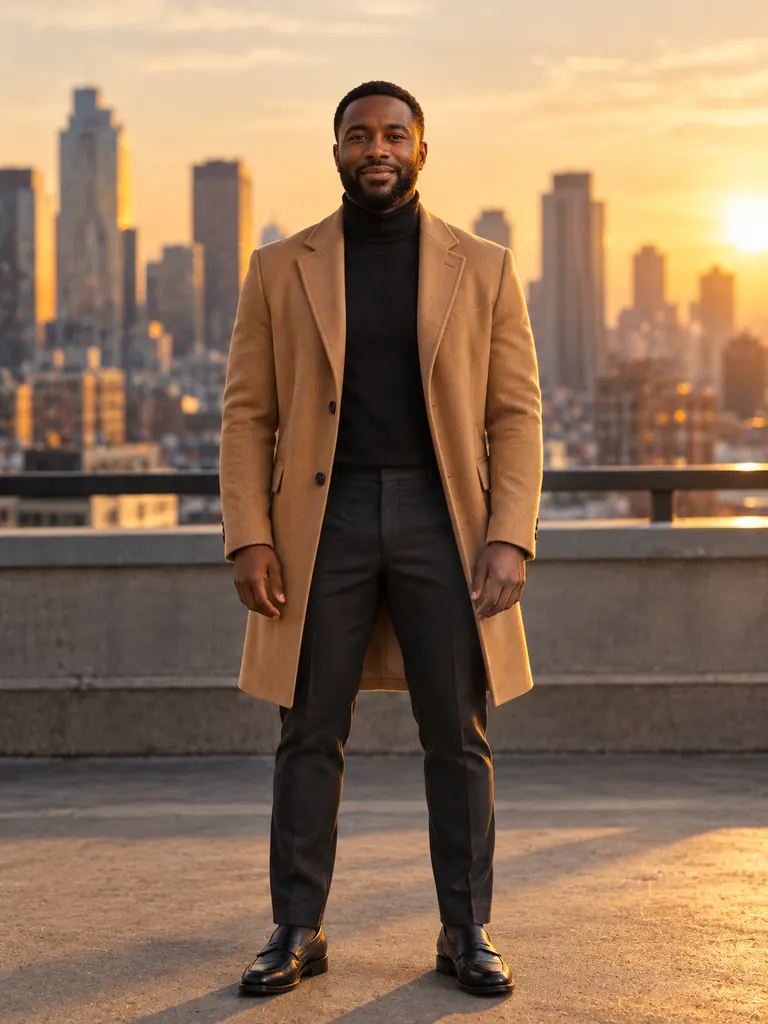
Before After Rooftop editorial“Turn this into a fashion editorial shot on a city rooftop at golden hour: camel wool overcoat over a black turtleneck, dark tailored trousers, skyline softly blurred behind, warm low sun from the side, full-length, 50mm lens. Keep his face, build and pose the same, with natural skin texture.”
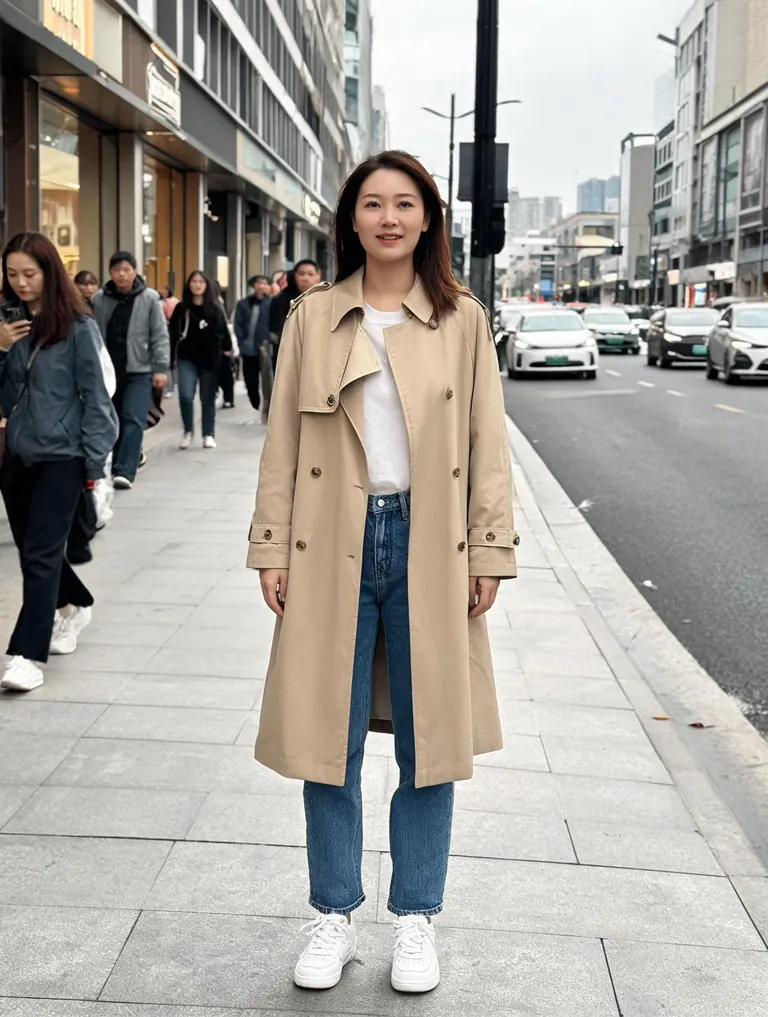
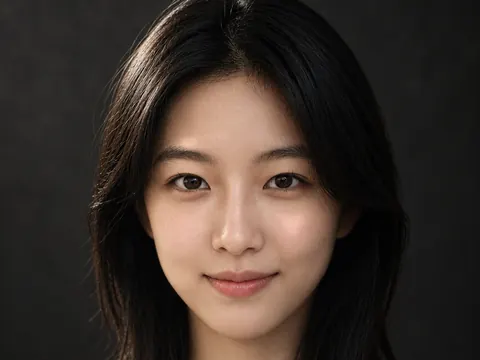
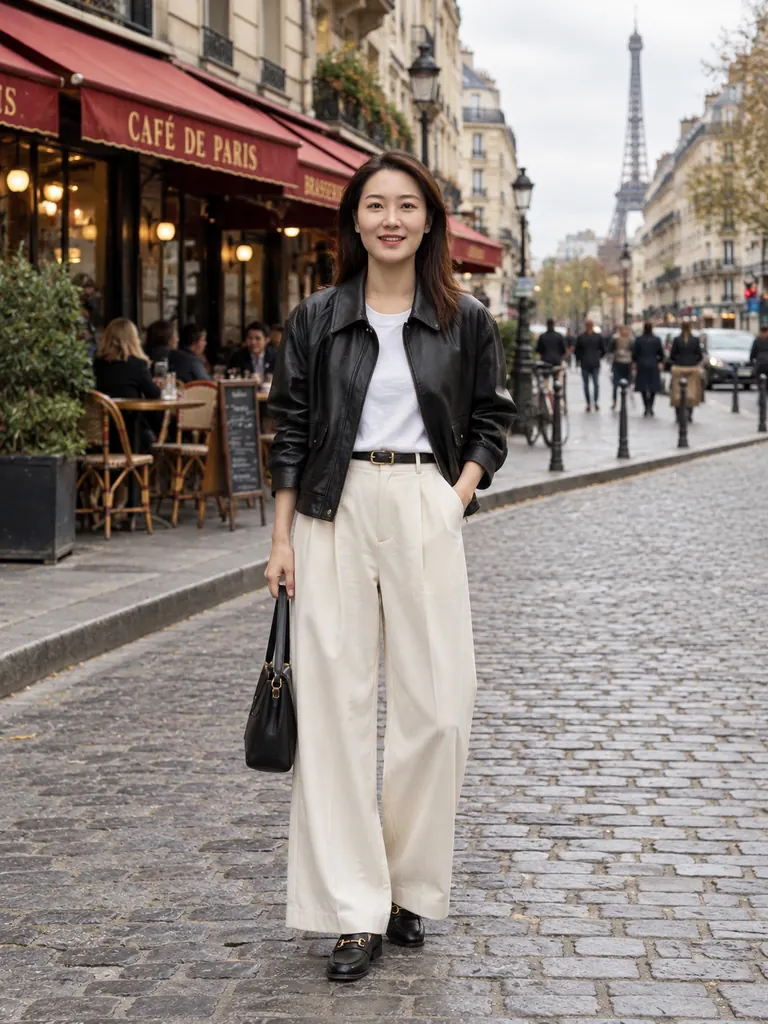
Before After Street-style look“Restyle this as a street-style fashion shot in Paris: black leather jacket, white shirt, wide-leg cream trousers and loafers, a cobblestone street with cafe awnings behind, soft overcast light, full-length 35mm photo. Keep her face and hair the same.”
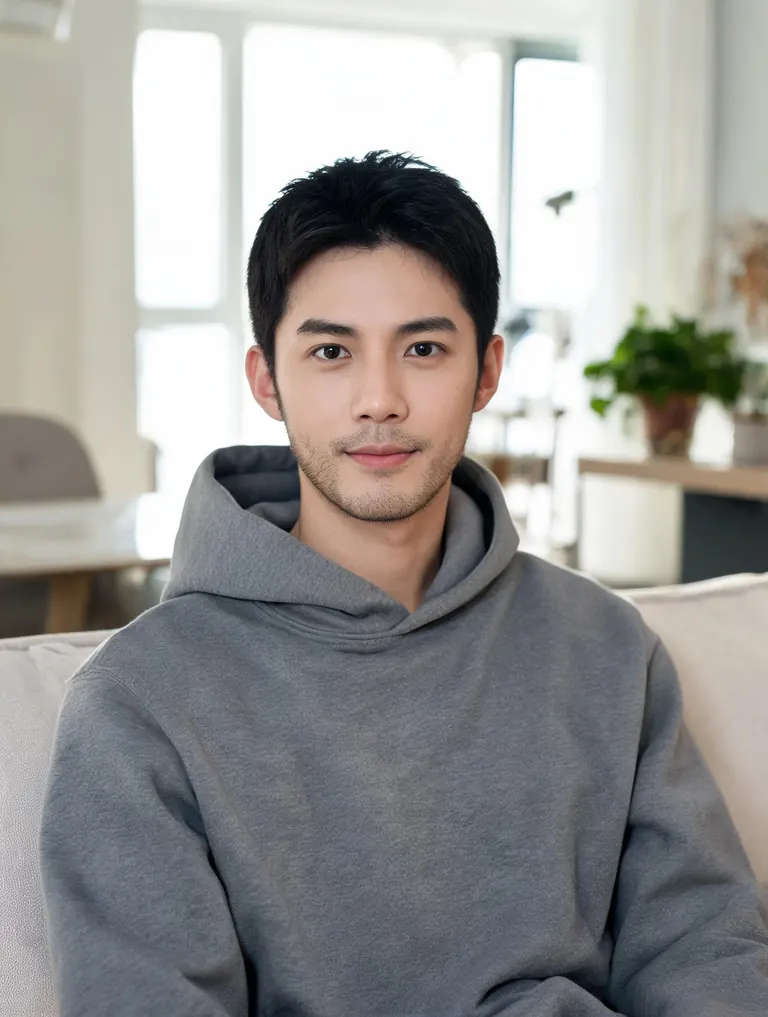
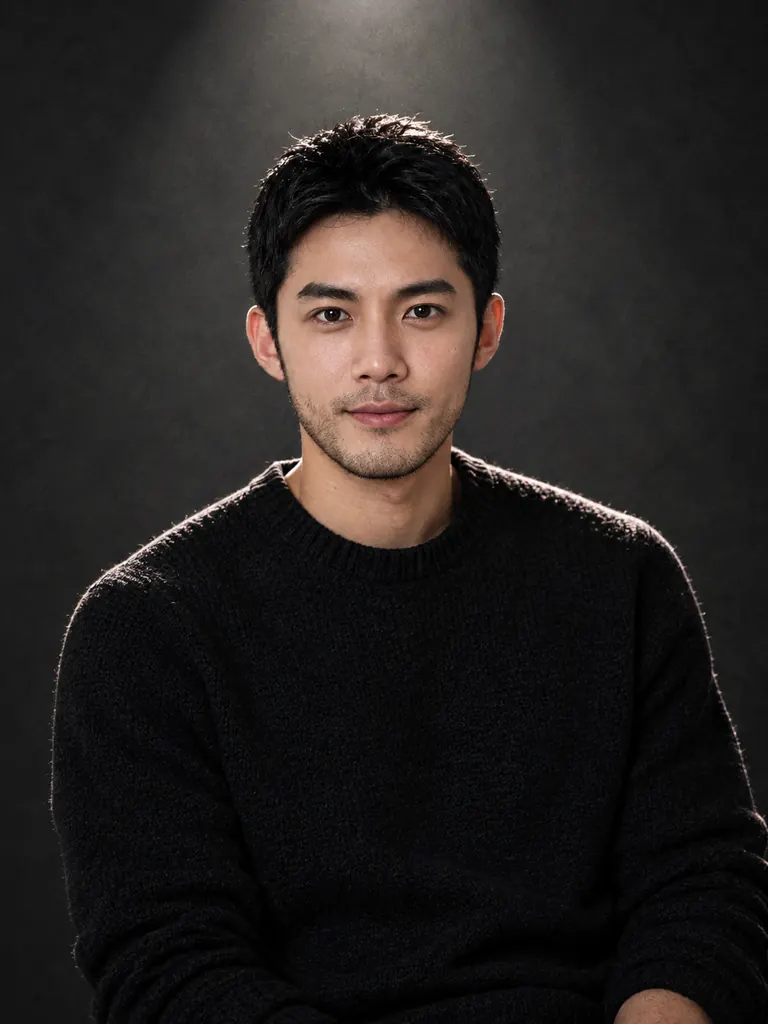
Before After Low-key studio“Make a moody studio frame: black knit sweater, dark gray paper backdrop, one hard spotlight from above and a thin rim light on his shoulders, waist-up, 85mm lens, slight film grain. Keep his face and hair the same, with real skin texture.”
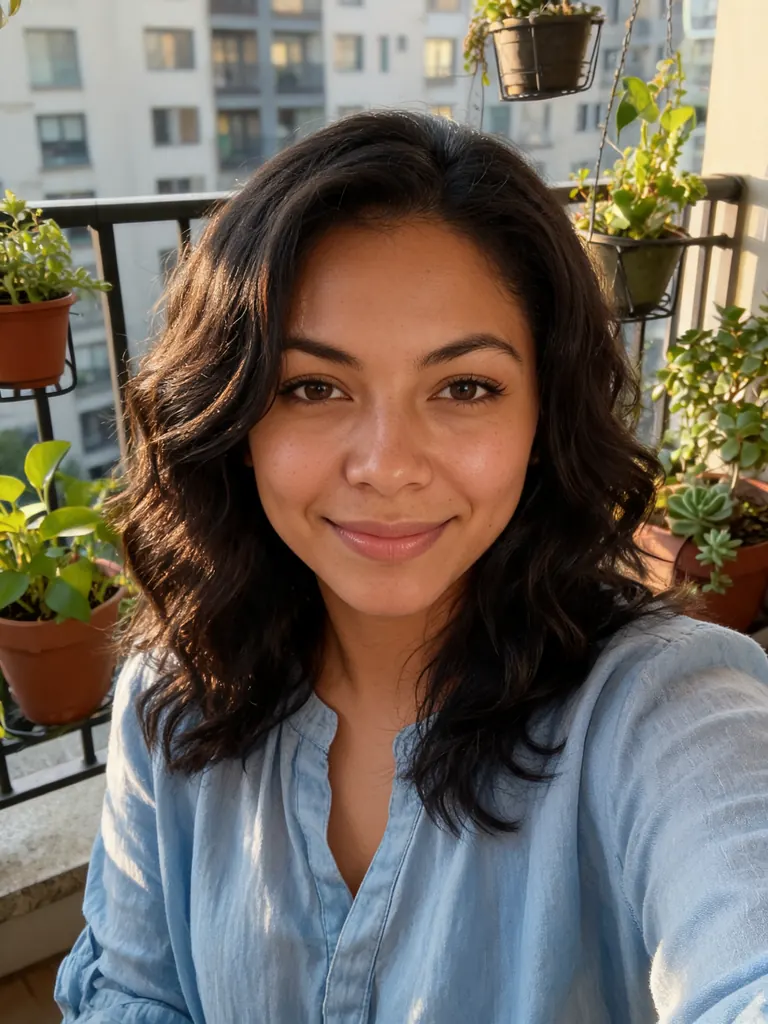
Before 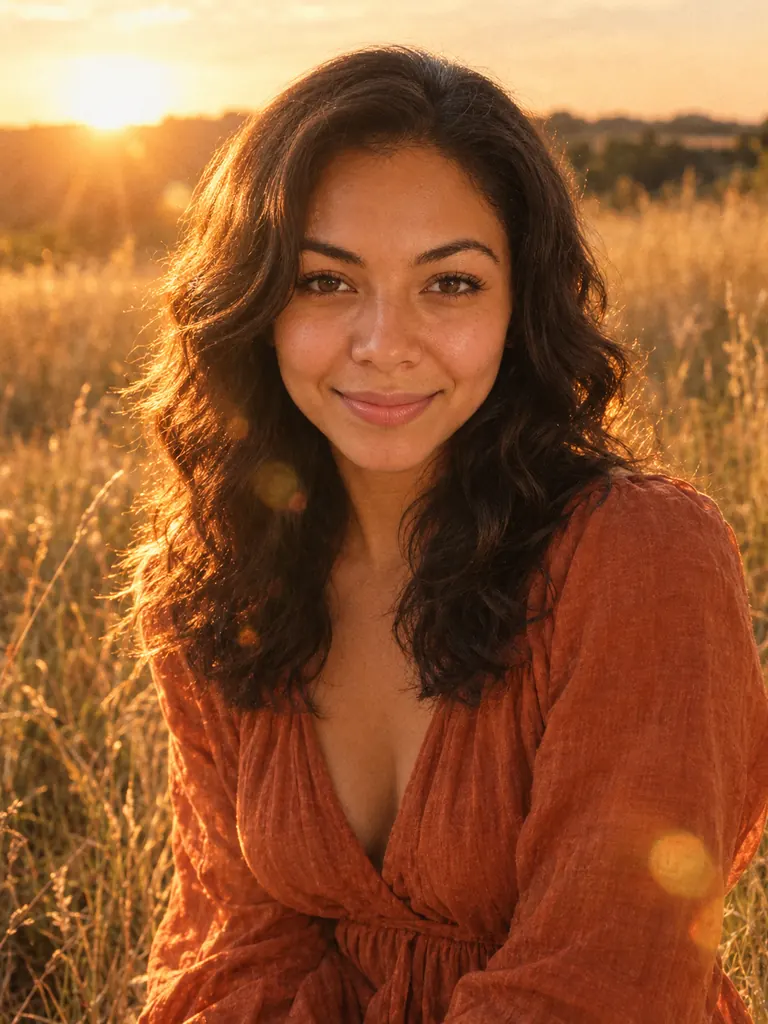
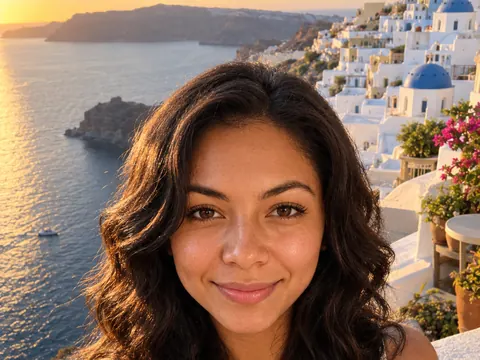
After Golden-hour field“Create a summer shot of her in a field of tall golden grass at sunset: flowing rust-colored linen dress, warm backlight in her hair, soft lens flare, waist-up, shot on 35mm film. Keep her face and hair the same, with natural skin texture.”
Plan an AI photoshoot like a photographer
A real shoot has a wardrobe list, a location and a lighting plan. Write the same three things, and the photoshoot AI builds each frame around the person in your photo.
- Outfits and styling. Name each look the way a stylist would: the garment, the fabric, the color and the fit. Change one outfit per shot, and the rest of the frame stays in the same world.“Camel wool overcoat” beats “nice coat” · Add shoes and accessories for full-length shots · Keep hair and makeup notes short
- Locations. Move the shoot to a rooftop, a beach at dawn, a neon-lit street or a quiet library. The ground, the background and the light bouncing onto the person change together.Give every place a time of day · One or two background details are enough · Dress for the weather in the scene
- Lighting and camera. Ask for golden-hour backlight, a single hard spotlight or soft north-window light. Lens and framing words give each frame the feel of a real camera.“35mm film” adds grain and warm color · “85mm” gives a tight, flattering crop · Write “full-length” to keep the shoes in frame
How to run an AI photoshoot
- 1Upload one clear photo
Pick a sharp, well-lit photo of the person. A full-length photo works best for full-length shots; a head-and-shoulders photo suits close crops.
- 2Write the first shot
Describe the outfit, the place, the light and the framing in one or two sentences, then add “keep my face the same”.
- 3Choose a model and size
Nano Banana 2.1 is the default; GPT Image 2.5 handles long styling notes. For the most faithful likeness, switch to Nano Banana 2 or Pro. The credit cost shows before you start.
- 4Repeat for the whole set
Change one part of the prompt for each new look until the AI photoshoot covers every outfit you planned. Most images are ready within a few minutes; free accounts wait a little longer on premium models.
Tips for an AI photoshoot that looks planned
- 01
Pick one theme
Frames read as a set when they share a palette or a mood. Decide it first, e.g. “warm earth tones” or “black, white and red”, and repeat it in every prompt.
- 02
Keep a base prompt
Save the part that never changes, such as the lens, the film look and “keep my face the same”, and paste it at the end of each new shot.
- 03
Mix the crops
Real shoots mix wide full-length frames, waist-up frames and close portraits. Three crops in one set feel like a photographer took them.
- 04
Stay near the original pose
Big changes in pose or camera angle are where likeness slips. For a very different angle, upload a second photo of the same person taken from that side.
What an AI photoshoot gives you
A professional shoot means booking a photographer, a stylist and a location, then hoping the weather holds. An AI photoshoot keeps the planning and drops the logistics. You upload one photo and describe each shot, and the model dresses the person, moves them to the location and lights the scene the way you asked.
An AI photoshoot suits many jobs: fresh pictures for a dating profile or a personal website, a lookbook for clothes you sell, test frames before you book a real shoot, or a themed set for a birthday or a new season. Because every frame starts from the same photo, the person usually stays recognizable across the whole set.
Likeness in your AI photoshoot depends on the model. Our newest model is the default here, and GPT Image 2.5 follows long wardrobe and lighting notes. Nano Banana 2 and Pro keep faces most faithfully, so use them when the shoot is about you. No model makes a perfect copy every time, so run key shots twice and keep the better one.
Google sign-ins get free credits and more every day. A 1K image with the default model costs 2 credits, 2K costs 3 and 4K costs 4. The free FLUX.2 model works from one photo with no sign-in and is unlimited for normal use (a daily fair-use limit only stops automated abuse). Every image downloads at full size with no watermark and stays private in My Images.
AI photoshoot FAQ
Is the AI photoshoot free?
- You can start free. Google sign-ins get free credits and more each day, and FLUX.2 works from one photo with no credits and is unlimited for normal use (a daily fair-use limit only stops automated abuse). Premium models use credits.
How many photos does the AI photoshoot need?
- One clear photo is enough. For shots from a very different angle you can add more: the default model takes 10 reference photos, Nano Banana 2 14 and GPT Image 2.5 16. FLUX.2 uses one.
Will every shot look like me?
- Usually, when the photo is sharp and the prompt ends with “keep my face the same”. For the most faithful likeness across a whole AI photoshoot, choose Nano Banana 2 or Pro.
Can I use the photos for my business?
- Yes. Images download at full size with no watermark, and personal and commercial use are both allowed, for example in a lookbook, on a website or in social posts.
Can I do a shoot of someone else?
- Only with their permission. Sexual content, anything involving minors and images meant to deceive or harass a real person are blocked.
How long does an AI photoshoot take?
- Each image is usually ready within a few minutes. Free accounts wait a little longer on premium models, so start the next prompt while the last one finishes.